
Free LinkedIn Banners & Covers
101 templates, free to edit and download. Each banner is 1584 × 396 pixels, the size LinkedIn recommends for profile background photos. Instead of forcing everyone into a subscription, we aim to charge the rich while keeping LinkedIn banner templates free for everyone else. See details.


About these templates
Stand out on LinkedIn with a banner that fits your work. Every template is free to edit and download, with no subscription and no watermark. Change the words, colors, and images, or start from a blank banner.
Your banner is the largest image on your LinkedIn profile, and most visitors see it before they read your headline. Use it to show what you do, highlight a specialty, or share a short line about your work. A clean background with one message usually works better than a crowded collage.
Your profile photo covers the lower left of the banner, and LinkedIn crops the edges differently on phones and computers. Keep text and logos toward the center or right side. After uploading, preview your profile on both a phone and a computer, and pair the banner with a polished profile photo.
More templates
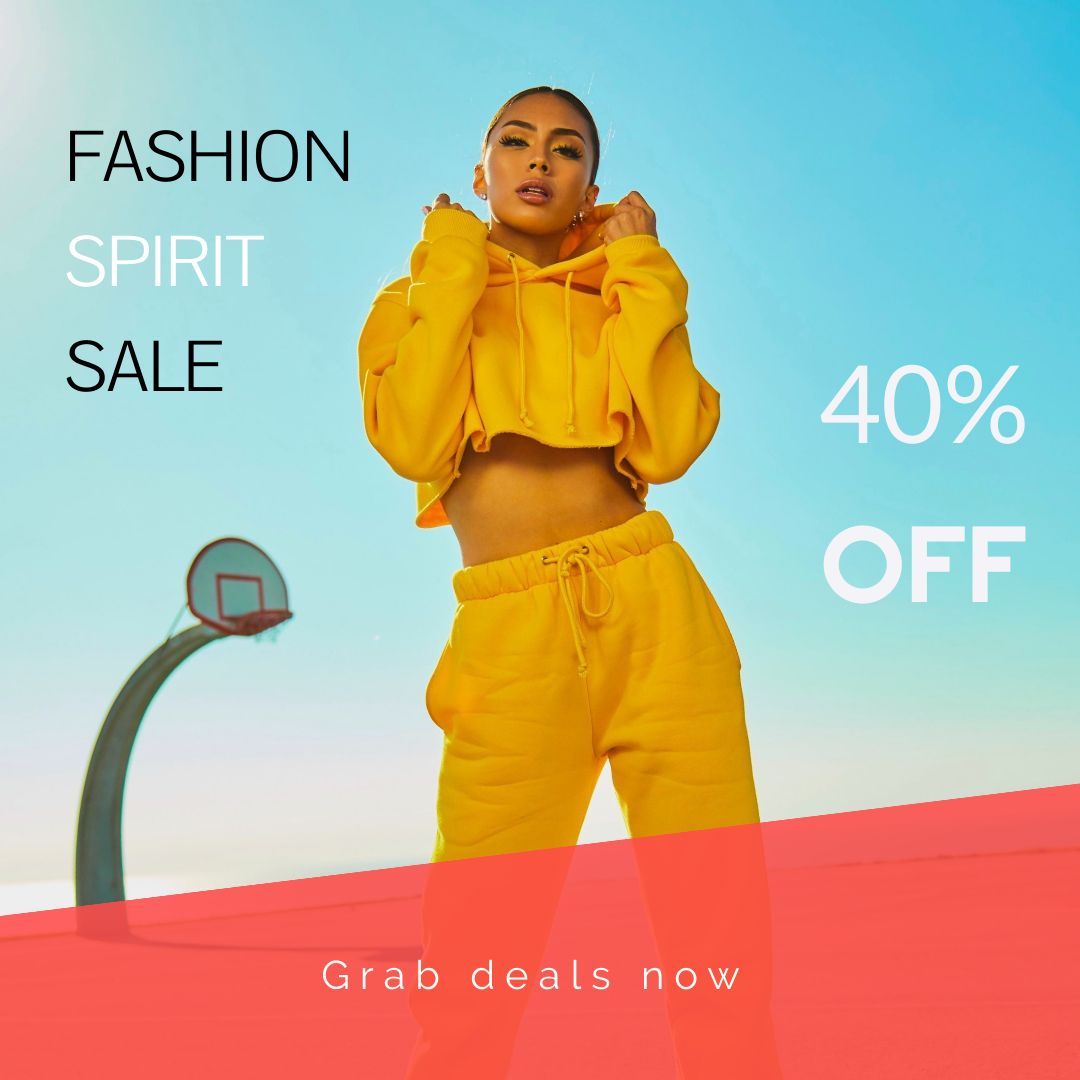 Instagram Posts
147 templates
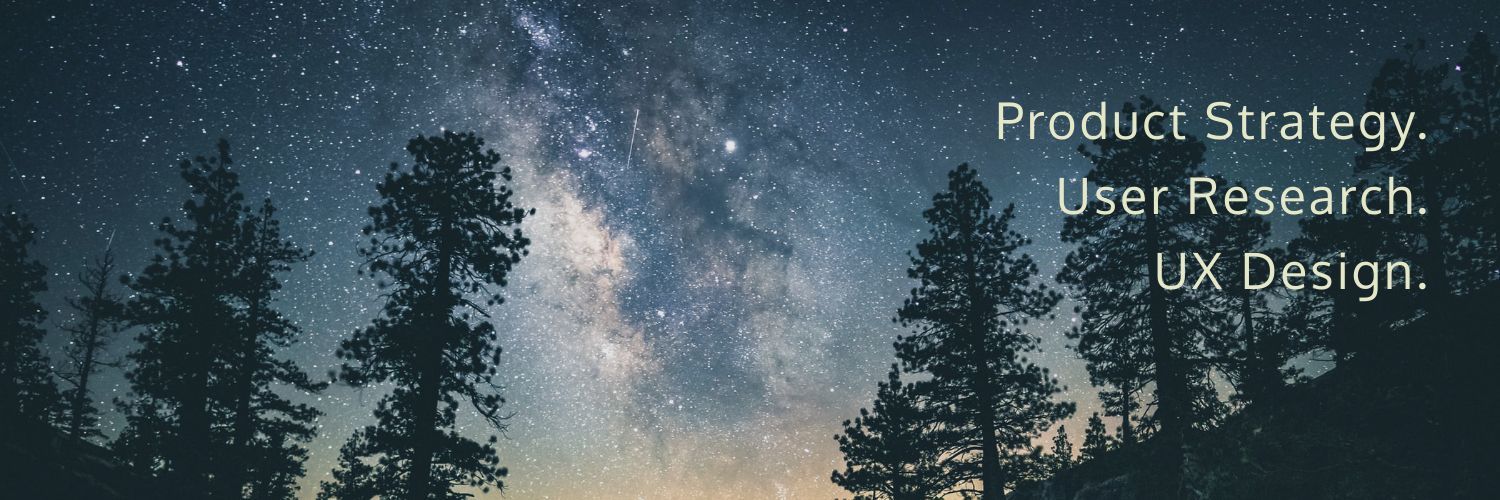 Twitter Headers
29 templates
 Facebook Posts
85 templates
 Reddit Card
10 templates
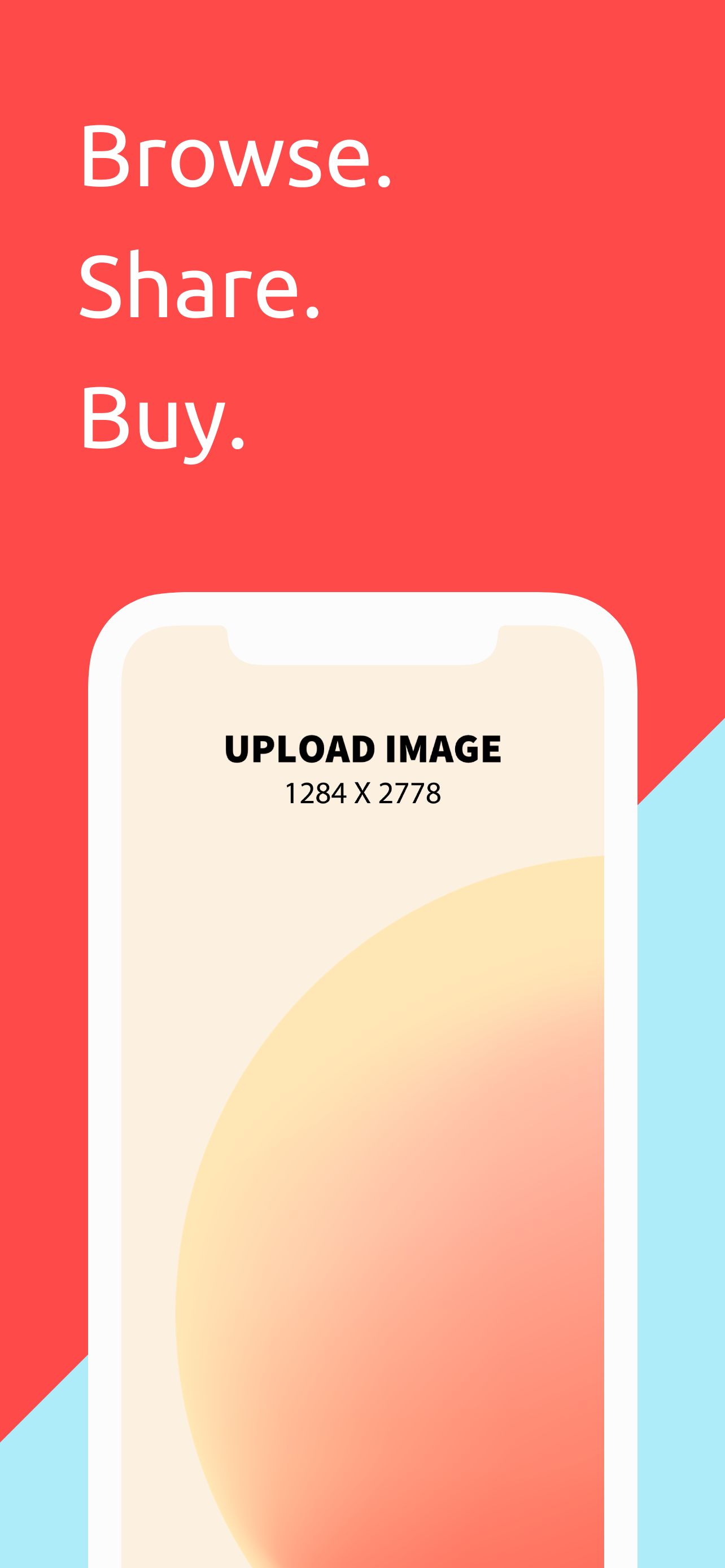 App Store Screenshots - iPhone 12 Pro Max
65 templates
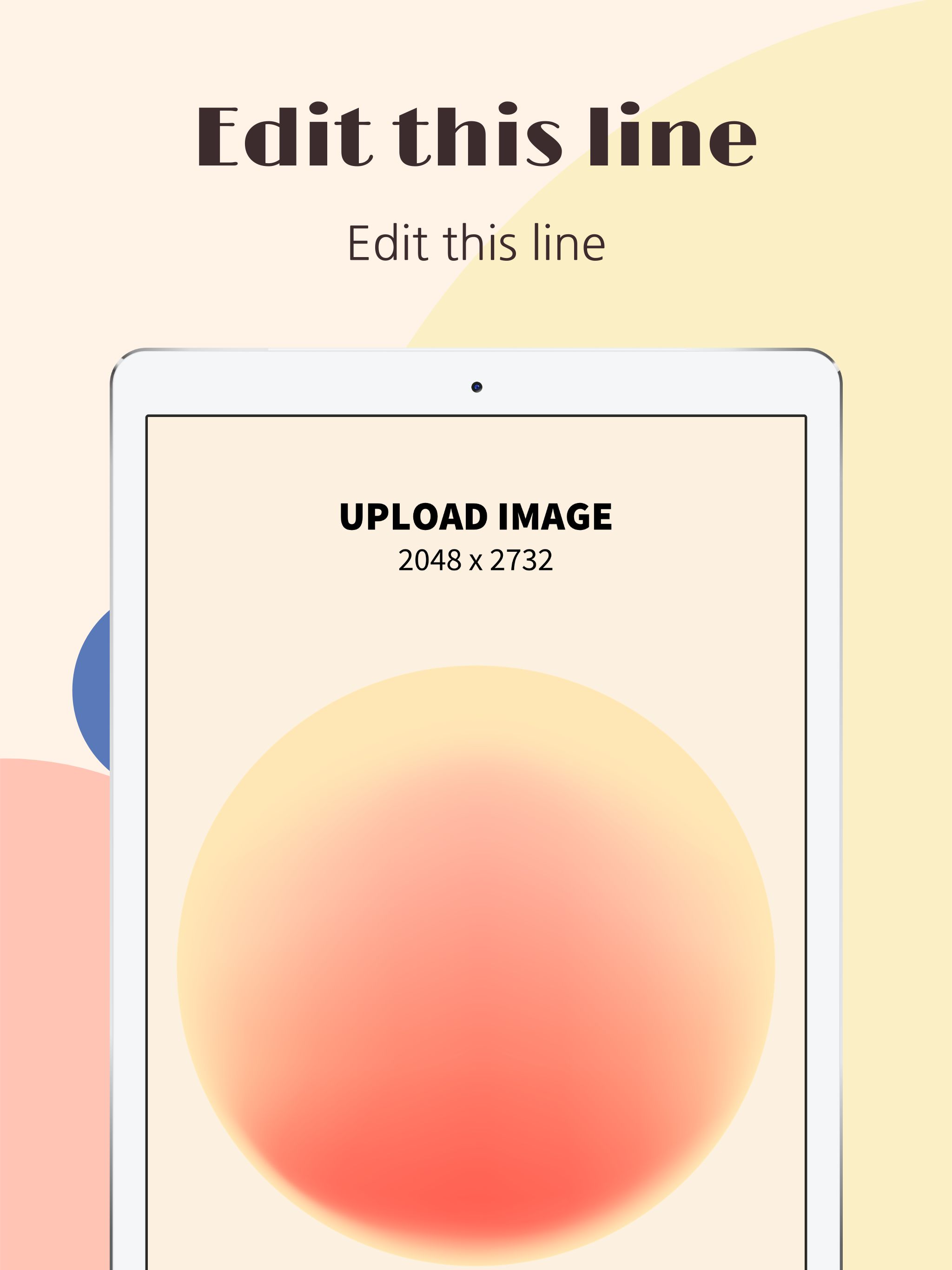 App Store Screenshots - iPad Pro
24 templates
 App Store Icons
43 templates
 Chrome Store Screenshots
47 templates