
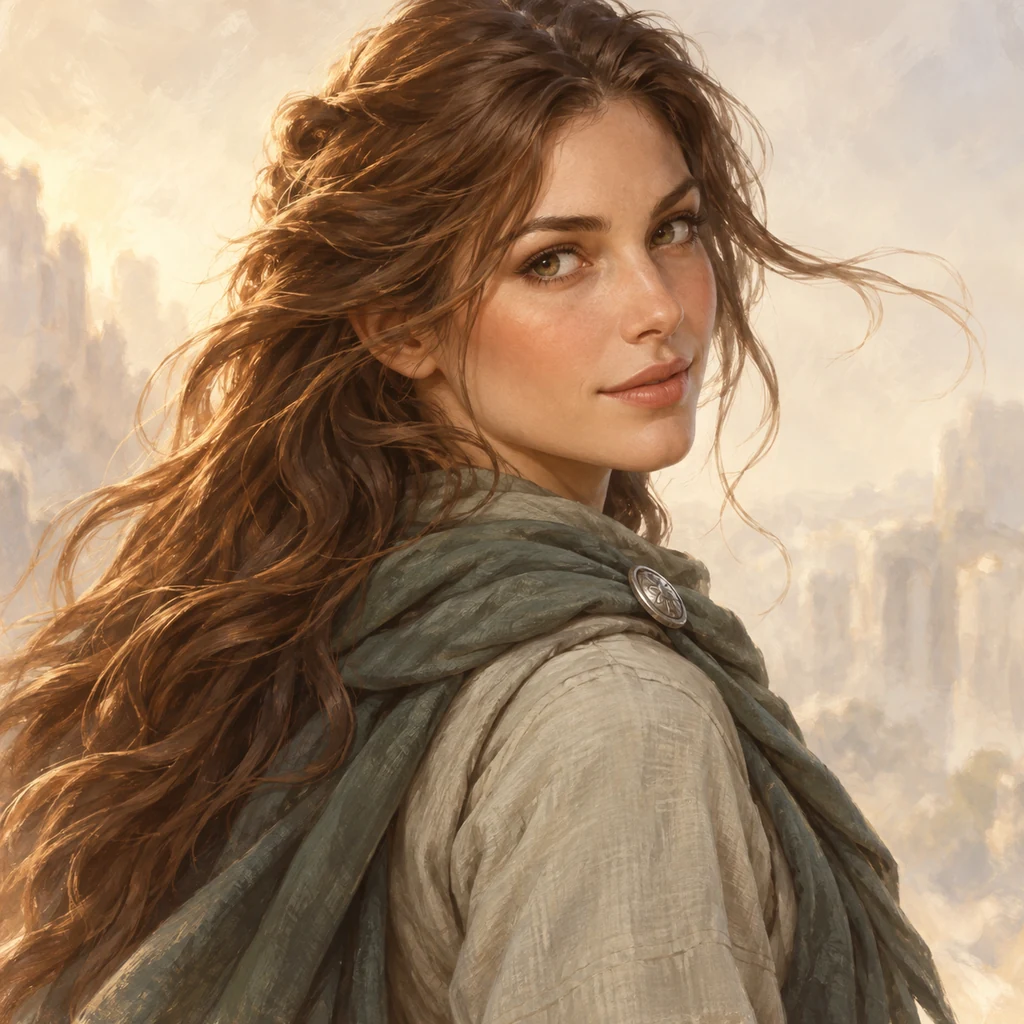
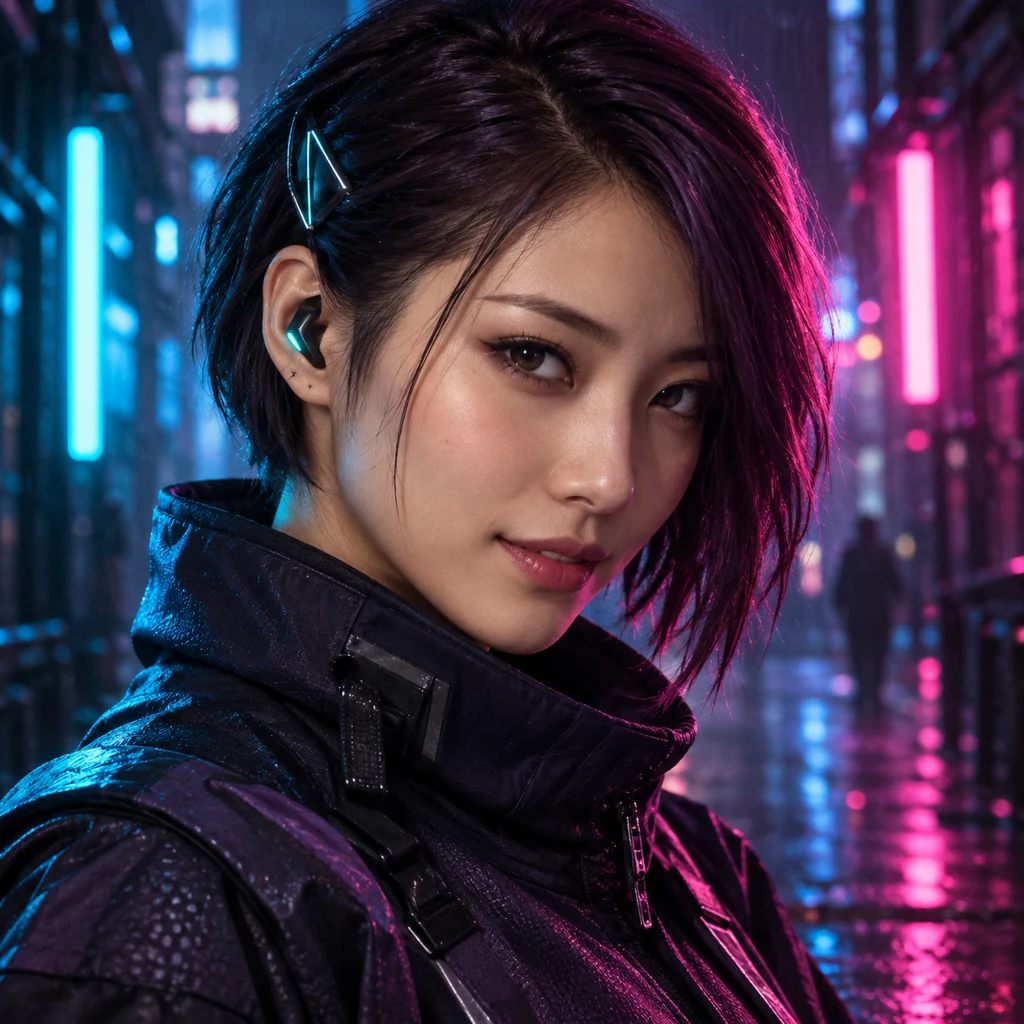
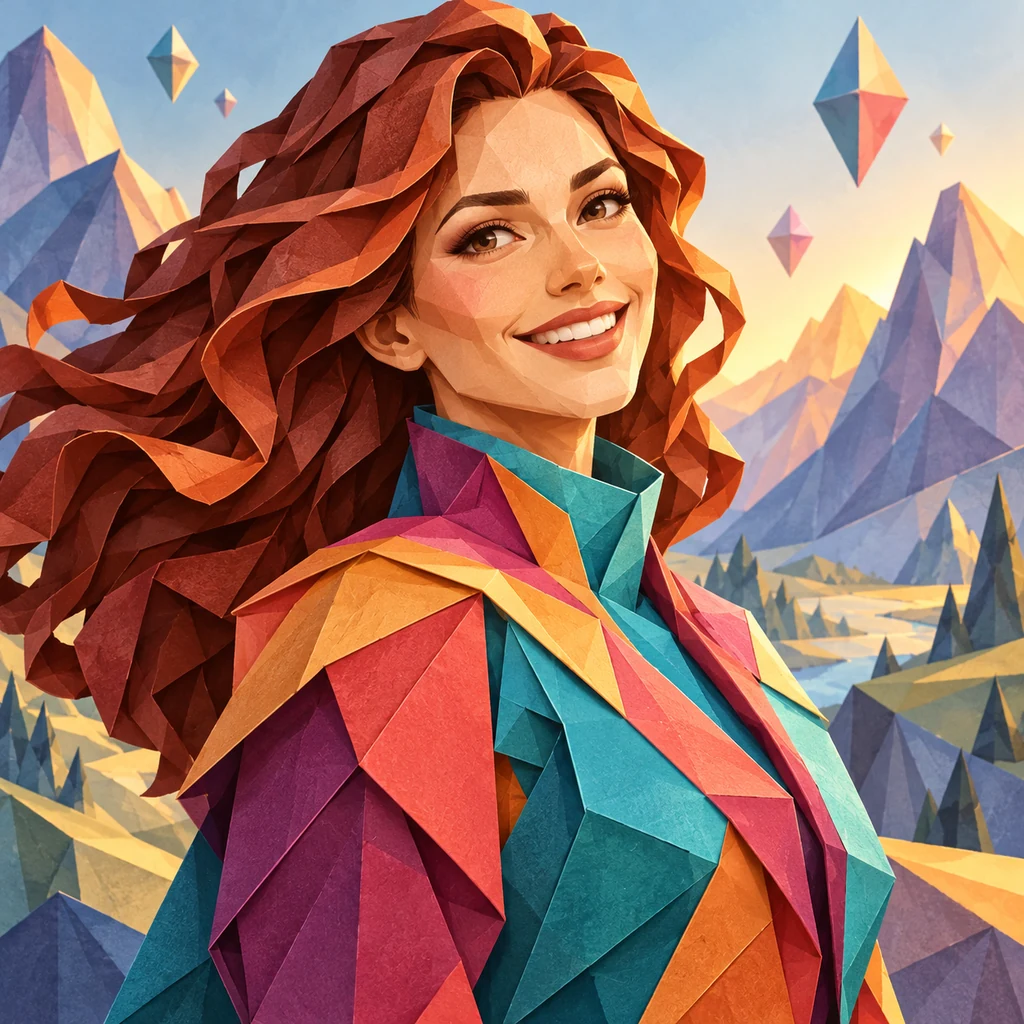

Imagine someone
Start with a role, appearance, and one detail worth remembering. A mechanic with a spotless uniform tells a different story from one covered in oil.
Craft characters
The lead in your next story. A robot with a day job. Someone you can picture but haven’t met. Describe your character, choose a style, and put a face to the idea. Try a different look, refine the details, and meet your cast.
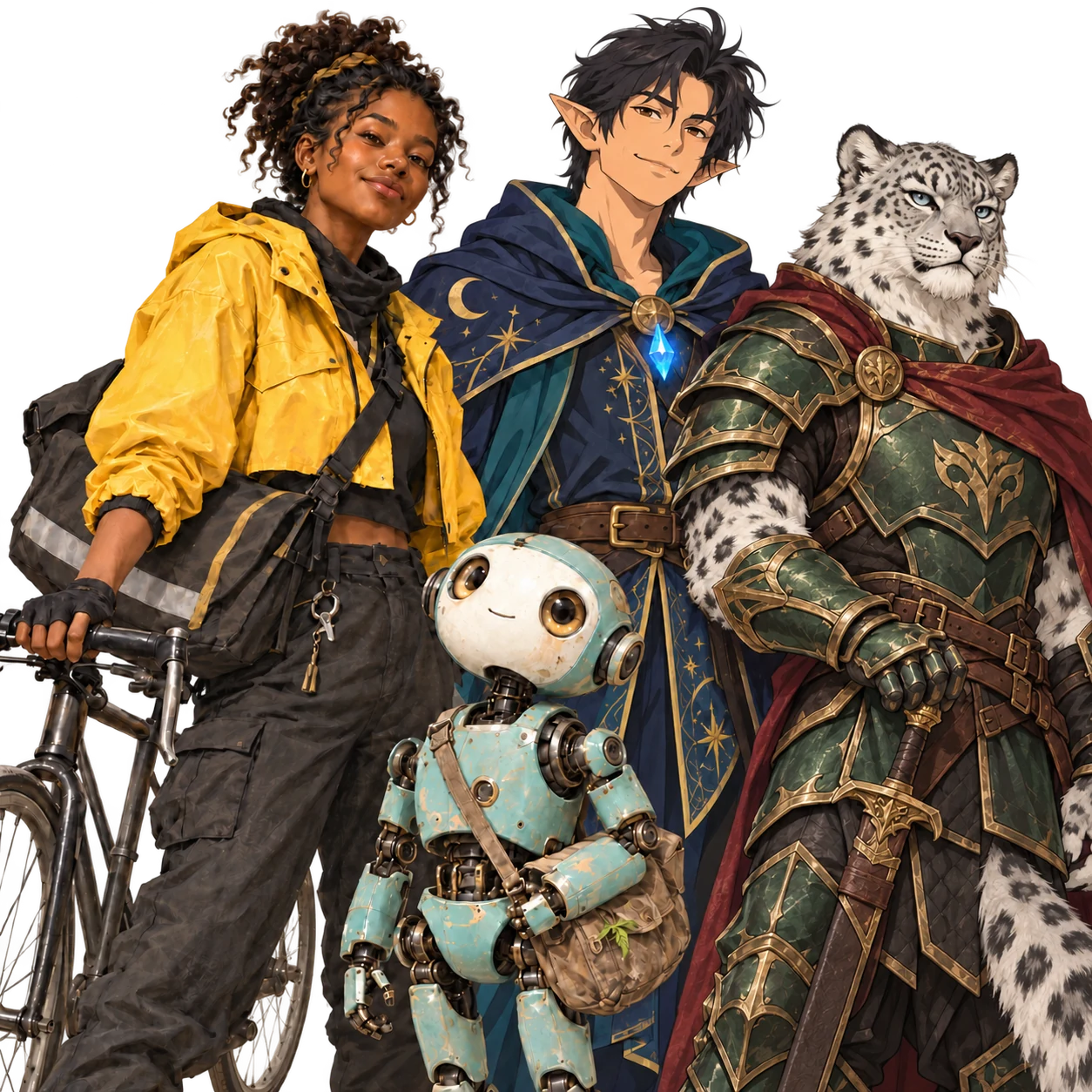
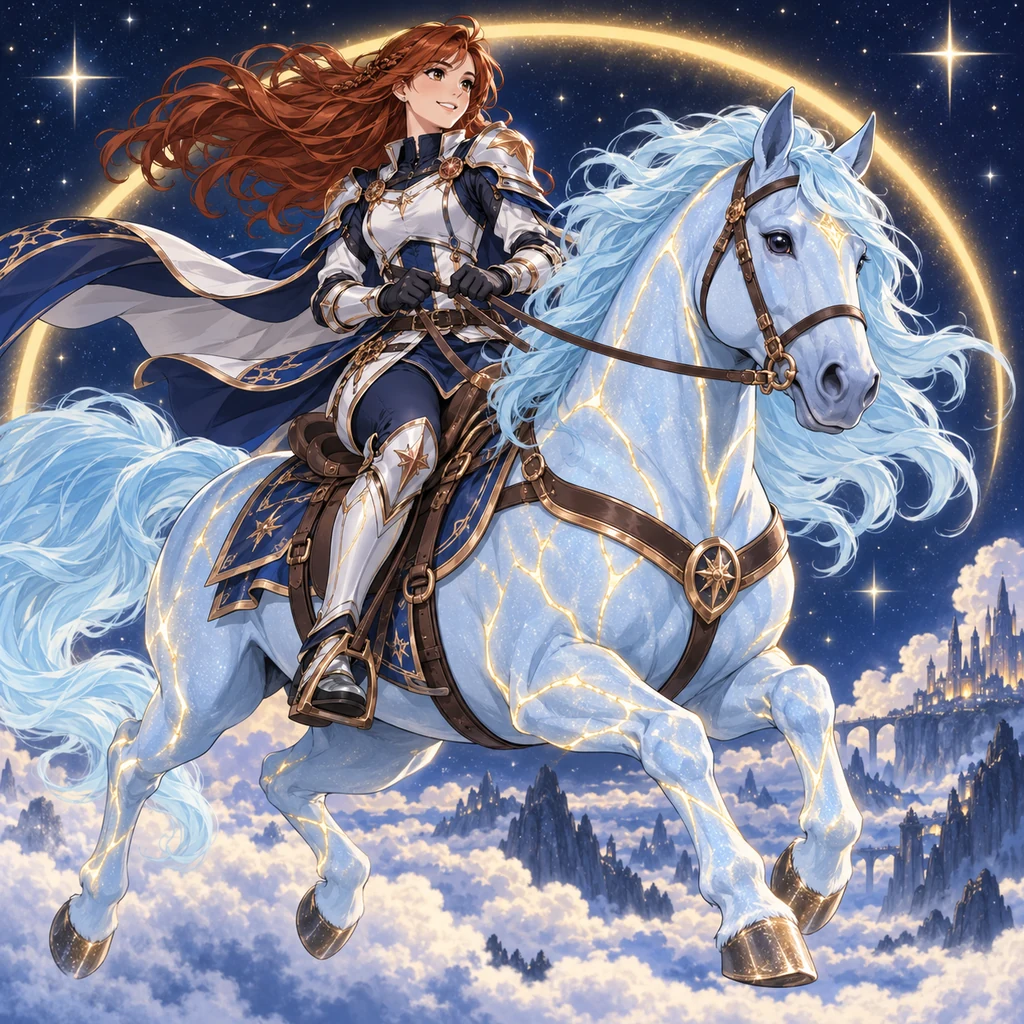
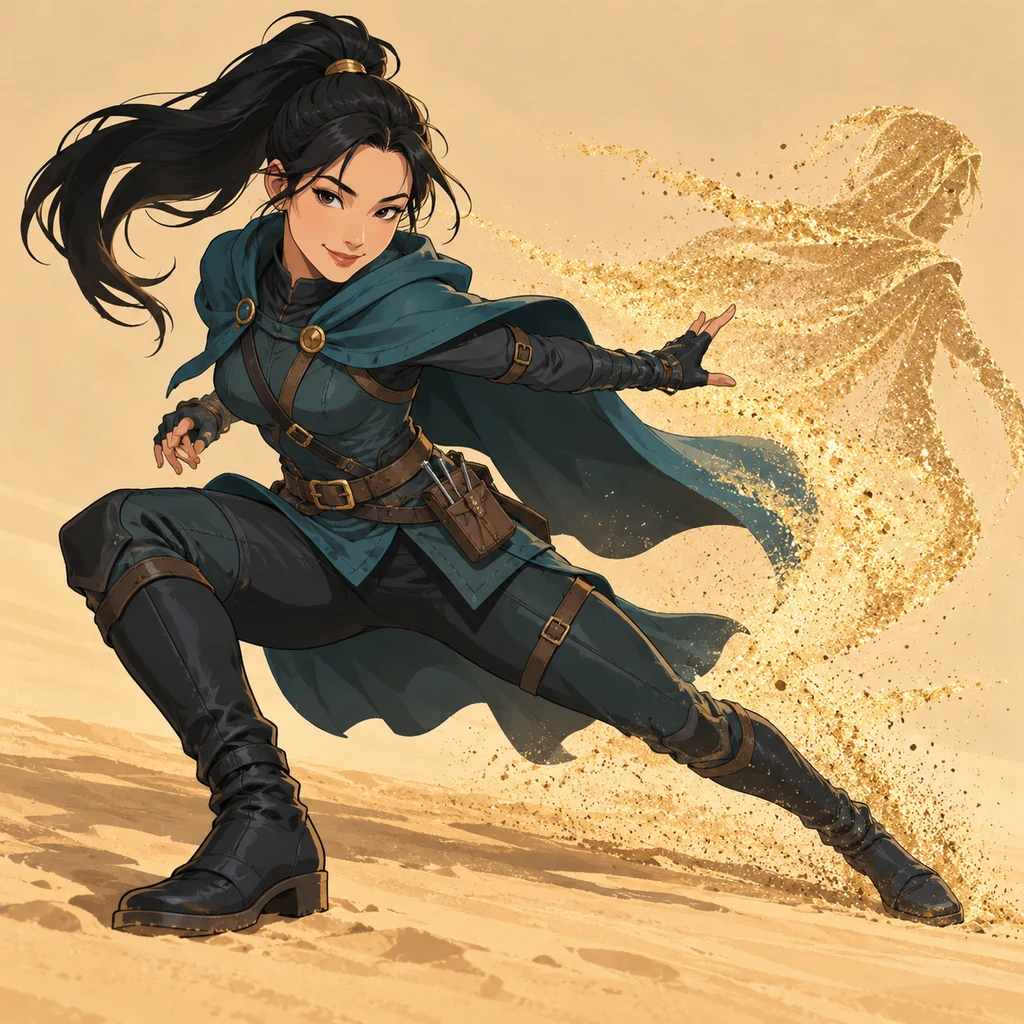
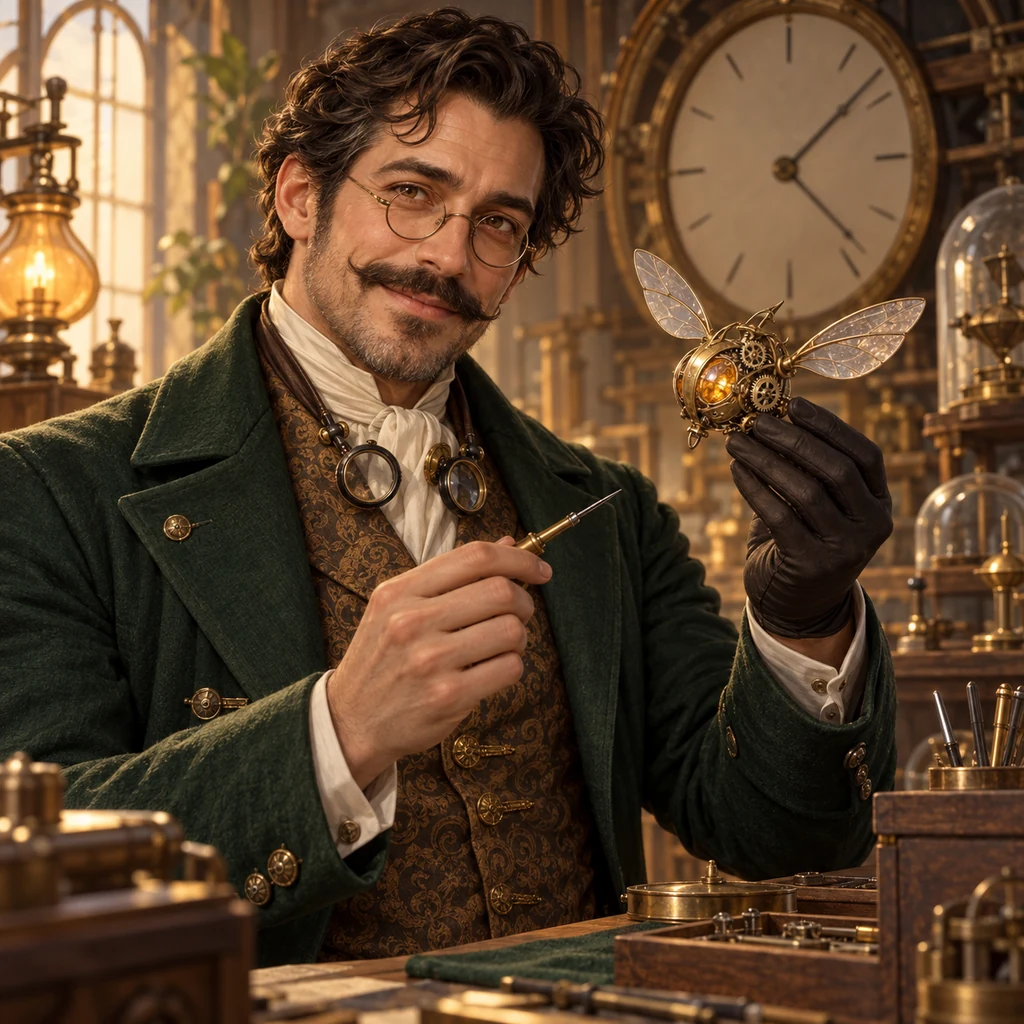
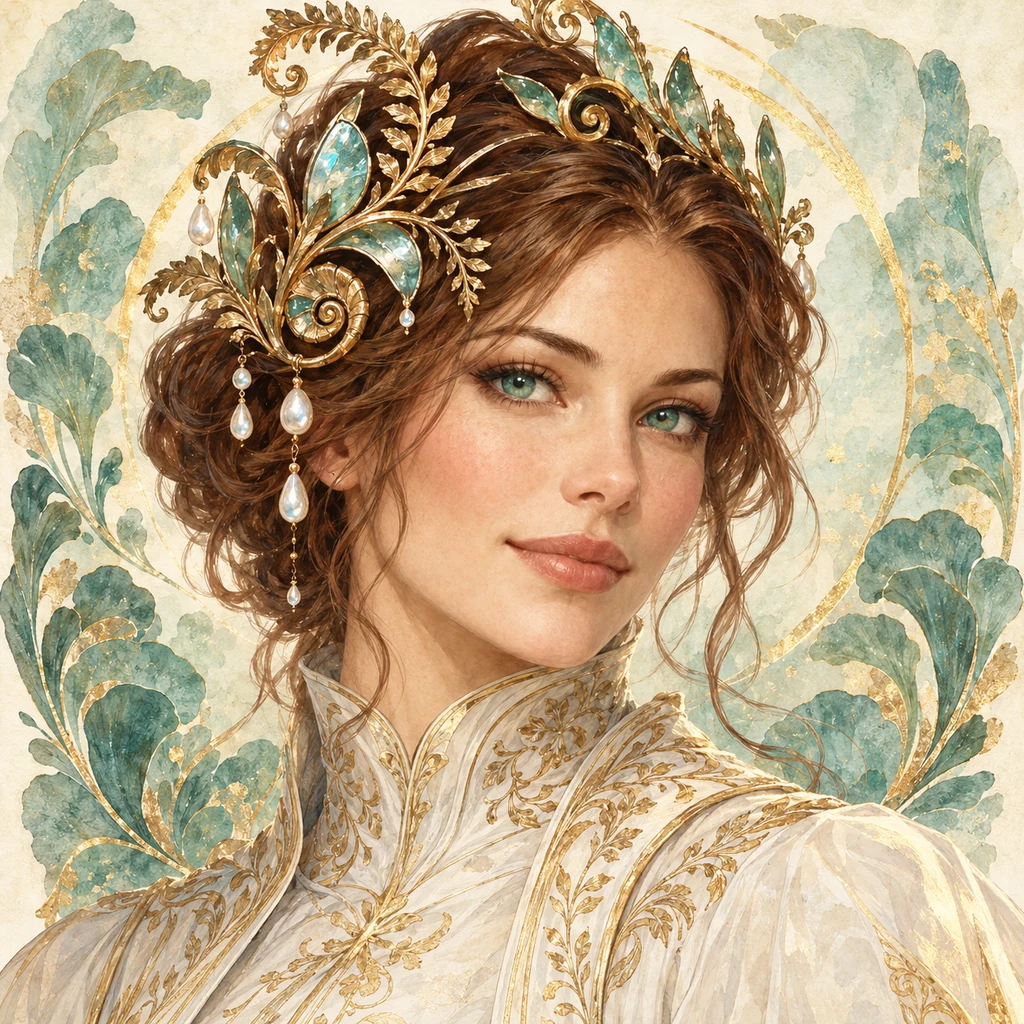

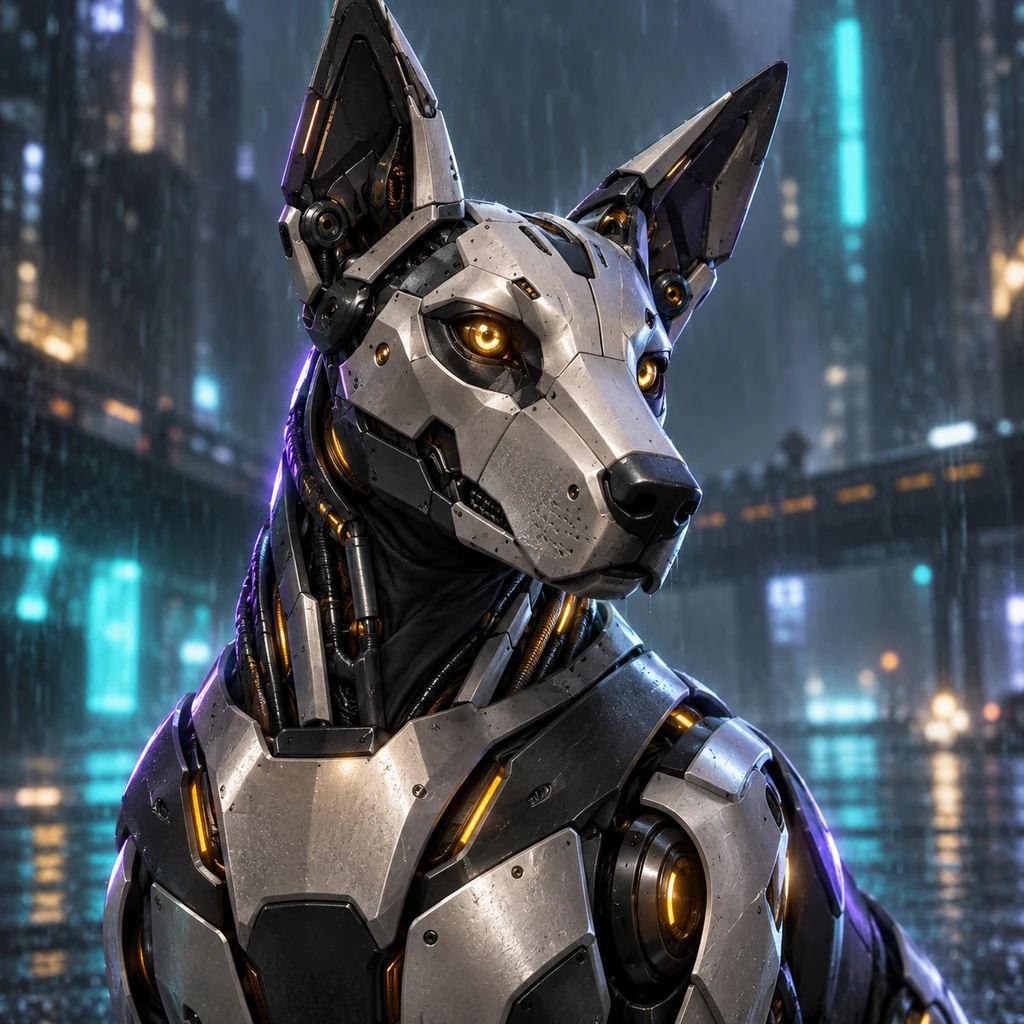
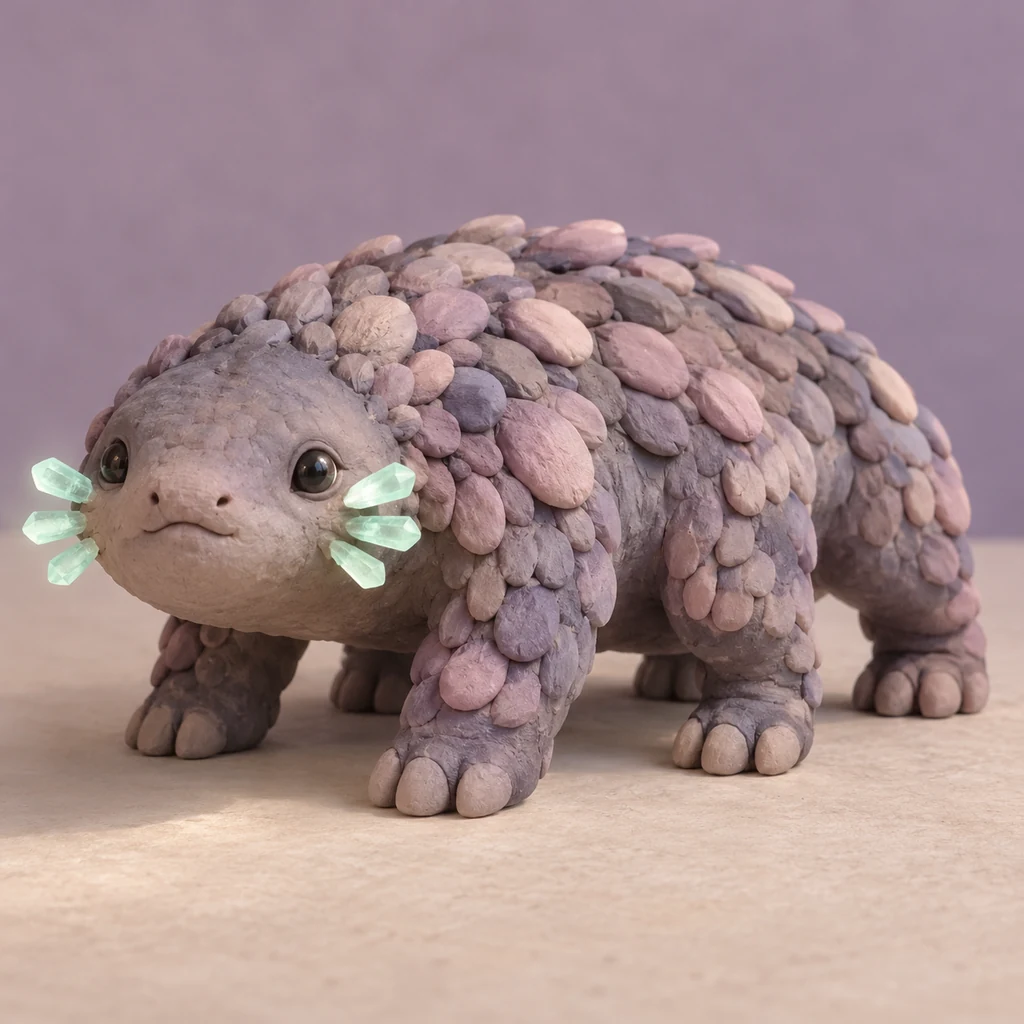
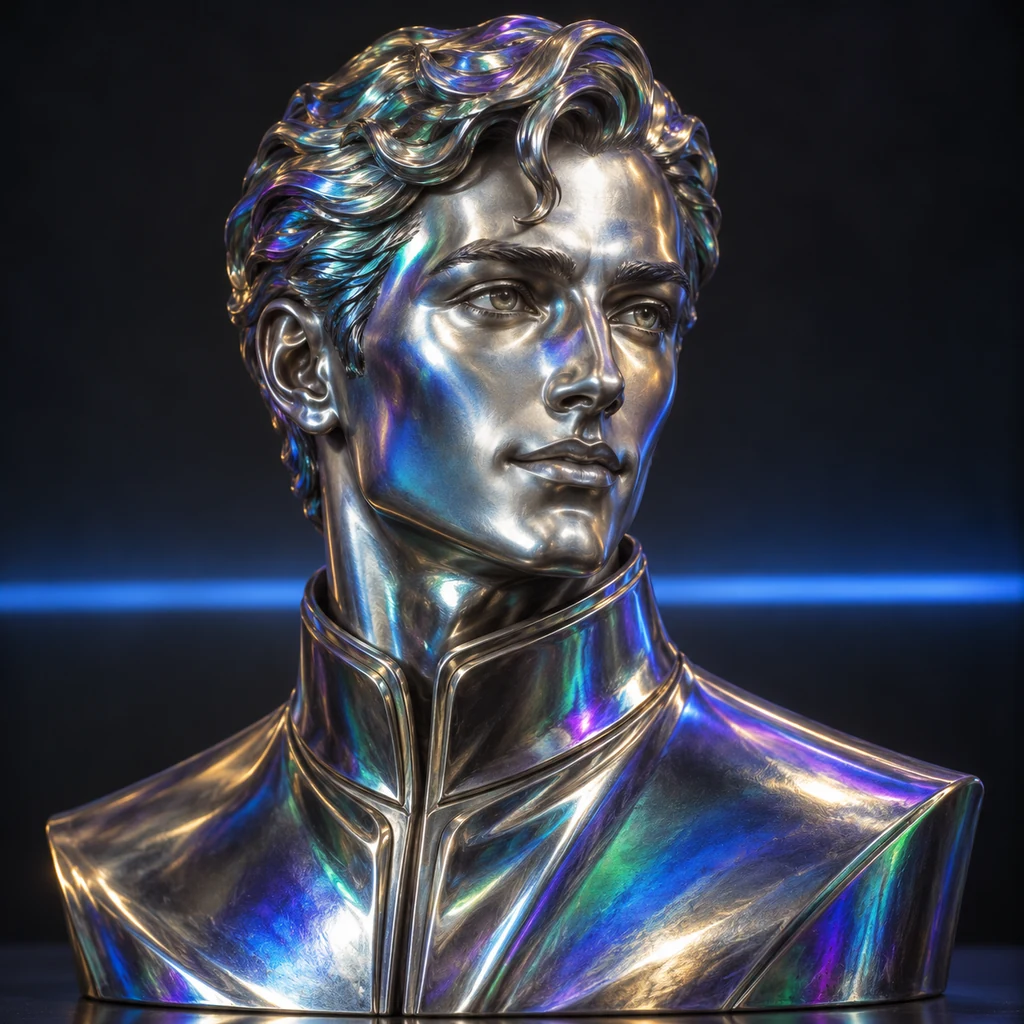
The same idea can take many forms. Start with a painted portrait, try animation, or give your character a body made of clay, metal, or light.
Browse StylesStart with a role, appearance, and one detail worth remembering. A mechanic with a spotless uniform tells a different story from one covered in oil.
Pick a style from the gallery. Add a pose and setting, and say whether you want a portrait or a full-body image.
Generate an image and see what works. Adjust your description, try another style, or download a favorite.
A character often starts with a detail: a coat kept long after it stopped fitting, a robot’s handwritten name tag, a smile at the wrong moment. Hotpot’s character generator helps you see what that idea might look like.
Use a portrait to picture the narrator of a story, a full-body image to explore a costume, or character concept art to discuss a game idea with your team. You can build an original character from scratch or revisit one you have been drawing for years.
A person: “A retired train conductor in a navy coat, round glasses, one hand resting on a pocket watch, waist-up portrait, morning light.”
A robot: “A small delivery robot with a dented green shell and a handwritten name tag, waiting at a bus stop, full body, overcast afternoon.”
A creature: “A fox botanist in a waistcoat, carrying a fern in a cracked teacup, head-and-shoulders portrait, painted illustration.”
For adventurers and NPCs, explore the Fantasy Character Generator. For a cast drawn in an anime style, try AI Anime. Each gives you a starting point; the details are yours.
People, robots, animals, invented creatures, and combinations of them. Use character art to explore a story’s cast, sketch an idea for a game, or put a face to an original character. The result is an image, not a written biography or a character you can chat with.
Yes. OC means original character. Start with your own idea and describe the features that matter to you. A name alone gives little visual direction; clothing, expression, posture, and a few personal details give the generator more to work with.
Start with who they are, what they look like, and what they are doing. Then add the framing and setting. For a shy character, try a lowered gaze or hands tucked into coat pockets. Visible details help turn a personality into a picture.
Ask for a full-body view, head to toe, with both feet inside the frame. A simple background can make the outfit and silhouette easier to see. Check the result for cropped limbs, hands, and equipment; you may need another attempt.
Faces, clothing, and small details can change between generations. Repeat the defining features in your prompt and compare the results. There is no character identity lock, so matching a cast across a comic or a series still takes review and refinement.
You can upload a style reference in the editor to guide the look of the image. A style reference does not guarantee the same face or outfit. Use an image you have the right to use and describe the details you want in the result.
It creates still images. A 3D style can give a character the appearance of clay, a sculpture, or a rendered model, but the download is not a rigged model, an animation, or a game-ready asset.
Eligible new accounts can create five images free. Further images use credits. The editor shows the cost before you generate; see Pricing for current options.
Check Hotpot’s terms and the rights to your prompts and references before publishing. Review the output for recognizable characters, logos, and other protected material. Buying credits does not give you rights to someone else’s intellectual property or guarantee commercial clearance.