
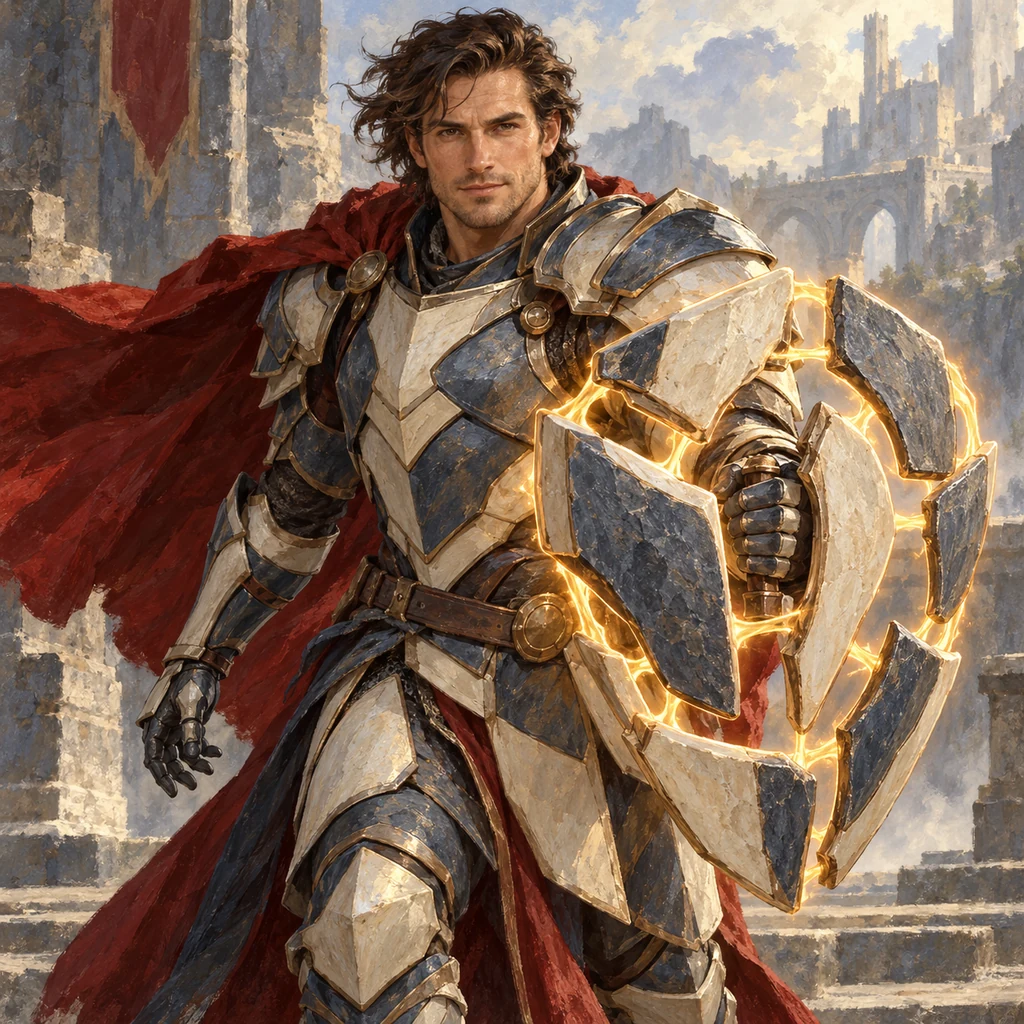
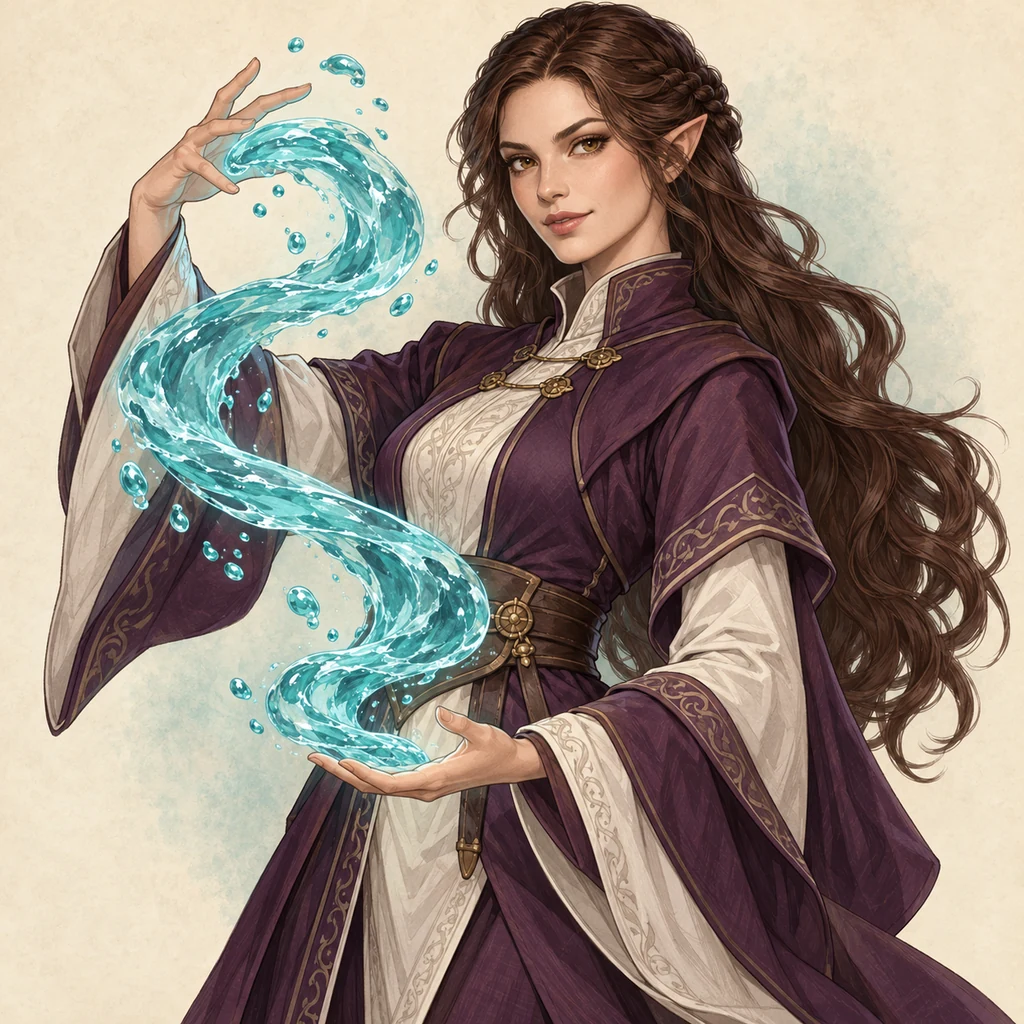
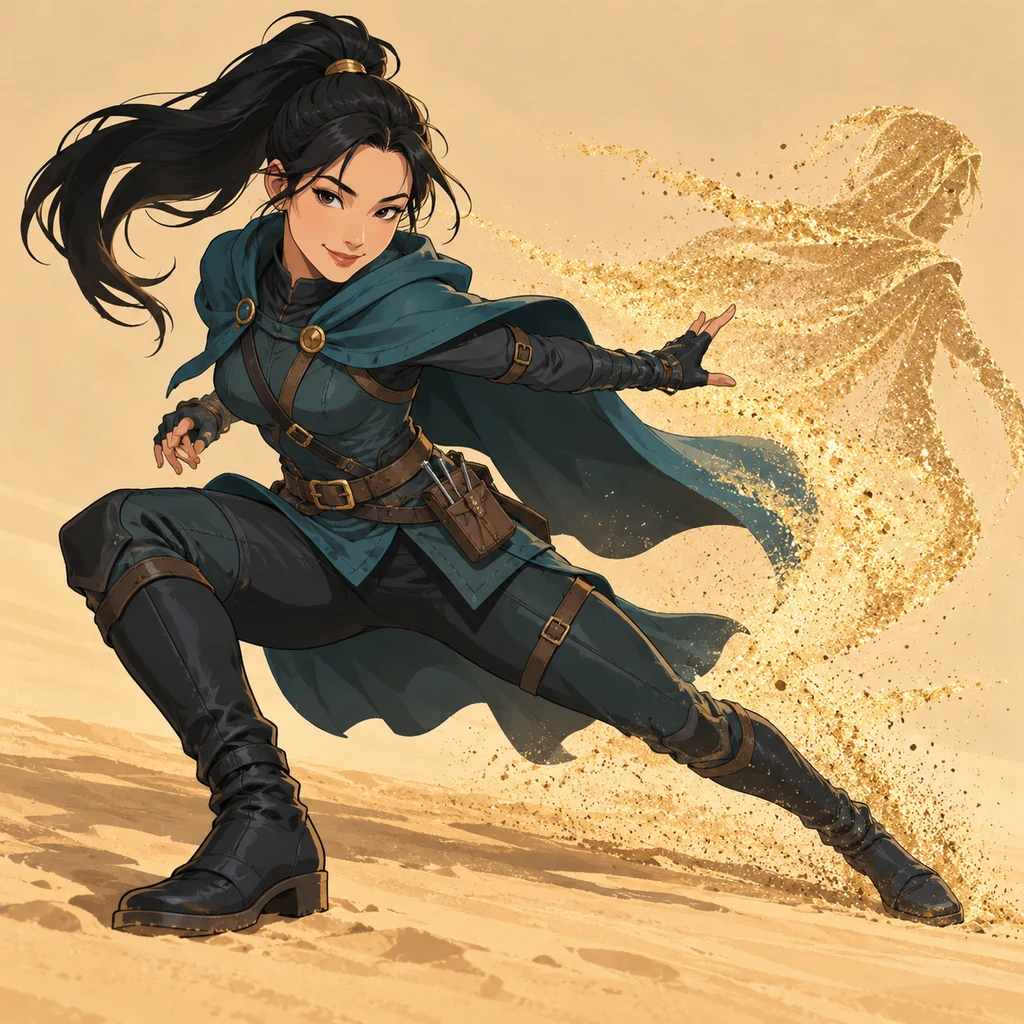
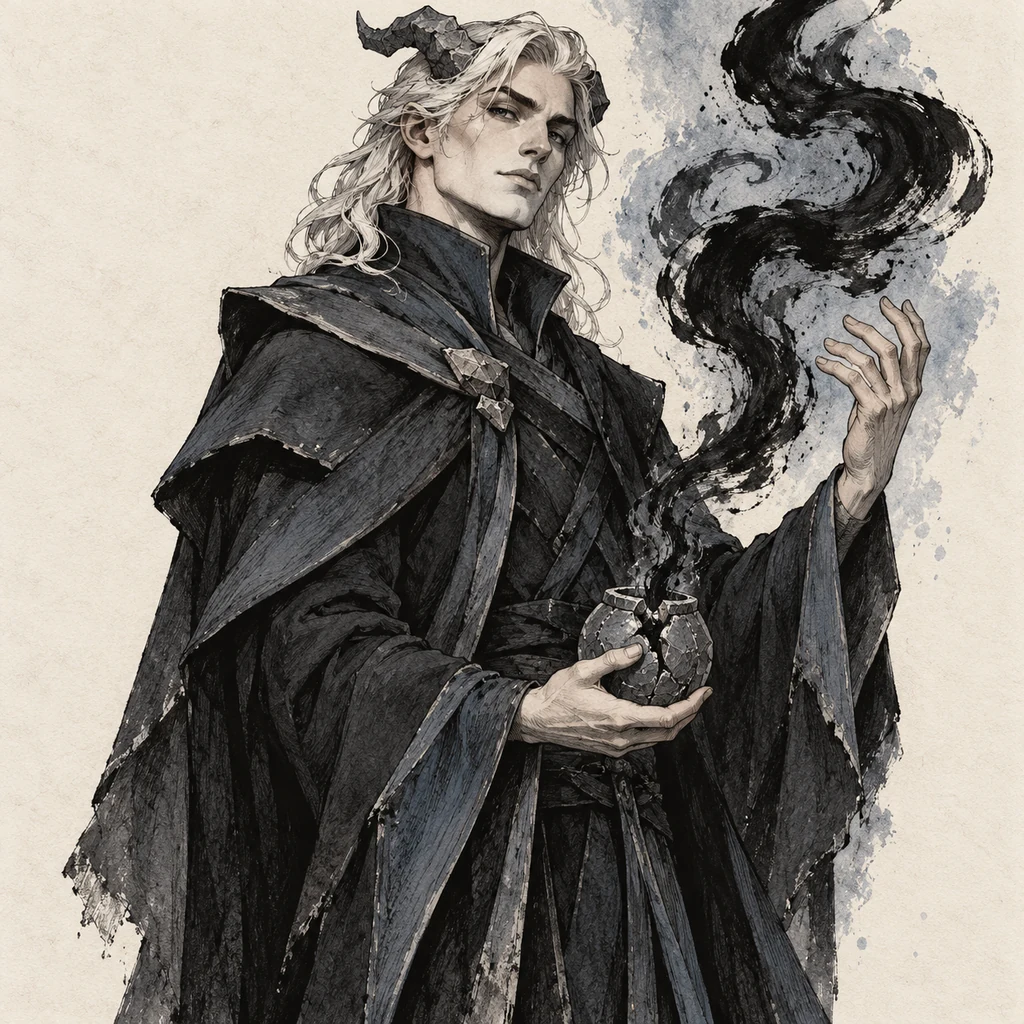
Imagine a character
Choose a role, appearance, and a telling detail. A village healer might wear a soldier’s coat or carry a bag of stolen silver.
Imagine your next adventurer
The innkeeper knows more than she lets on. Your ranger has been away too long. Even the dragon has a story. Describe a character for your next tabletop adventure, choose a style, and create a portrait that gives the party someone to remember.
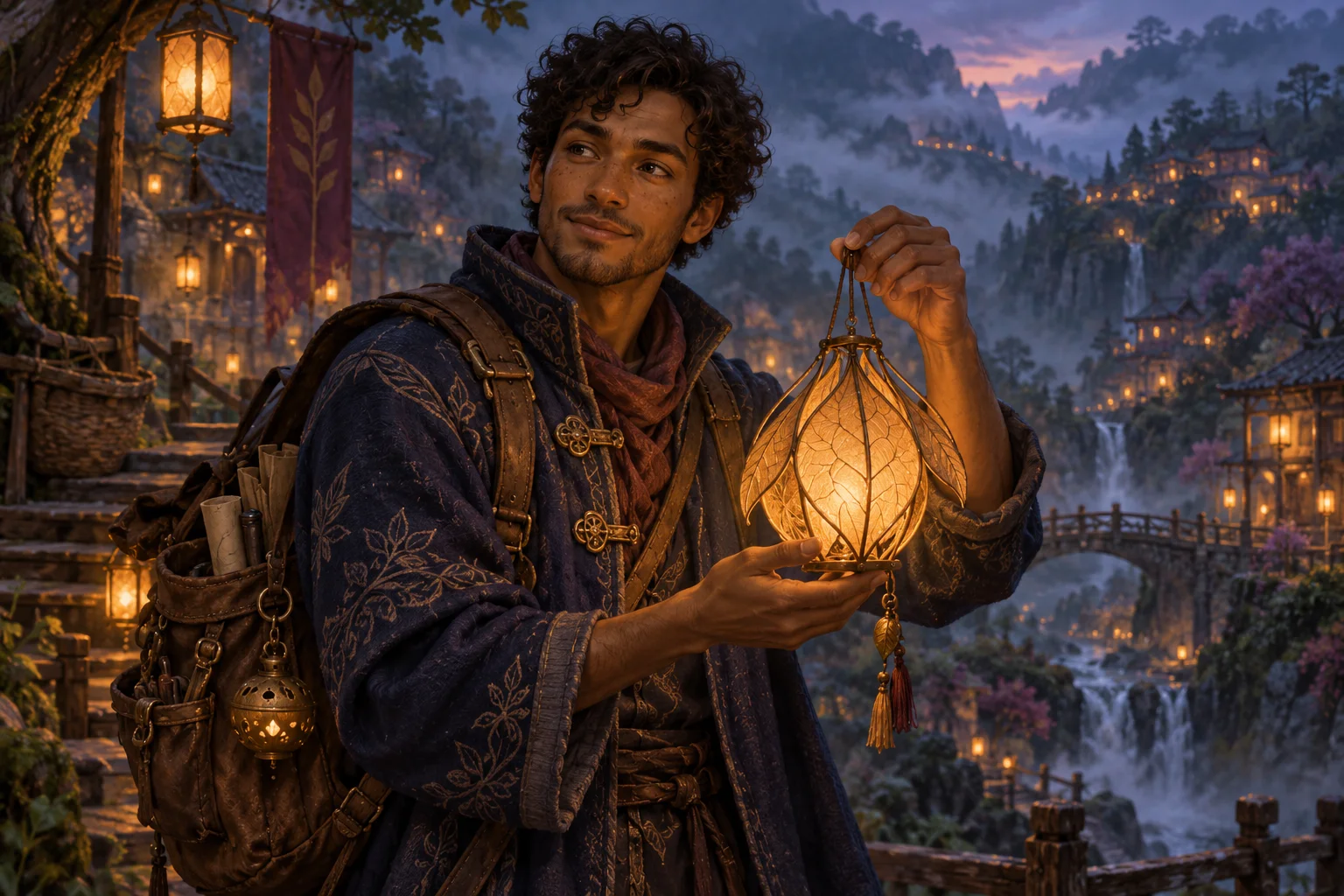
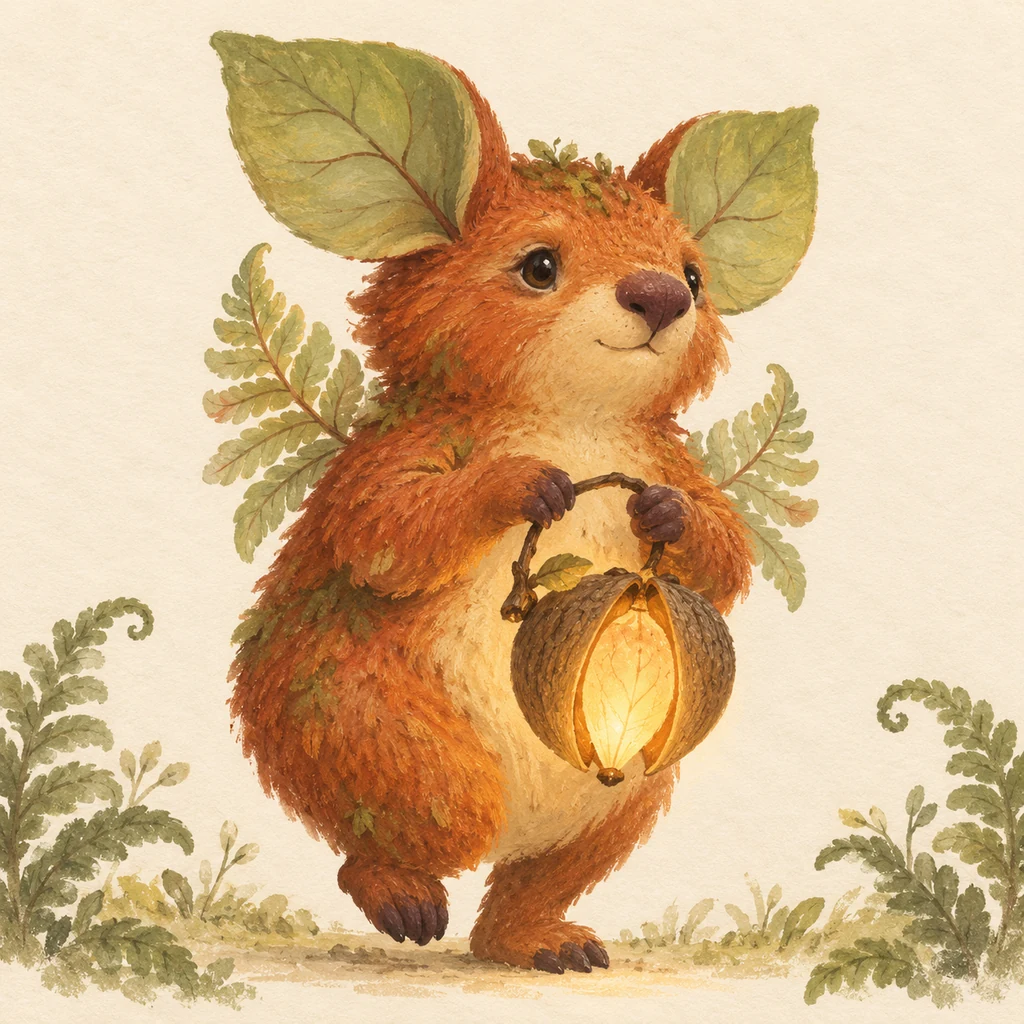
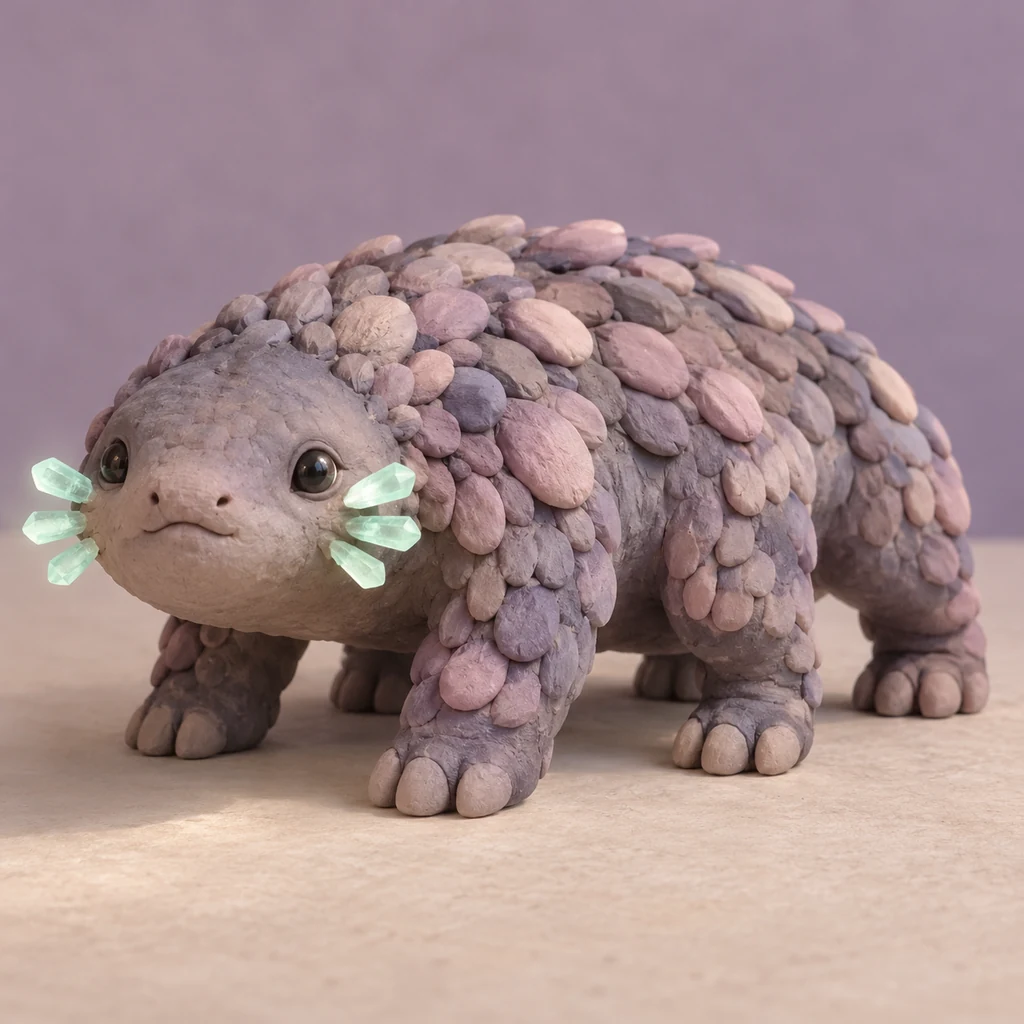
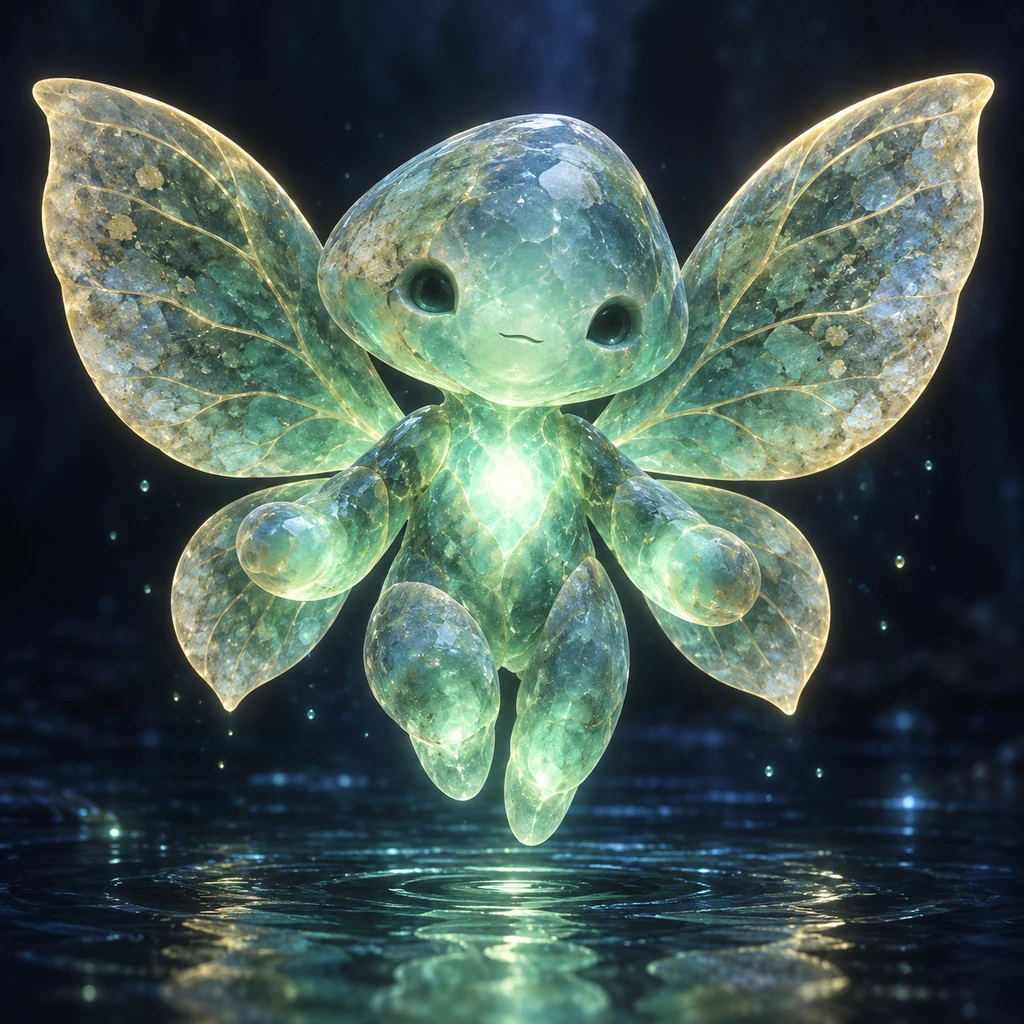
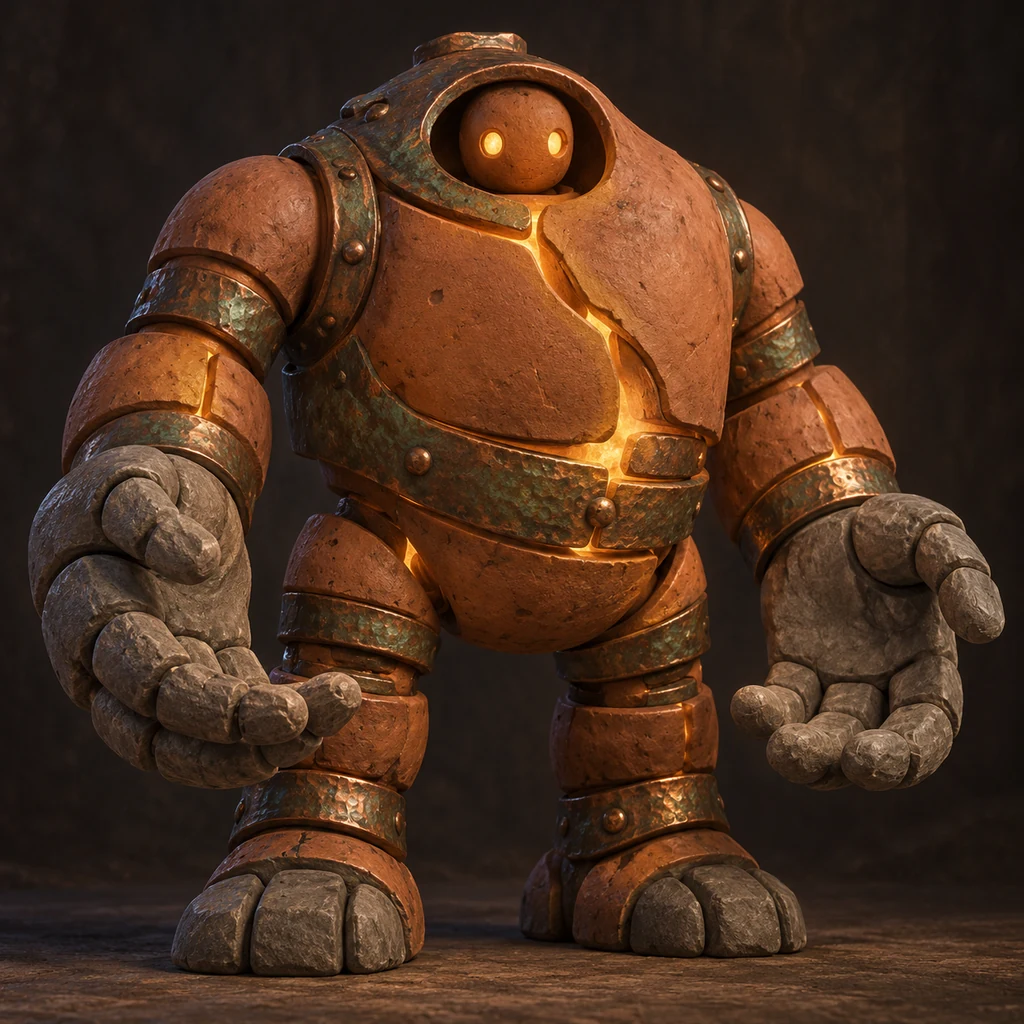
A painted knight, an ink-drawn mage, a companion made of clay. Find a look that belongs in your world, then describe the character you want to meet.
Browse StylesChoose a role, appearance, and a telling detail. A village healer might wear a soldier’s coat or carry a bag of stolen silver.
Pick a style and say how to frame the character. Add clothing, equipment, and a place that belongs to your campaign.
Generate a portrait, check the details, and adjust your description. Download a favorite for your notes or to share with the party.
The party may forget a name. A face is harder to lose. Create fantasy character art for the people they travel with, the strangers they meet, and the creatures waiting beyond the next door.
An RPG character portrait can introduce a player’s adventurer or give the game master a face for an NPC. Think about what the party notices first: a merchant’s ink-stained fingers, a guard’s borrowed armor, a healer who never removes her gloves.
An adventurer: “A dwarf cartographer with a copper beard, patched traveling coat, and rolled maps, waist-up portrait, painted style, dawn at a mountain pass.”
An NPC: “An elderly innkeeper with a broken nose and a polished officer’s badge, leaning on the counter, skeptical expression, warm window light.”
A companion: “A moss-covered creature the size of a teapot, four short legs, carrying a seed lantern, full body, storybook illustration.”
Describe the materials, places, and customs that make your setting yours. For a present-day detective, a space pilot, or another kind of cast, explore the Character Generator. The same editor handles them all.
Yes. Explore <a href="/fantasy-portrait-generator">Fantasy Heroes — Cinematic</a> for a live-action movie look or <a href="/fantasy-avatar-generator">Fantasy Heroes — Art</a> for painted fantasy portraits. Each pack creates 20 action scenes from one clear face photo.
Yes. Describe your player character’s appearance, clothing, equipment, and expression, then choose an art style. You can also make portraits of allies, rivals, and creatures for campaign notes. Check the image against the character you have in mind before sharing it with your group.
Start with the person’s role and one clue to their story. An innkeeper with a broken nose and a polished officer’s badge suggests something different from an innkeeper asleep beside the till. Add a close-up or waist-up view if you want the face to stand out.
Describe the features you want to see rather than relying on a name alone. Pointed ears, a braided beard, stone skin, moth wings, or a particular size give the image direction. Check the result for missing or extra limbs, especially when combining unfamiliar features.
For a full-body image, ask for a head-to-toe view with space around the figure and both feet visible. For a token portrait, ask for a centered head-and-shoulders view against a simple background, then crop it to your tabletop tool’s requirements. The generator does not package game tokens.
Not always. Hands, weapons, clothing, and small symbols can need another attempt. Put the details that matter most near the start of your prompt, and simplify instructions that compete with each other. Faces and equipment can also change between generations.
Try Now opens AI Characters with a fantasy style selected. Choosing a style on this page opens that look instead. Fantasy characters use the same editor as the rest of your cast, so you can move between painted portraits, animation, and other styles.
This tool creates artwork. It does not build character sheets, calculate statistics, or check a game’s rules. Hotpot is an independent tool and is not affiliated with a tabletop game publisher.
Eligible new accounts can create five images free. Further images use credits. The editor shows the cost before you generate; see Pricing for current options.
Use prompts and references you have the right to use, and review each result for recognizable characters, logos, or other protected material. Buying credits does not grant rights to someone else’s intellectual property or guarantee that an output is cleared for commercial use.