
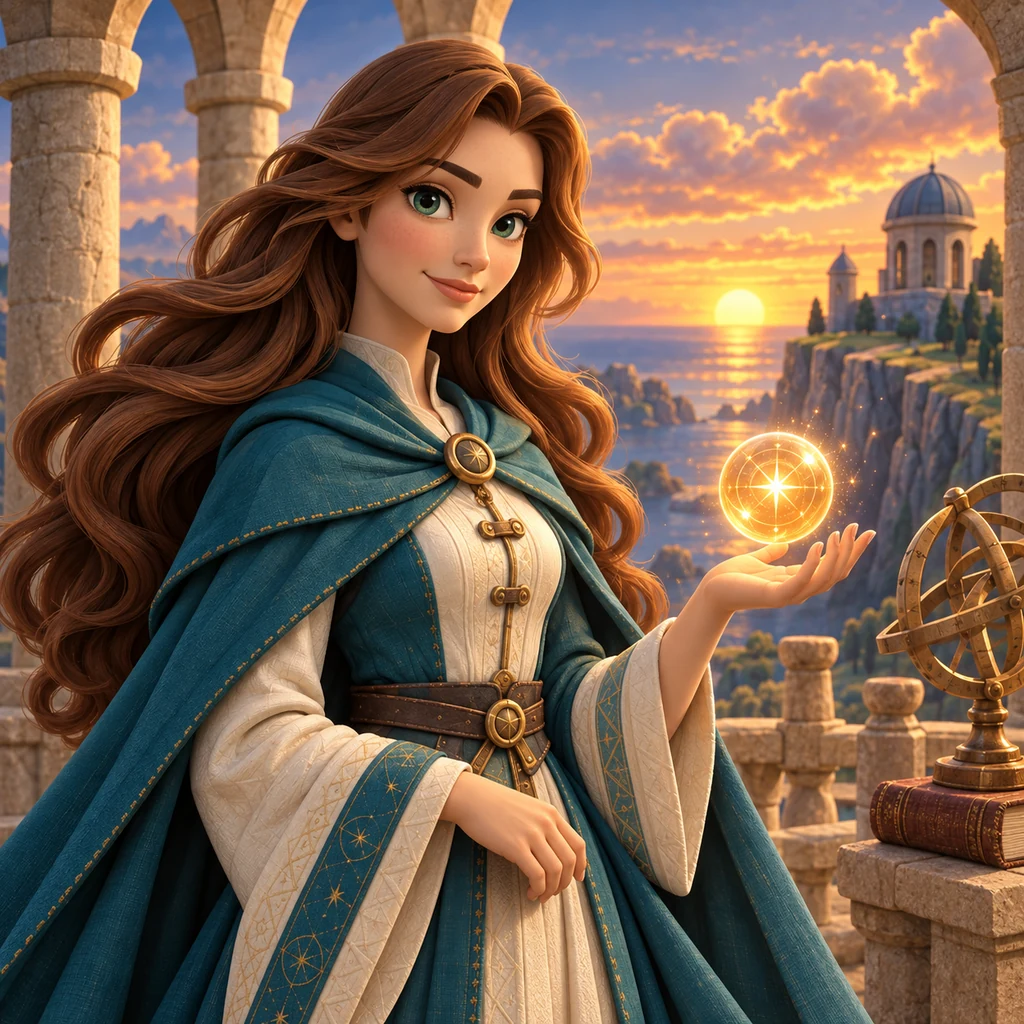
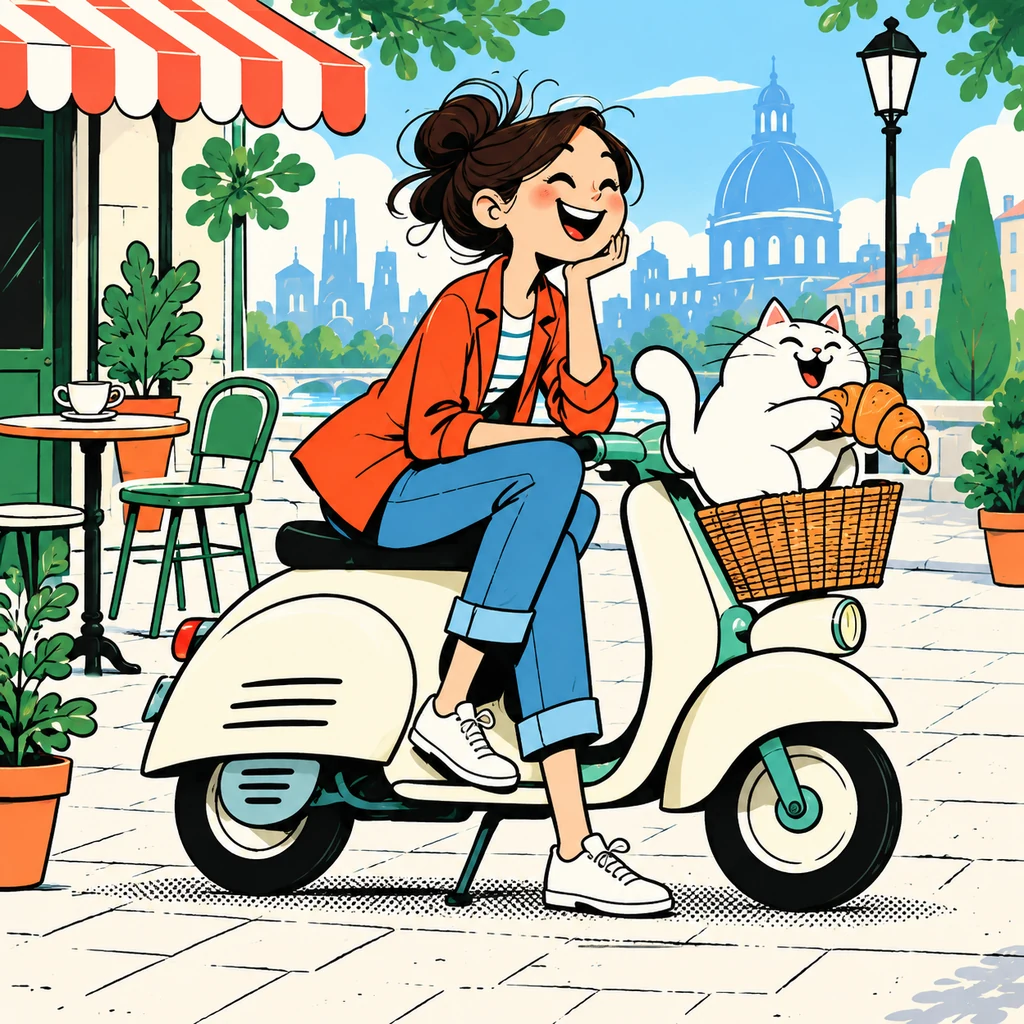
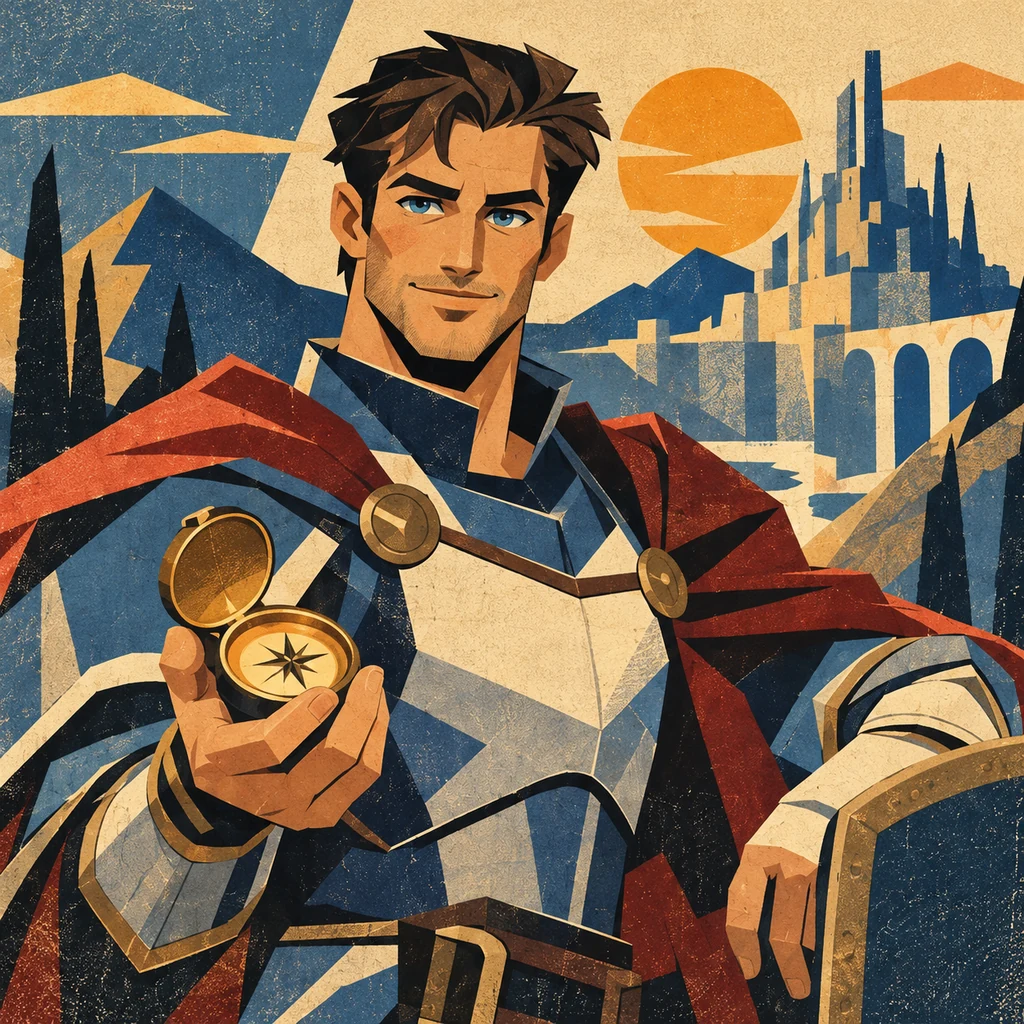
Describe your idea
Describe what happens in your cartoon. Include the setting, expressions, dialogue, or panel count you have in mind.
Make a scene
A cat negotiating for more treats. A robot on its first day at work. An everyday mishap turned into a comic strip. Describe a moment, choose a style, and create a cartoon, whether your idea fits in one scene or unfolds across several panels.
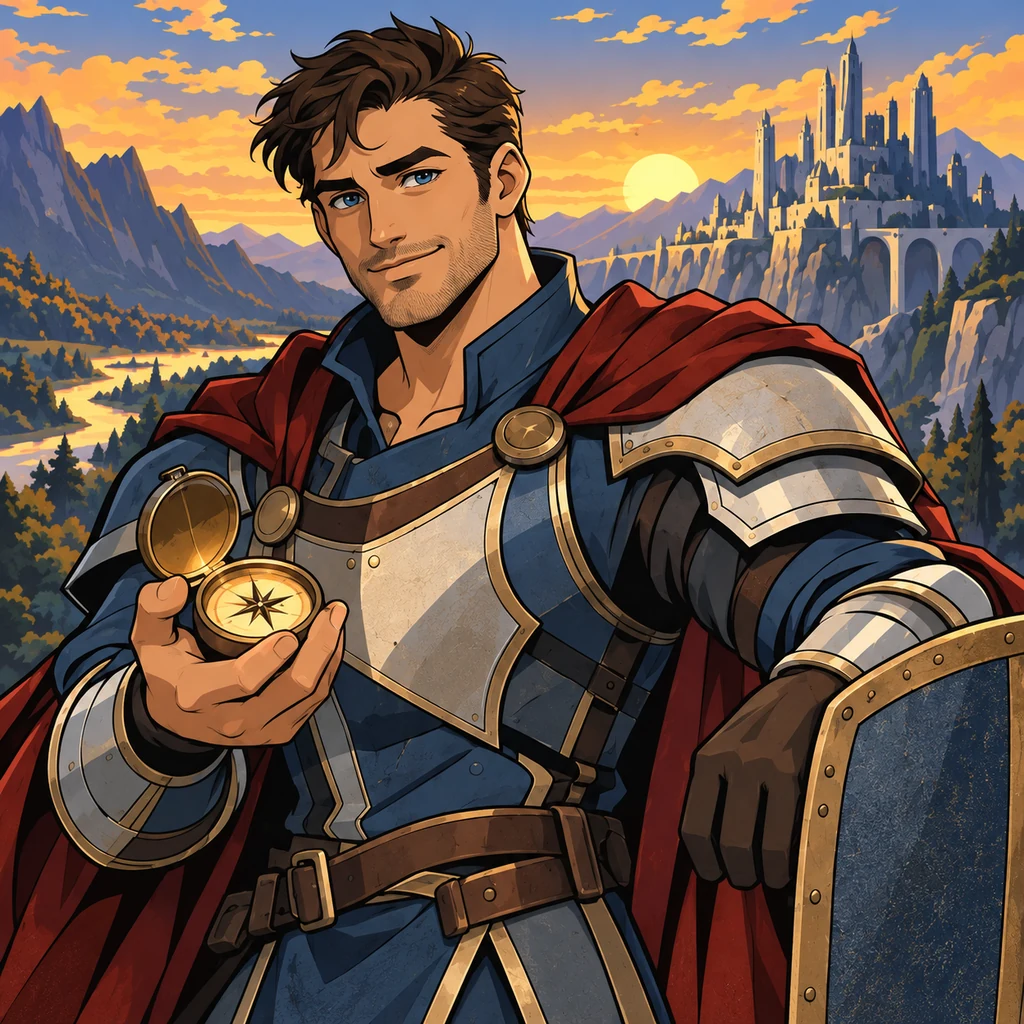
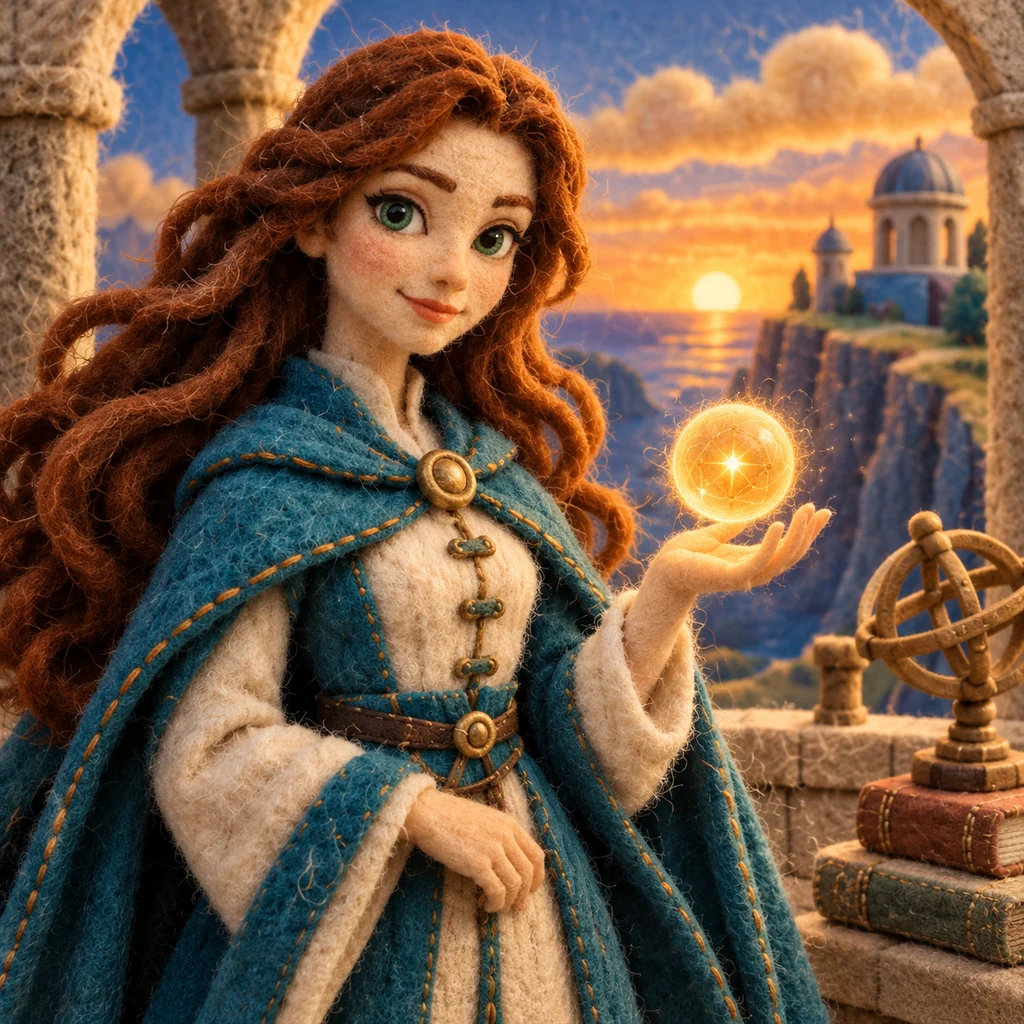
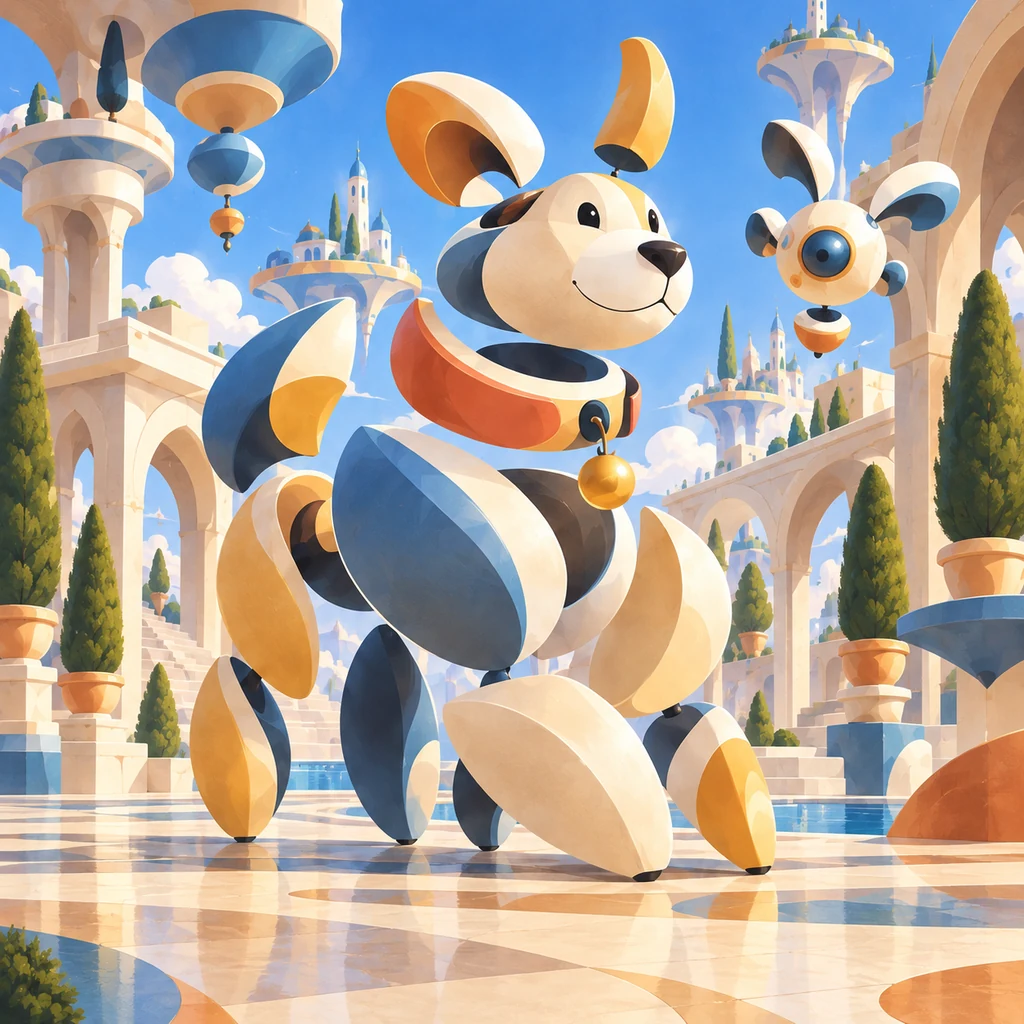
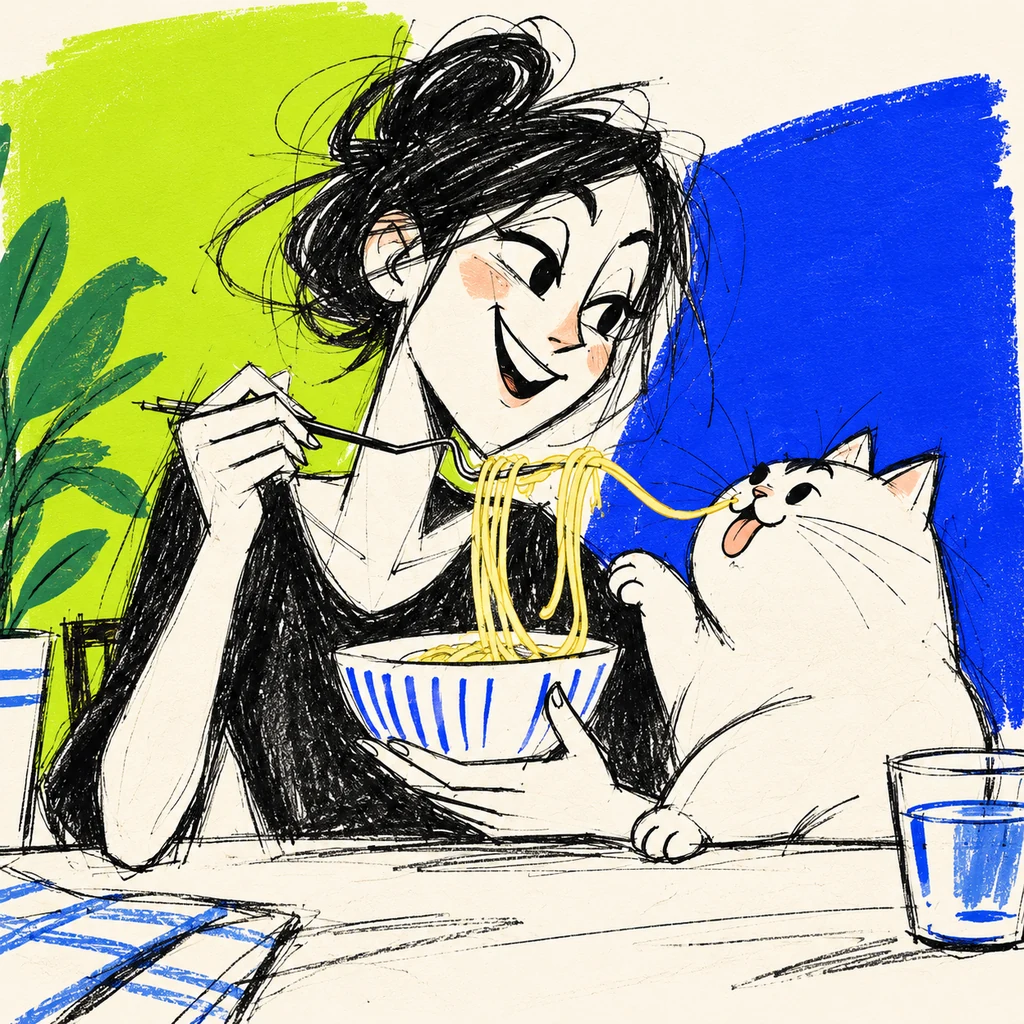
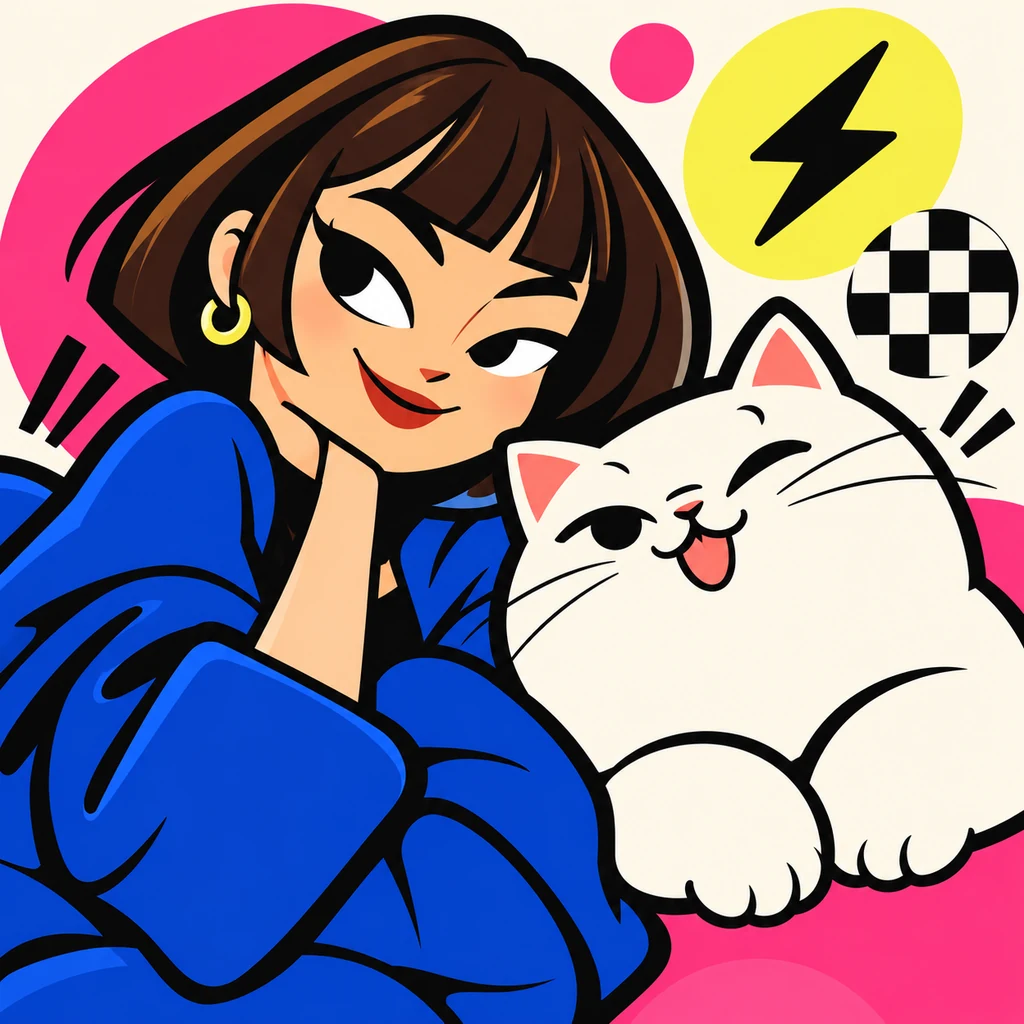
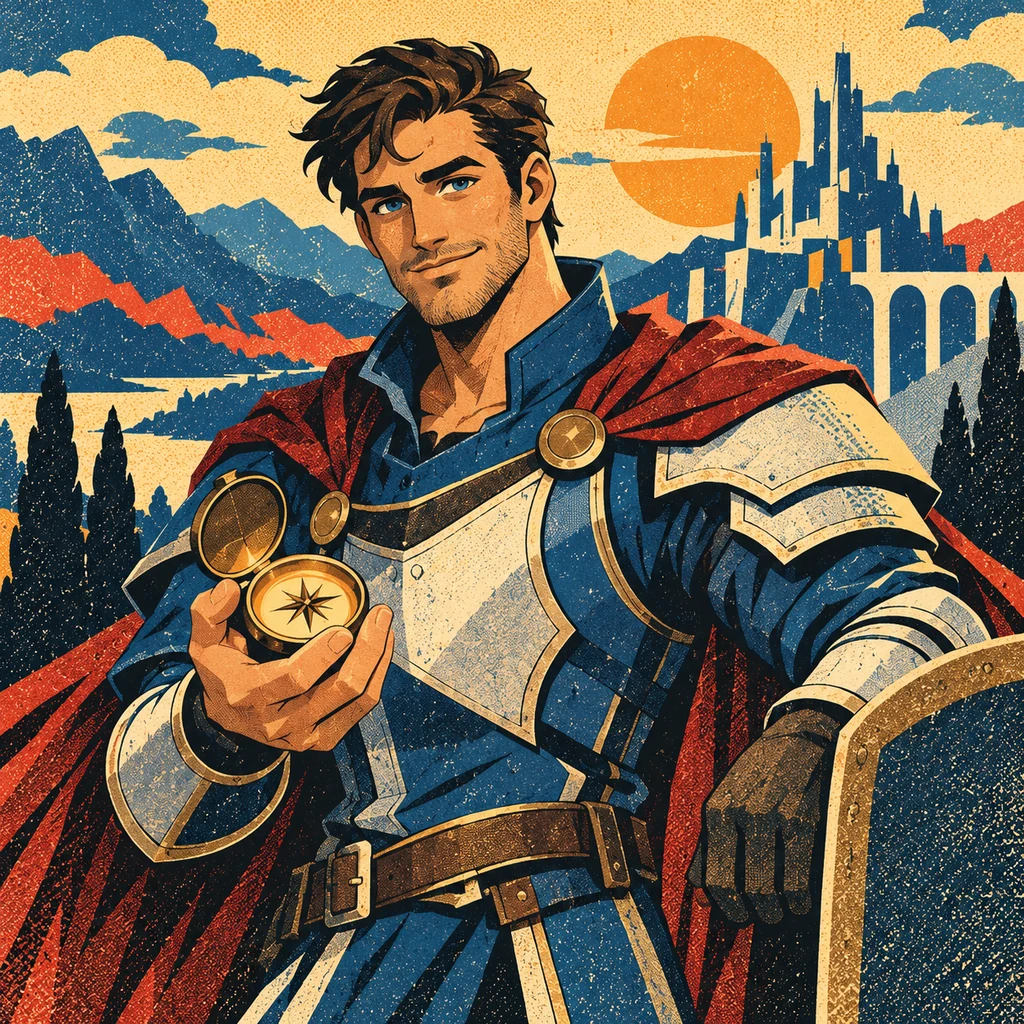
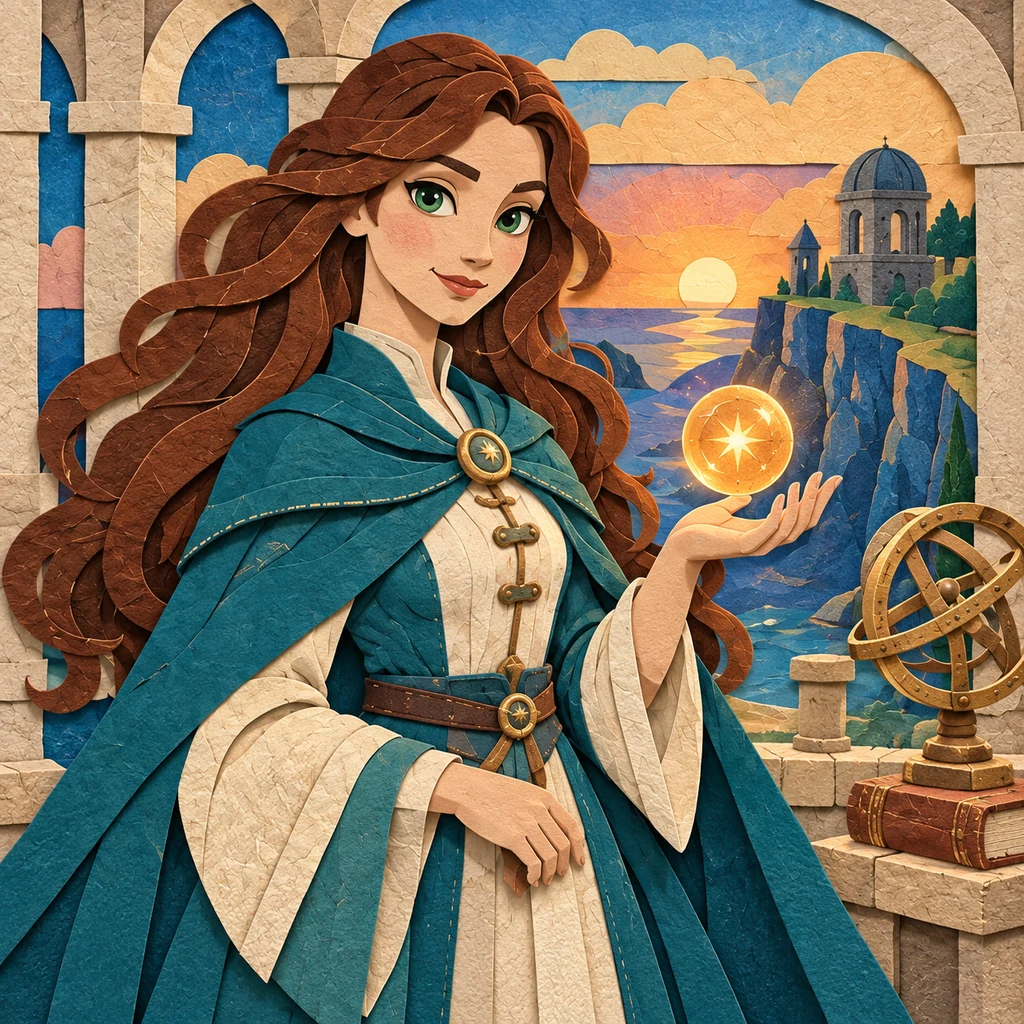
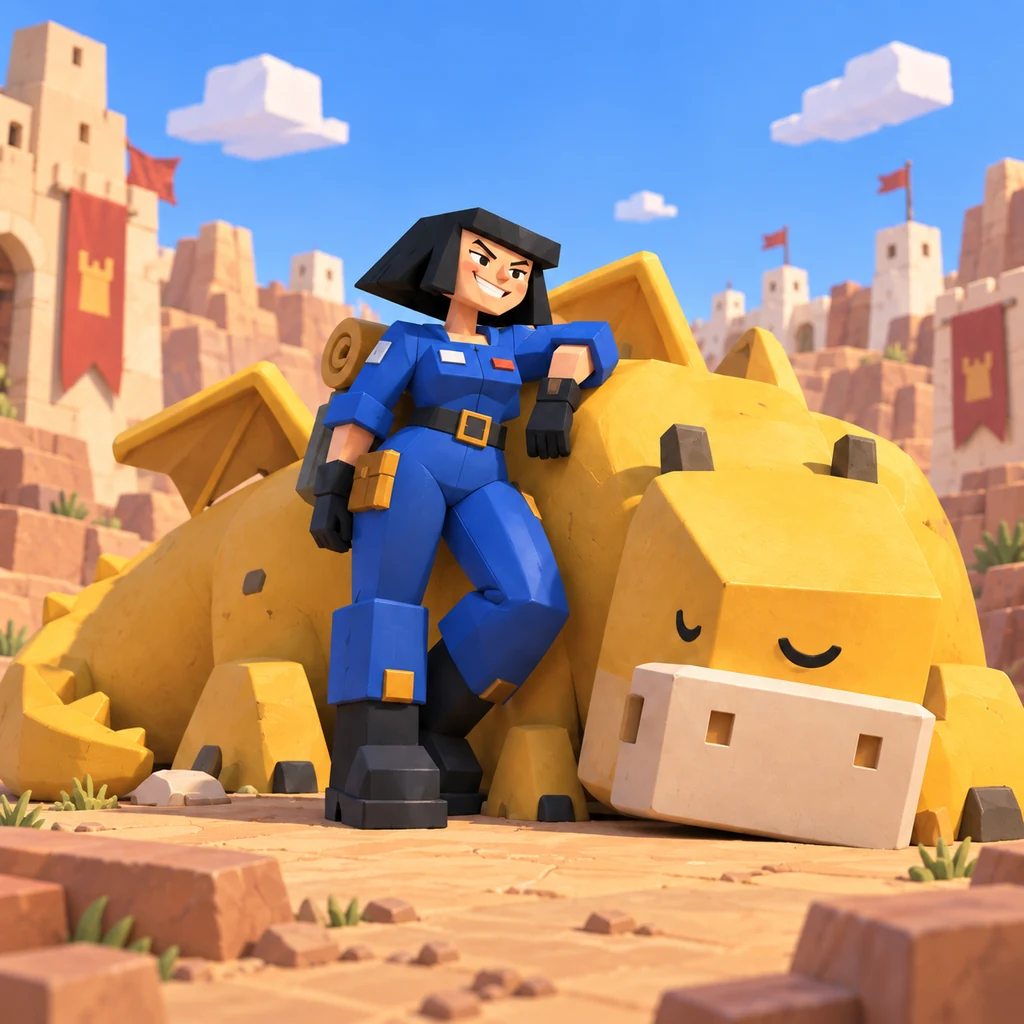
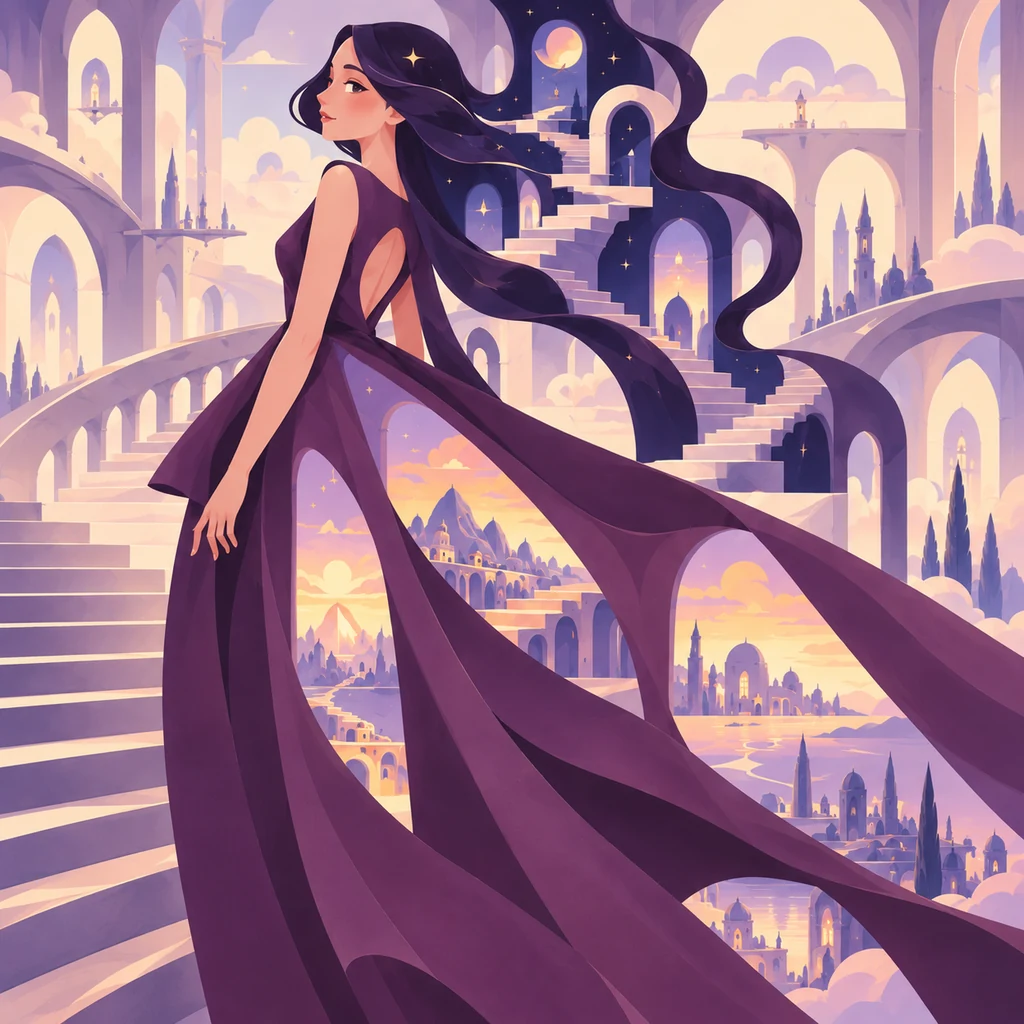
Start with a familiar favorite or try something unexpected. Explore drawn, illustrated, handmade, and 3D looks, then choose a style and make it your own.
Browse StylesDescribe what happens in your cartoon. Include the setting, expressions, dialogue, or panel count you have in mind.
Pick a cartoon style or add your own reference in Library. Choose an image shape and quality.
Create your cartoon, refine the details, and download a favorite. Try another style to explore a different direction.
Turn an everyday observation, a wild idea, or a moment worth sharing into a cartoon. Describe what's happening, who's involved, and the expressions or details that make the scene work.
For a comic strip, describe what happens from one panel to the next. Include any dialogue you want and specify a panel count when the sequence matters. You can also leave the layout open and let the generator interpret your idea.
Give the story a look of its own. Try bold outlines for a punchy visual joke, a retro comic style for an adventure, or soft handmade textures for a gentle everyday moment.
Create expressive scenes, visual jokes, comic strips, and illustrated stories from a description. Choose a style to guide the look, then describe the action and details that matter to you.
Yes. Describe the story and request as many panels as your idea needs. You can specify a panel count, sequence, and dialogue, or let the generator interpret the layout. Review the result for text accuracy and character consistency.
No. A cartoon can be a single image or a sequence of panels. There is no fixed panel count. The image count control creates separate outputs; describe panels within your prompt.
Explore crisp cel drawings, retro comic looks, midcentury illustration, soft 3D, paper cutouts, felt puppets, and more experimental designs. You can also add a style image or written style in Library.
The generator creates still images, including images with an animation-inspired look. It does not create moving cartoons or video.
Yes. Select a generated image and describe the changes you want. You can also revise your original prompt or try a different style to create another version.