
Create your own style
Upload an image, describe a look, or both. Then reuse it on anything you create.
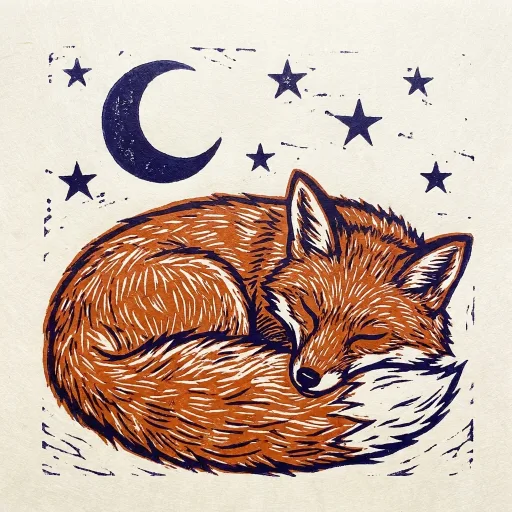
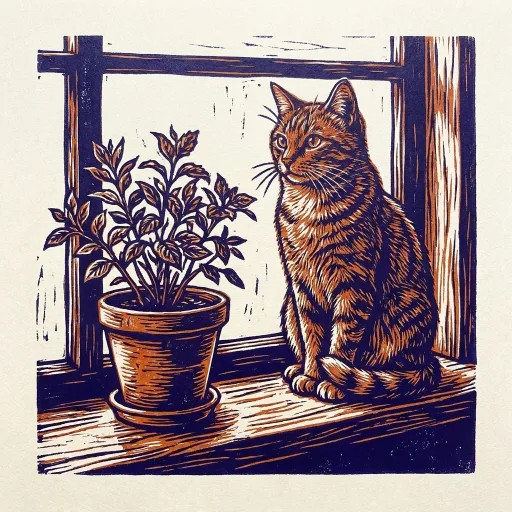
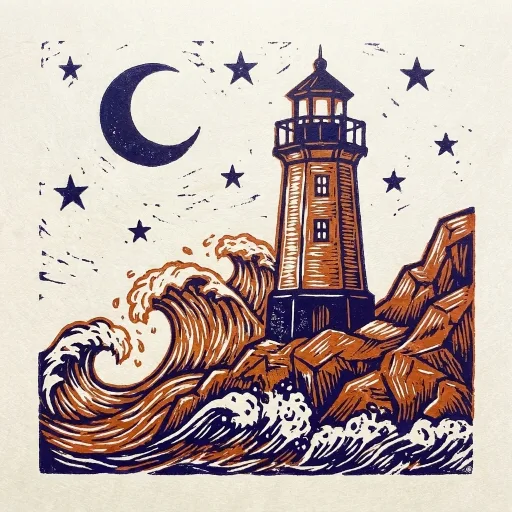
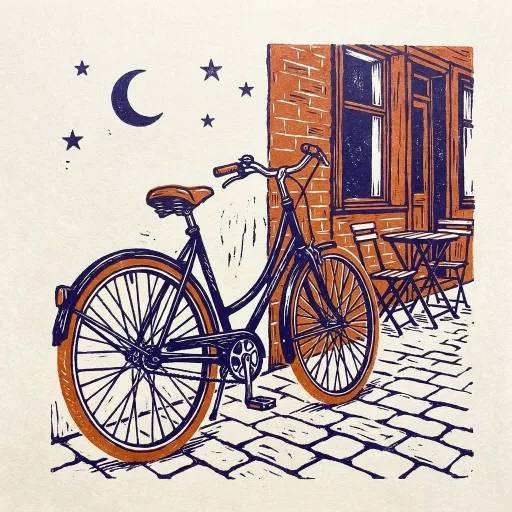
How to create one
- Sign in and open styles in any generator below.
- Choose Your own style. Upload an image, write a few words, or both.
- Save it, pick it from Library, and create.
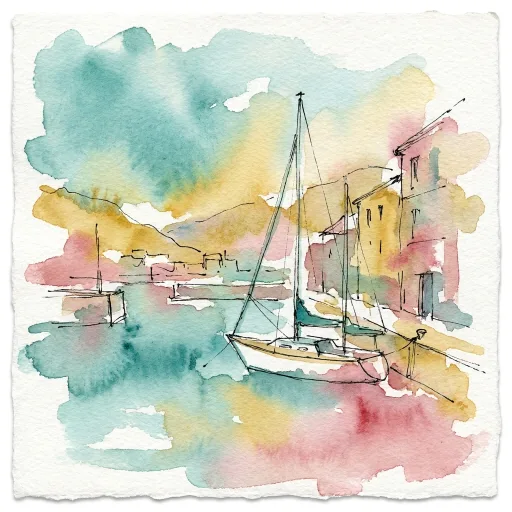
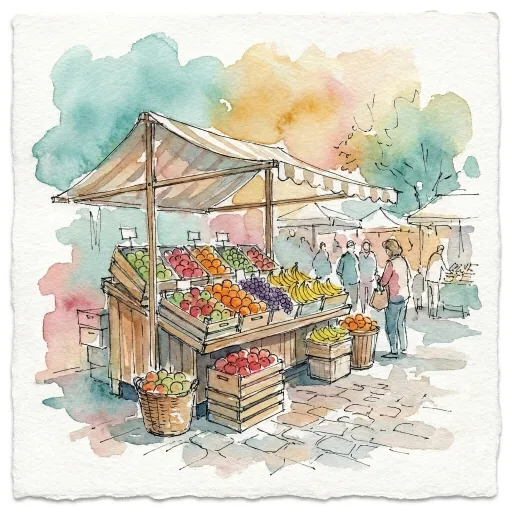
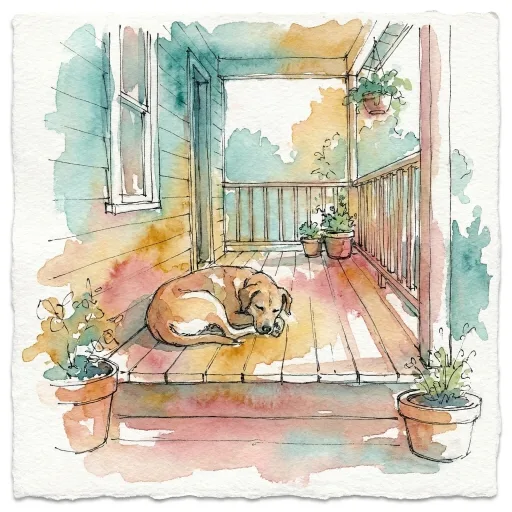
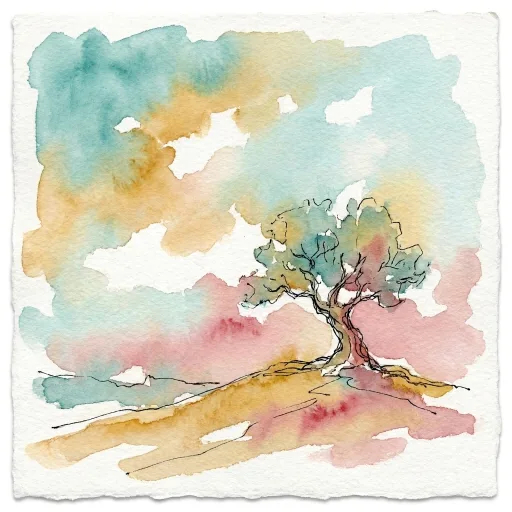
Create your own art style
Upload a painting, a print or a page from your sketchbook. New art borrows its colors, brushwork and texture.
Create your own anime style
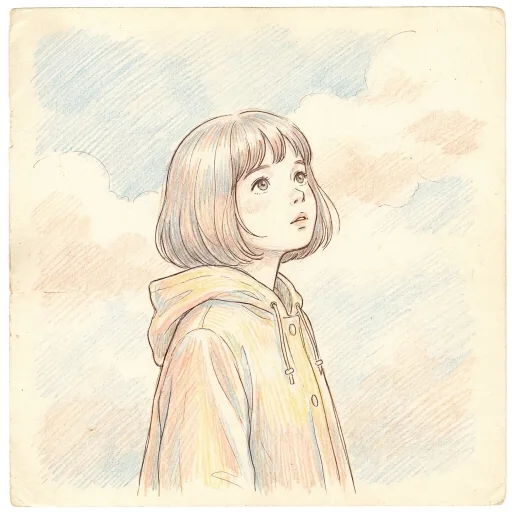
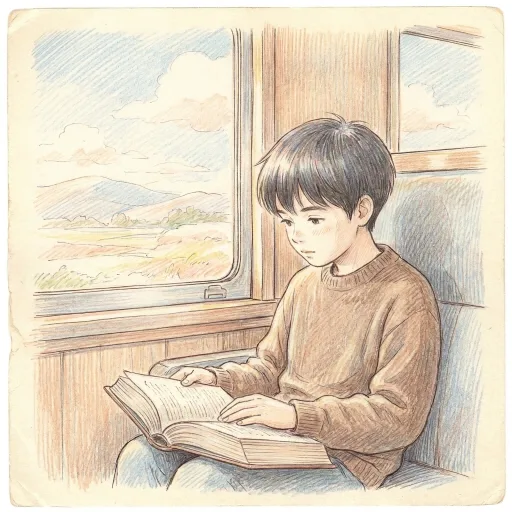
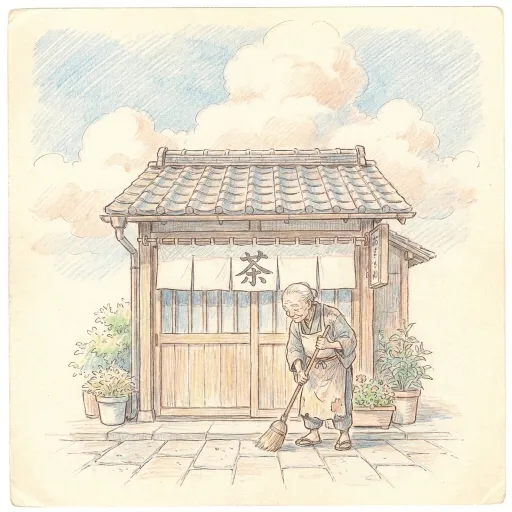
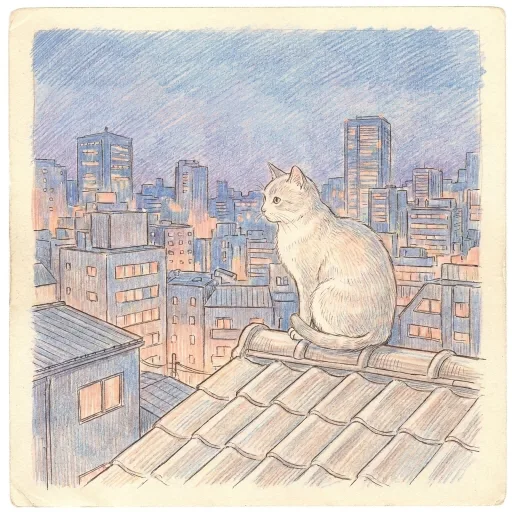
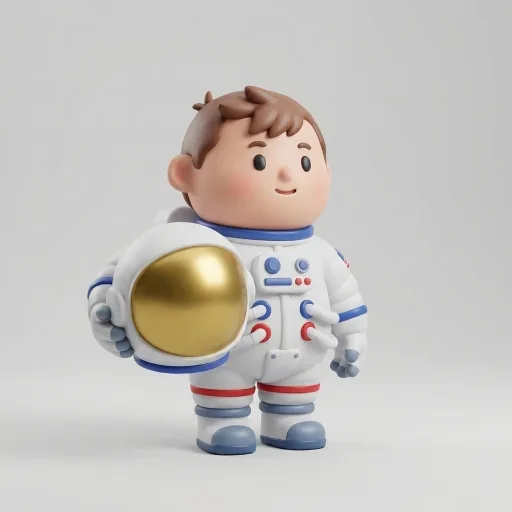
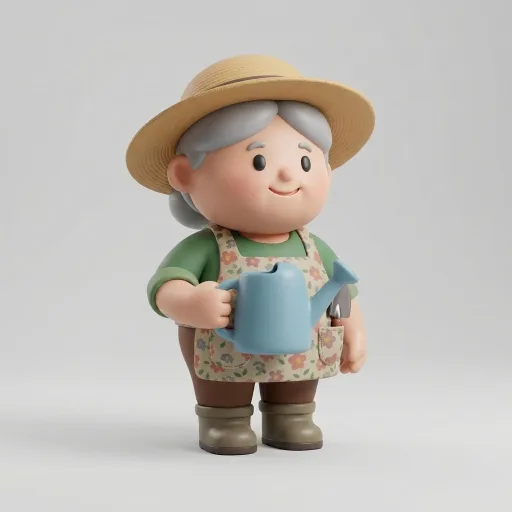
Create your own character style
Use an image and a few words together. The image sets the look. The words keep every character full body on a plain background.
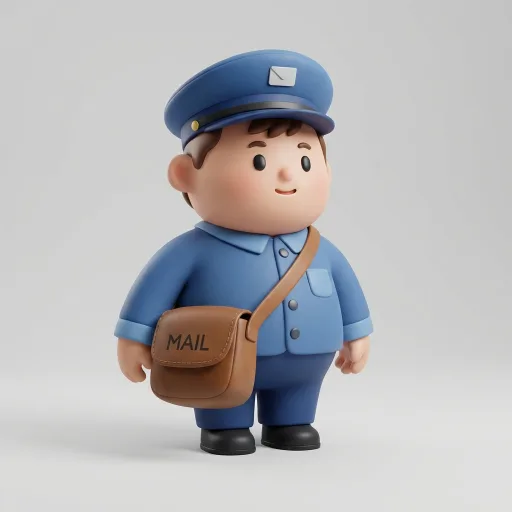 Full body, plain light background.

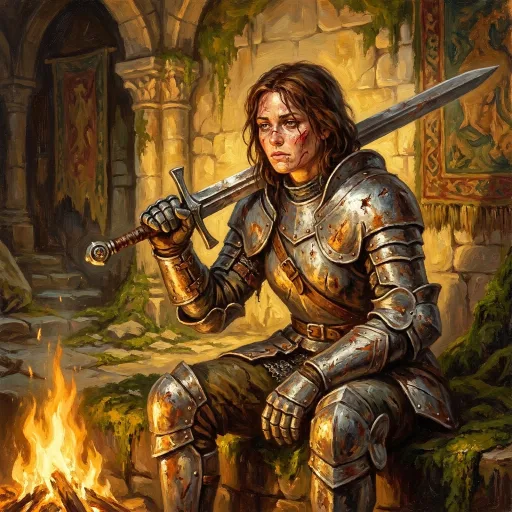
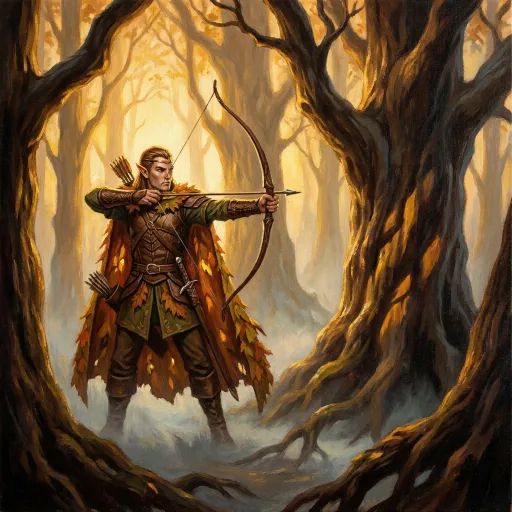
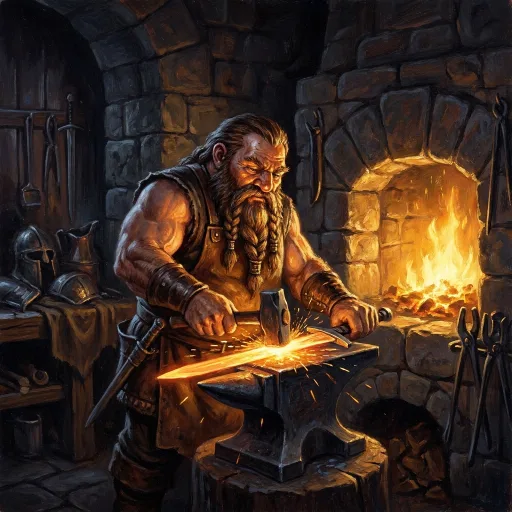
Create your own fantasy style
Describe the painting in a few words. The light and mood carry across every hero.
Create your own logo style
Set the rules once. Every mark keeps the same line, colors and space.



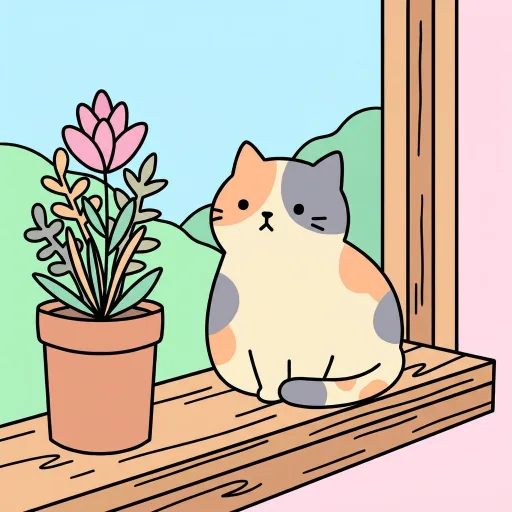
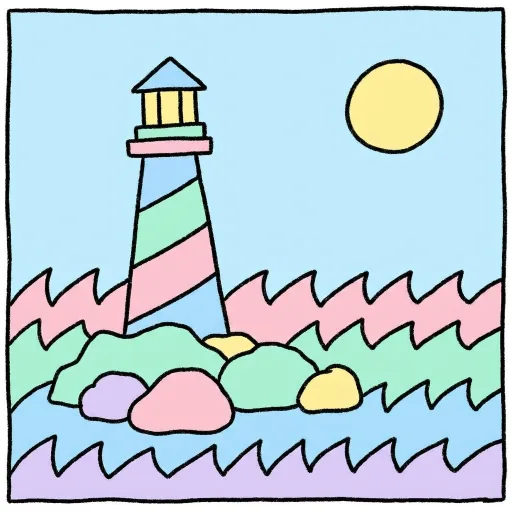
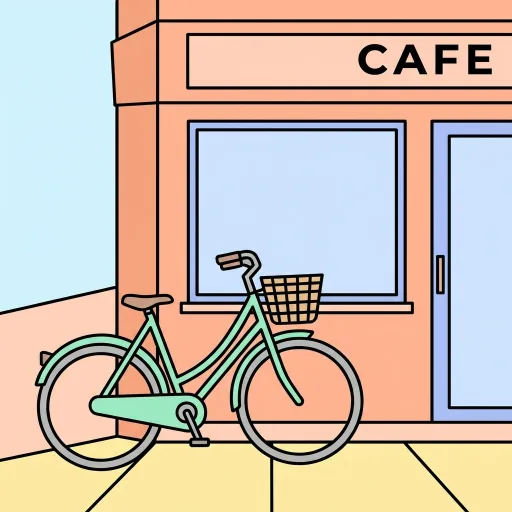
Create your own cartoon style
A few words are enough. Outlines, colors and shading stay the same in every cartoon.
Create your own photo style
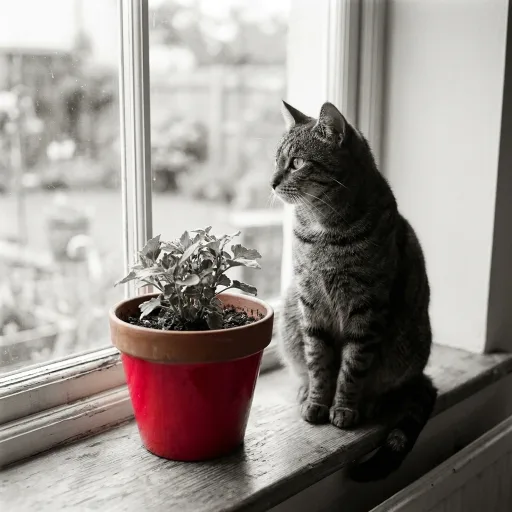
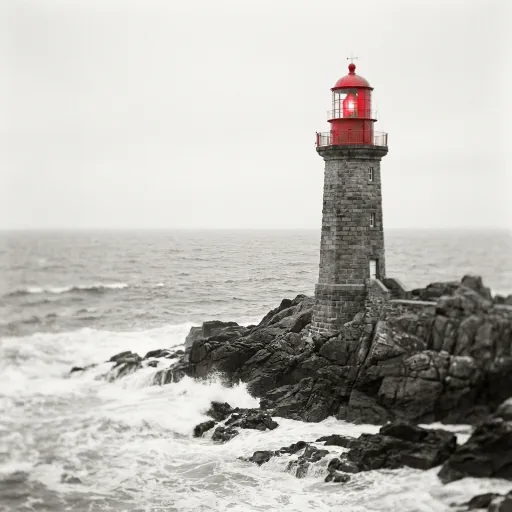
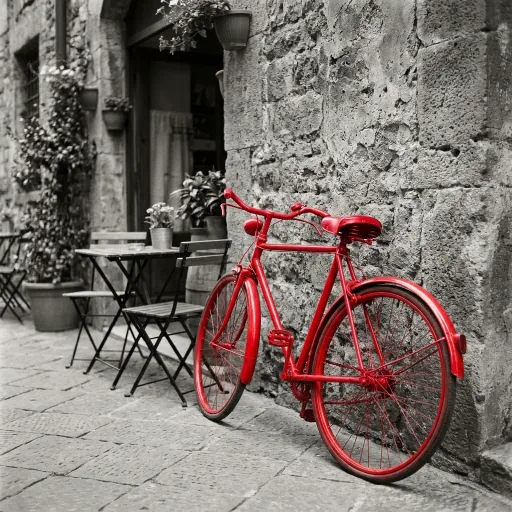
Upload a photo for the look and add one rule. Here every image stays black and white, except one red thing.
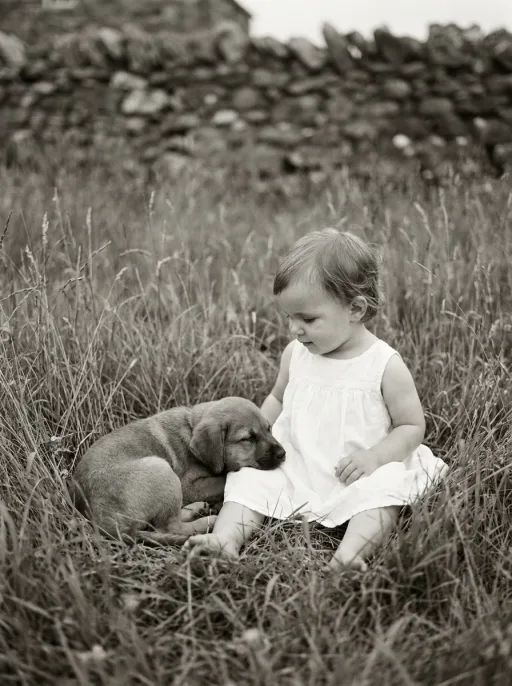 Black and white, except one thing in bright red.
Tips
One clear image works better than a collage.
Words work best for rules, like colors or what to leave out.
Your styles wait in Library for next time.