
Change the scene
Describe a new setting, swap a background, or try a different mood with changes to lighting and color.
Transform photos and art with AI
A new background. A different color. A lion with a mane of French fries. Start with a photo or piece of art and describe what you want to change. Use AI Image Editor to explore an idea, refine the result, and make it your own.
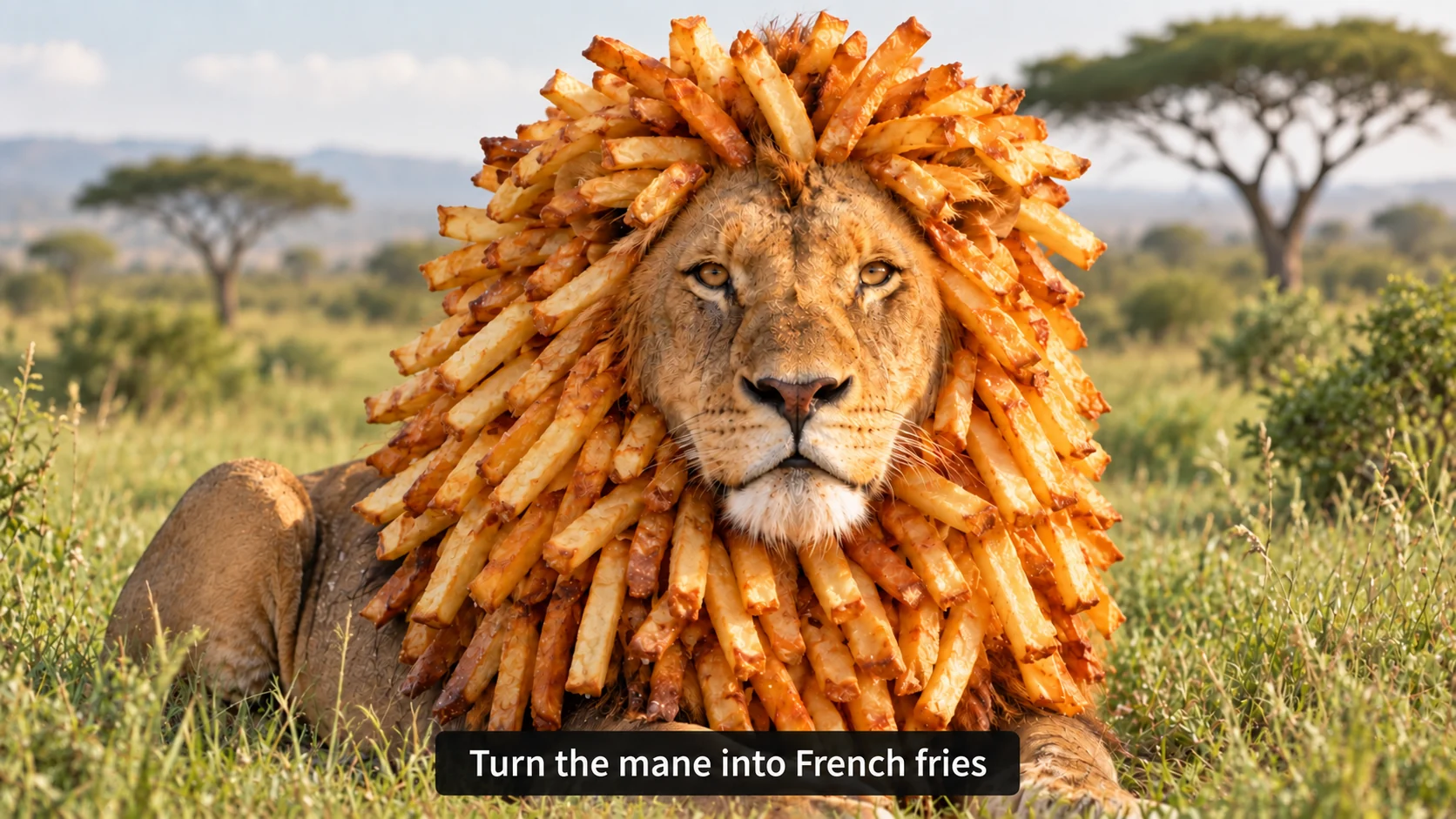
Describe a new setting, swap a background, or try a different mood with changes to lighting and color.
Ask AI to add or remove an object, change an outfit, or give one part of your image a new look.
Reimagine a photo as a painting or give existing artwork a different finish. Describe the style you have in mind.
Start with a photo or artwork you want to change.
Say what to add, remove, or change, and mention any details you want to keep.
Review the result, try another edit if needed, and download your favorite.
Use AI Image Editor to explore changes to an image you already have. Describe a small adjustment or a more imaginative transformation in everyday language.
Be specific about what should change and what should stay. “Replace the gray sky with a warm sunset” gives the editor a clearer direction than “make it better.” Review the result and refine your instructions as you go.
Starting from an idea without an image? Try AI Image Generator. For a larger version of an existing photo, explore Photo Upscaler.
For automatic transparent cutouts, explore AI Eraser and our guide to removing backgrounds.
AI Image Editor lets you edit an existing image by describing what you want to change. Upload a photo or artwork, write an instruction, and review the result.
You can ask AI to change a background, add or remove objects, adjust colors, or reinterpret an image in another style. Results depend on your image and the change you request.
Name the part of the image you want to change and the result you want. For example, “Change the red jacket to navy blue and keep the background the same.” Start with one clear instruction and refine from there.
AI can alter details beyond the change you request. Tell it what you want to preserve, and inspect faces, text, edges, and other important details before using the result.
Yes. You can upload an AI-generated image, a photo, or other artwork and describe your changes.