
Imagine the scene
Describe your subject, setting, expression, and mood.
Dream in anime
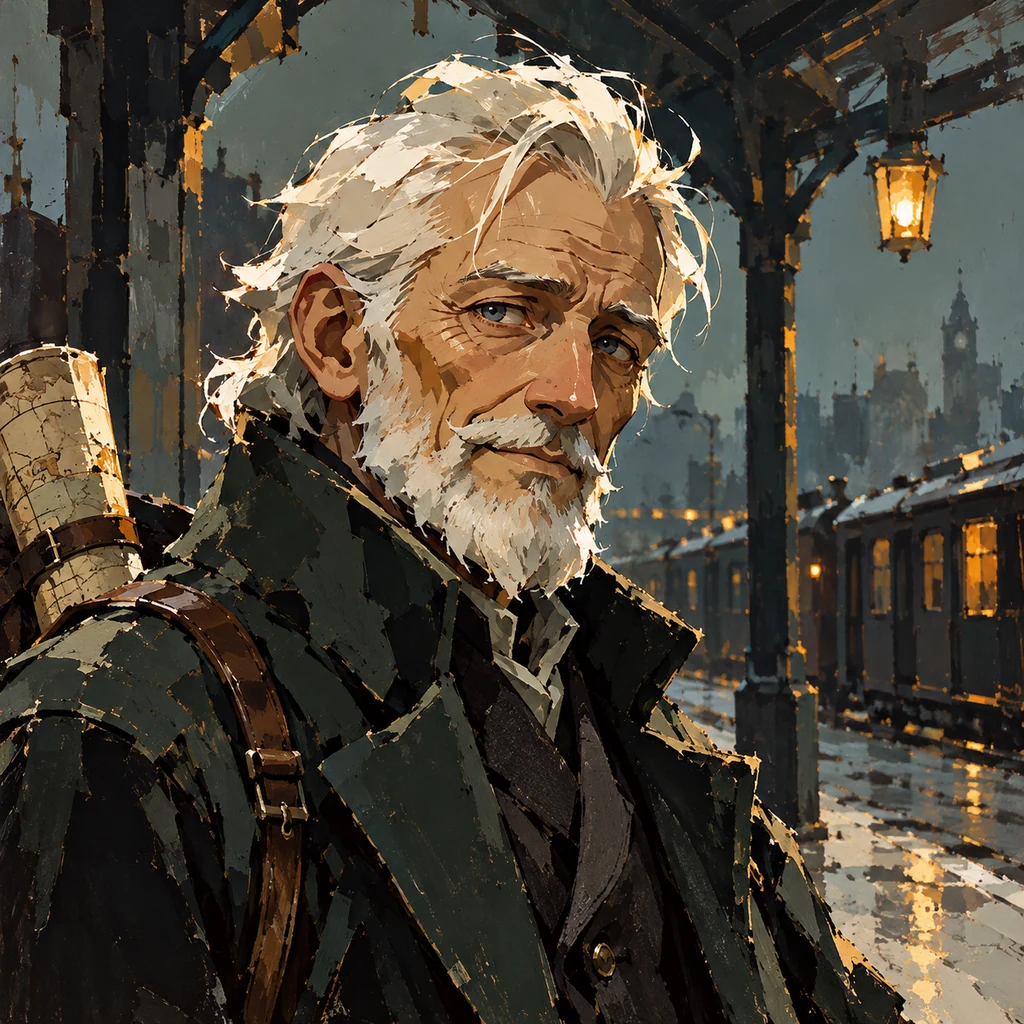
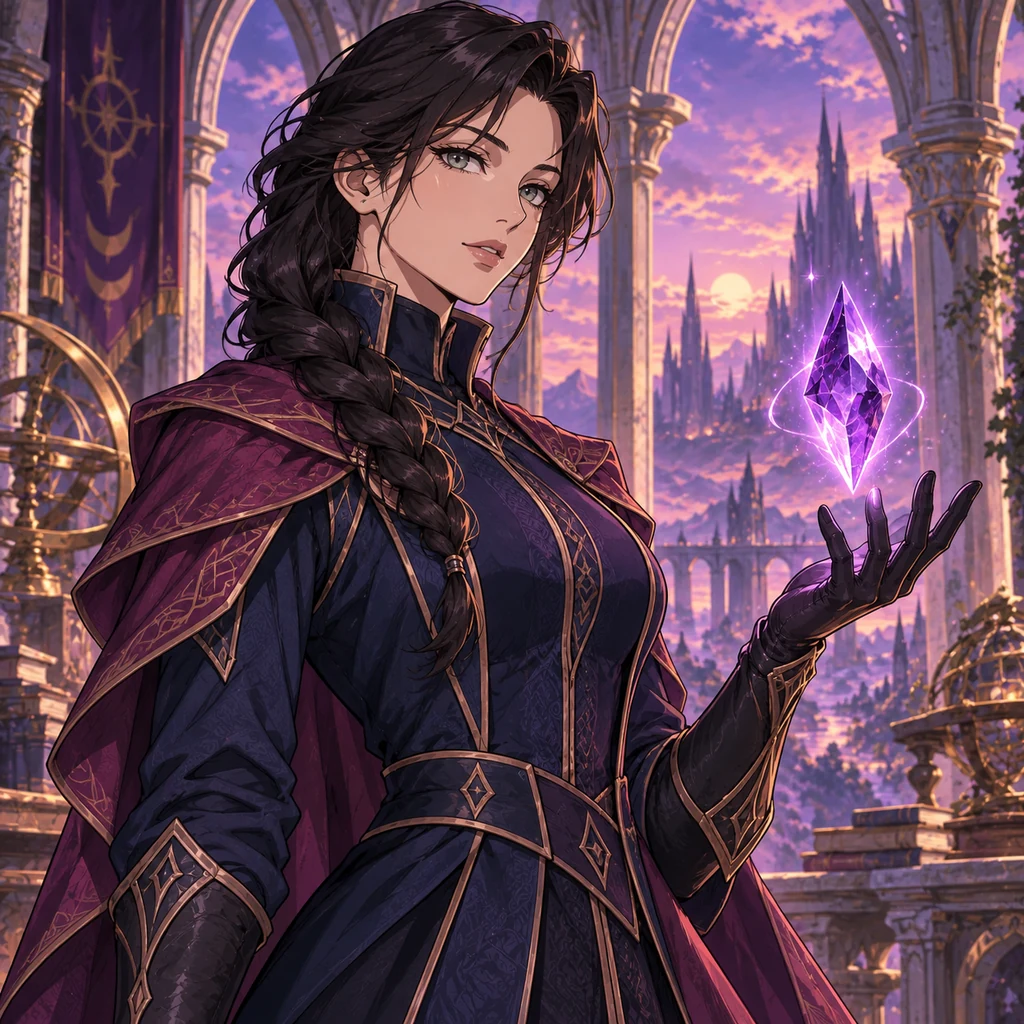
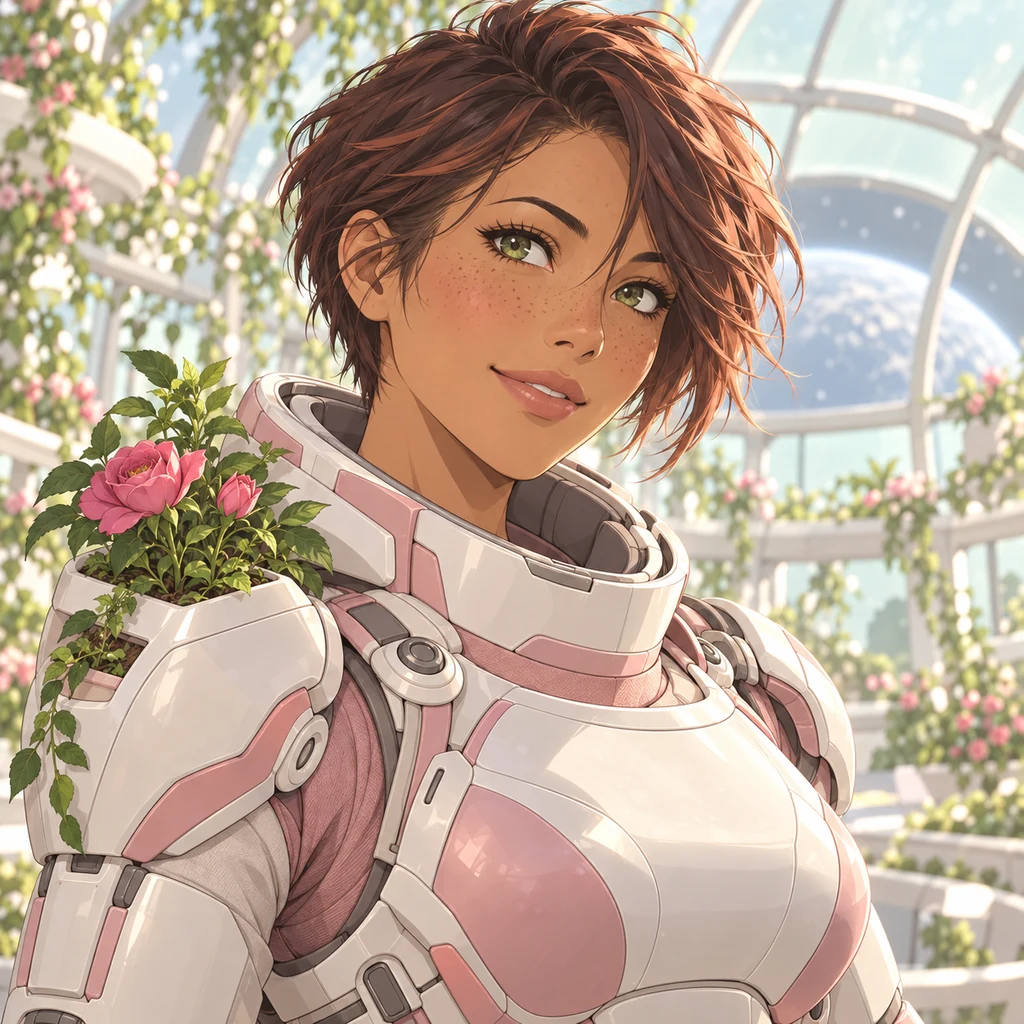
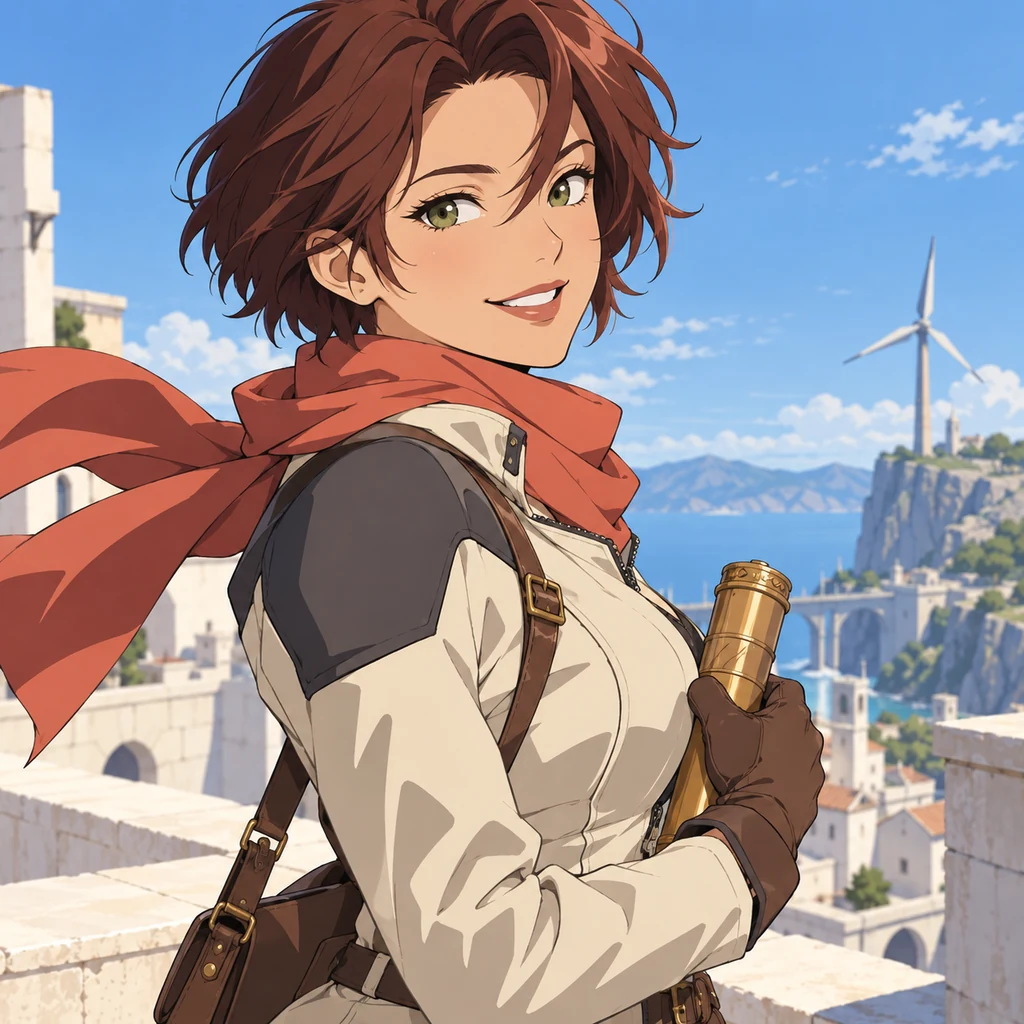
A quiet moment. An unlikely hero. A world beyond the everyday. Turn your ideas into anime images, from expressive portraits to scenes full of color and motion. Describe the characters, setting, and mood, then explore different styles to find the look you imagined.
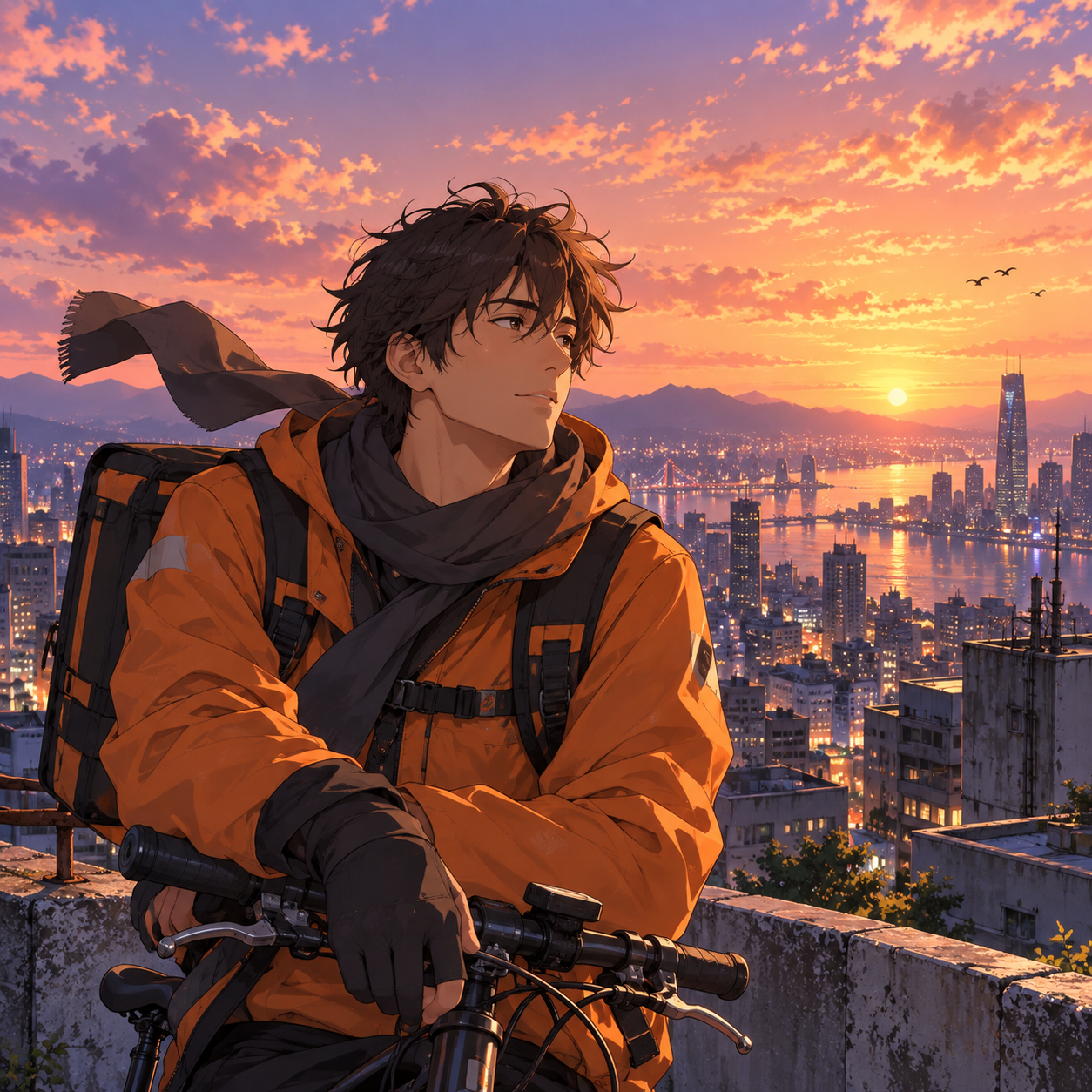
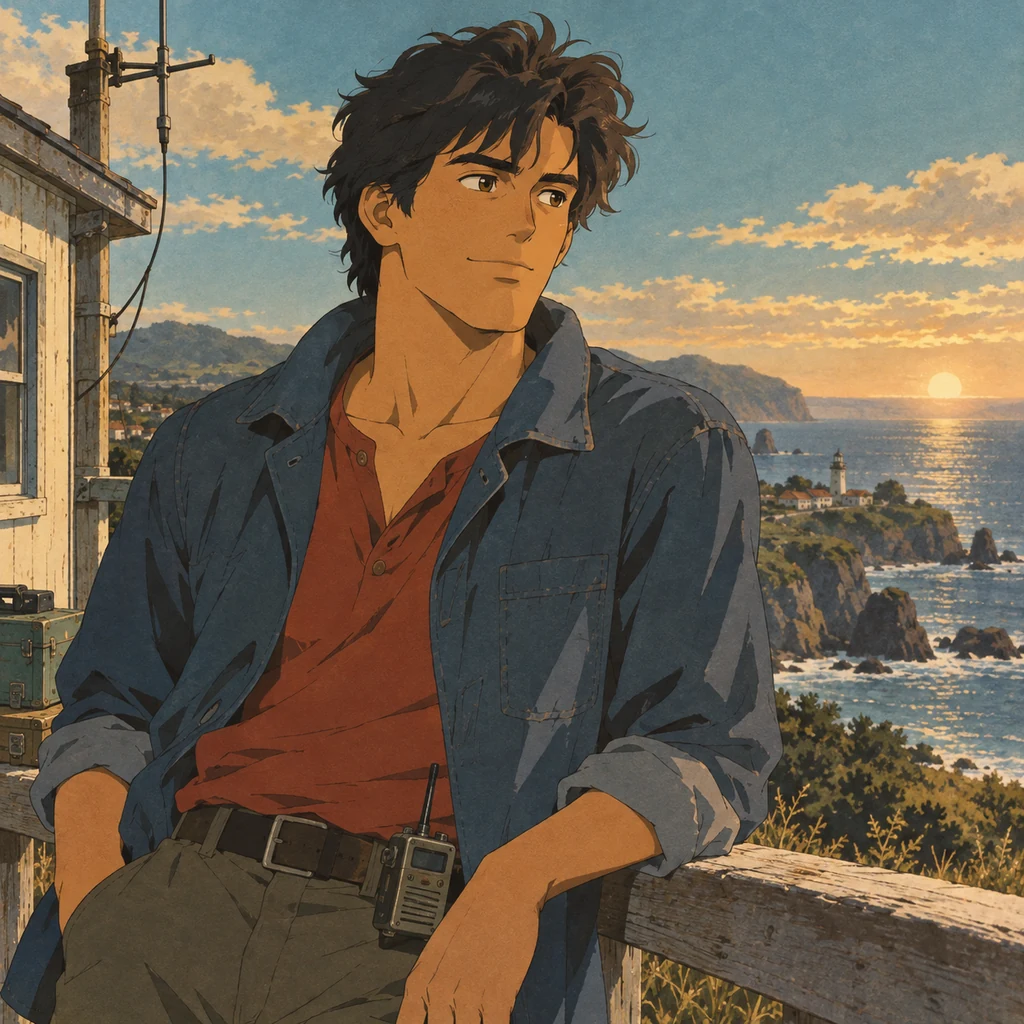
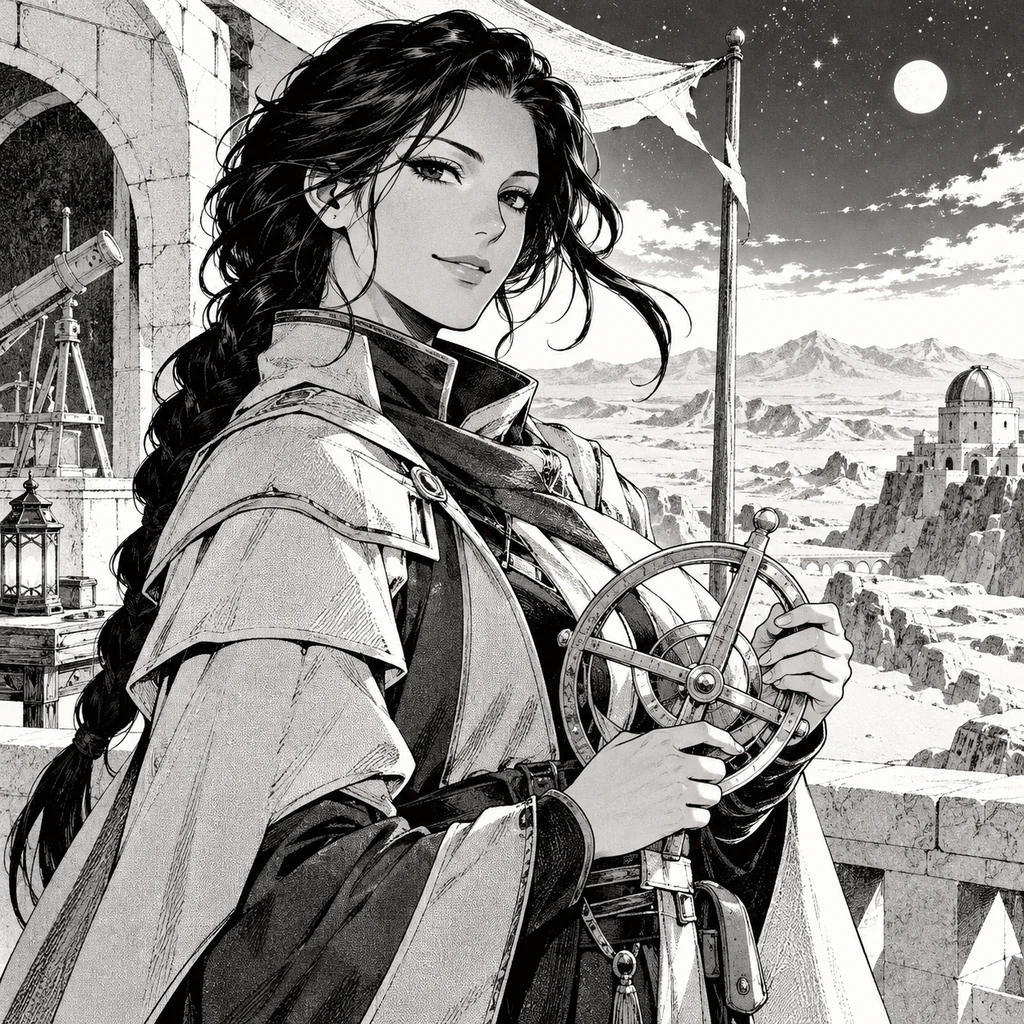
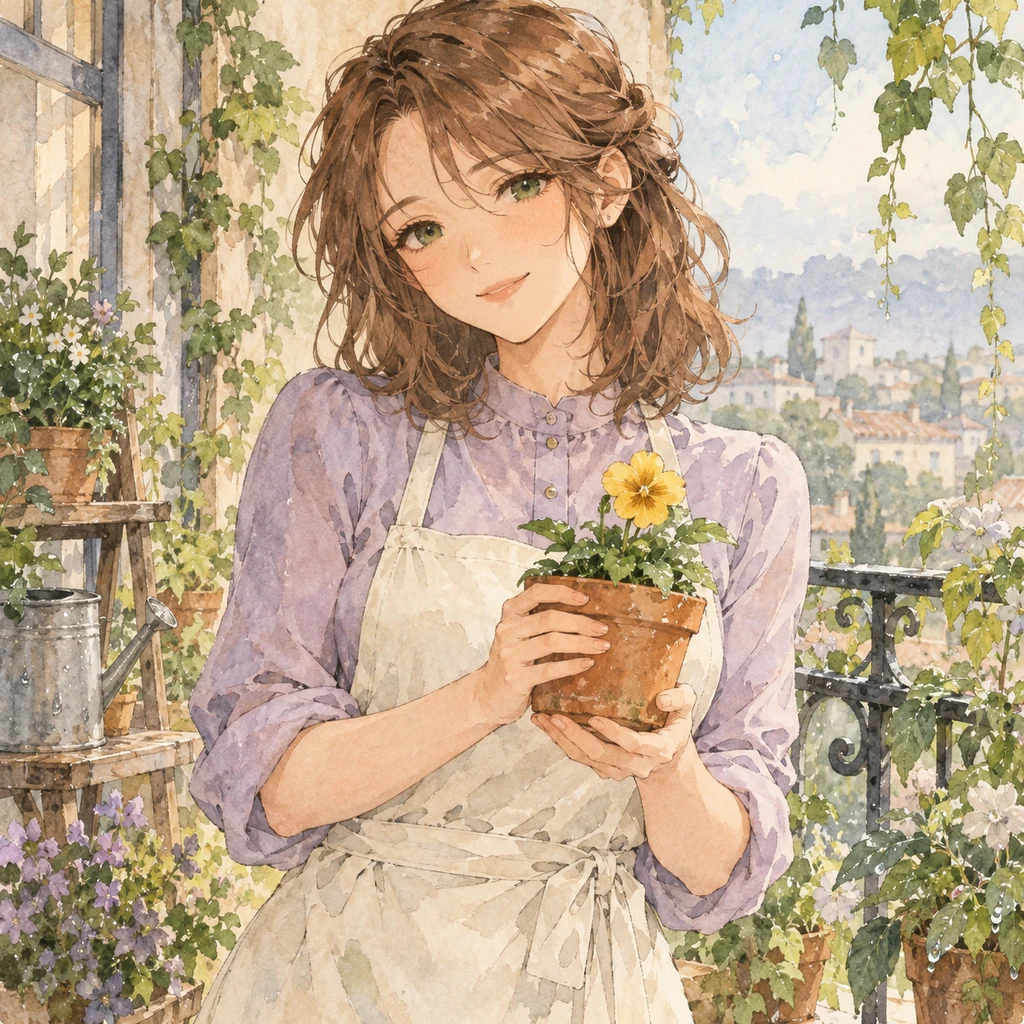
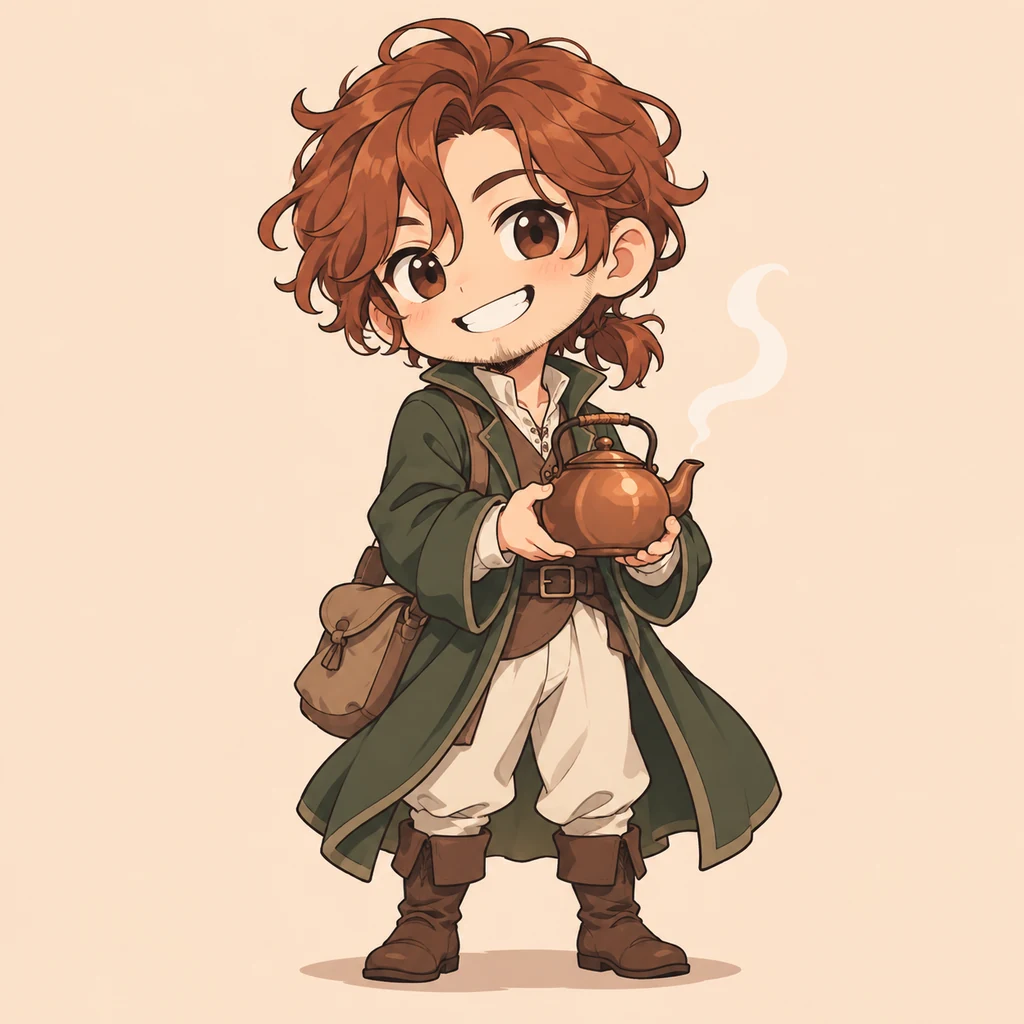
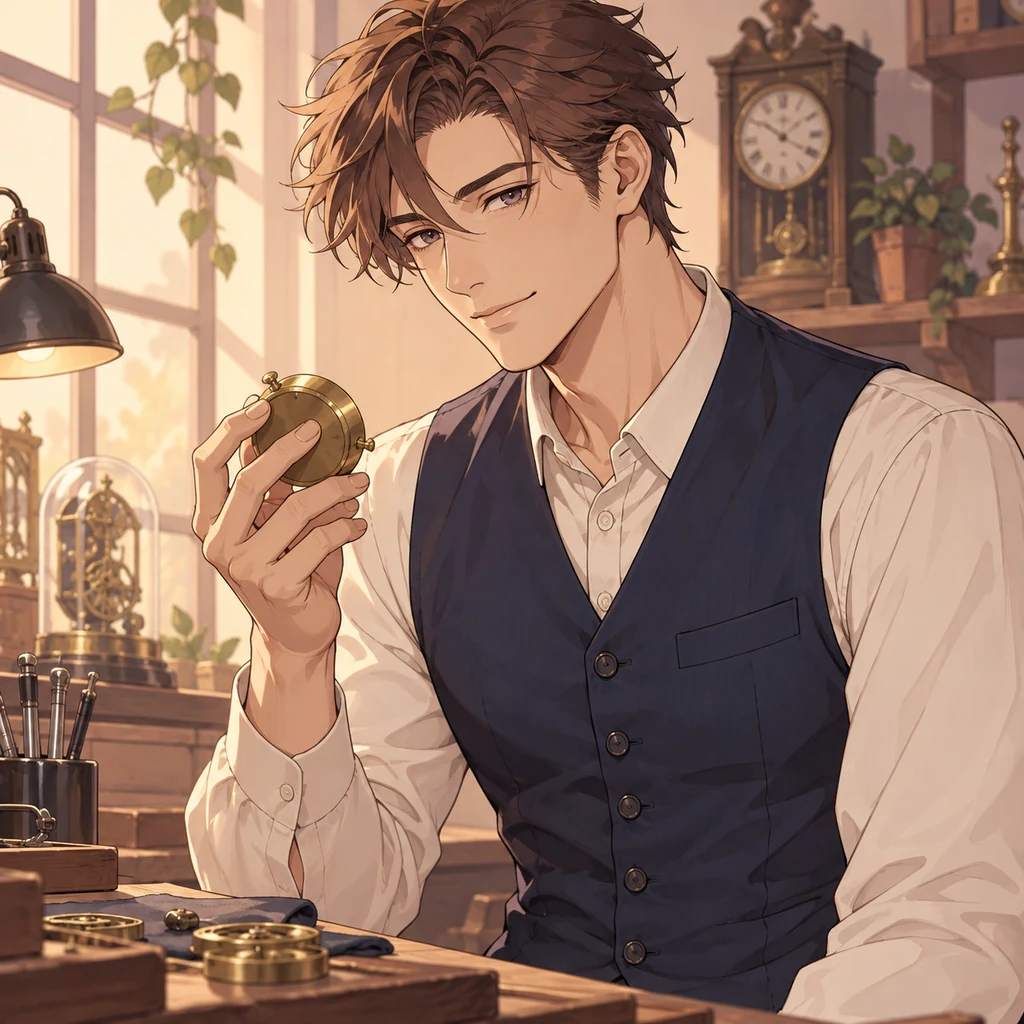
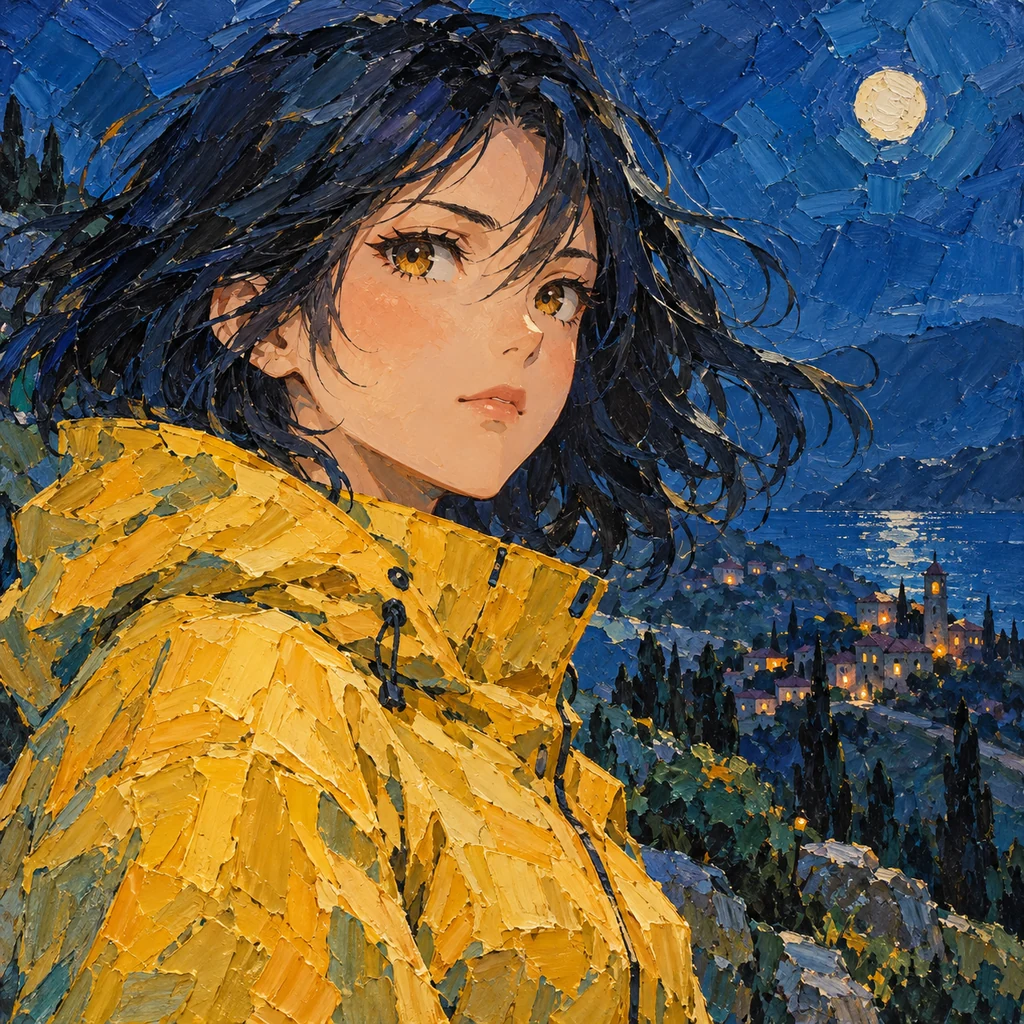
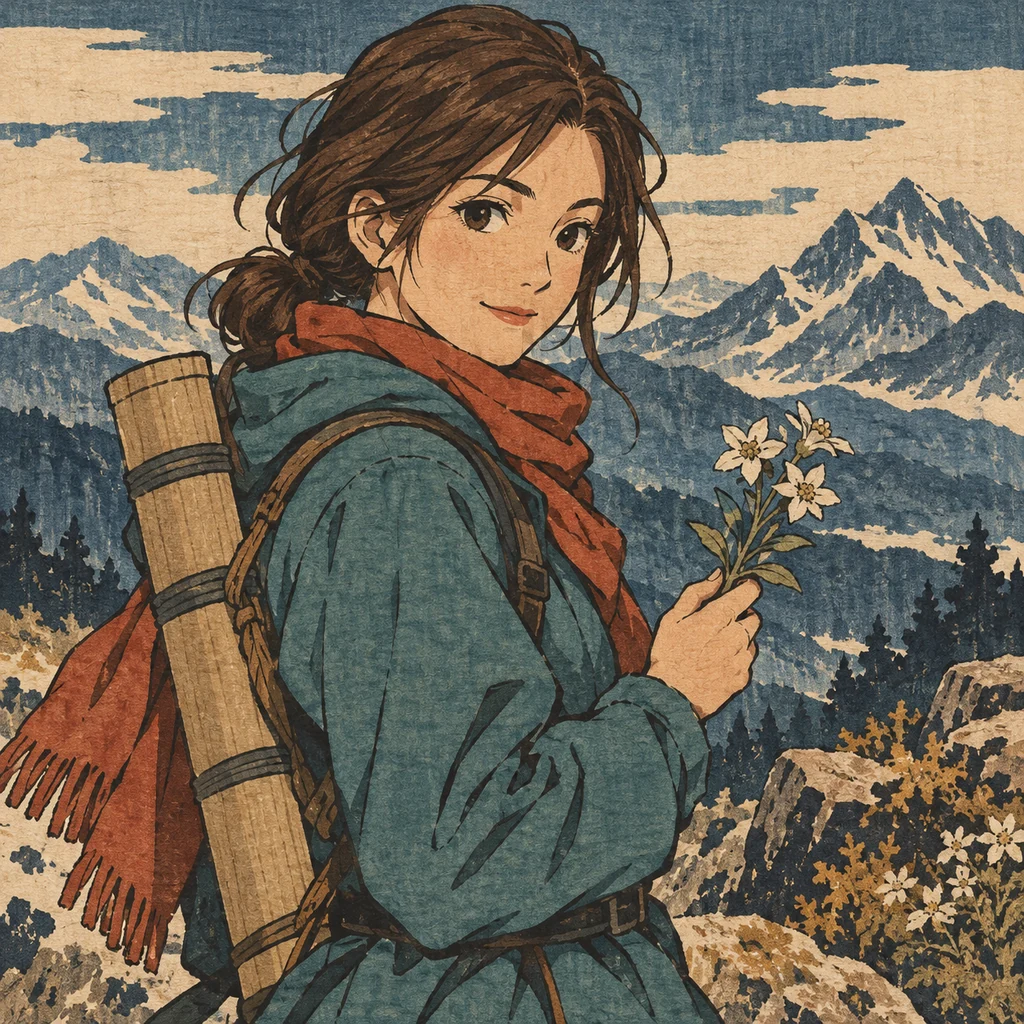
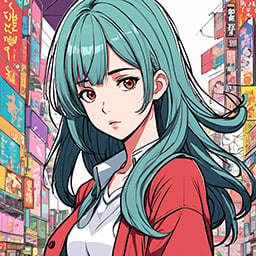
Explore cinematic portraits, colorful fantasy, expressive manga, and softer illustrated looks. Find a style for a new character, a quiet scene, or a world of your own.
Browse StylesDescribe your subject, setting, expression, and mood.
Choose a catalog style or upload a style image, then set quality and image count.
Generate an image, refine the details in your prompt, and download a favorite.
An anime prompt can begin with a face or a whole scene. “An adult violinist, focused expression, stage lights” suggests a portrait. Add a rooftop at sunset, a breeze, and a luminous skyline to place a character in a world of their own.
Describe the details that matter most: expression, clothing, light, and atmosphere. Try a different style to explore the same idea in soft color or expressive monochrome. Each generation creates a still image; review faces, hands, and other details as you refine it.
Developing a cast across different visual styles? Explore AI Characters. For a separate creative workflow based on photos of yourself, visit Avatars.
Describe their appearance, clothing, expression, and setting. The tool generates an image from your description and the selected style reference.
You can request environments and scenes as well as portraits. Choose a clear subject and a few important details, then review and refine the result.
This workflow creates still images. It does not generate animation or video.
There is no identity-lock control in this interface. Reusing a description and style can guide the look, but faces, clothing, and other details may change between images.
Yes. You can upload an image as a style reference. Uploading a photograph does not guarantee a photo-to-anime transformation that preserves the person’s identity. Hotpot’s Avatars uses a separate workflow based on photos of yourself.
The current creation interface offers a square size setting. You can explore an image for a wallpaper, but this workflow does not offer a selectable wide format. Check the result and crop for your screen separately.