
Change the artistic medium
Explore watercolor, oil painting, comic art, or another catalog style. Start with a photo, painting, illustration, or other artwork.
Restyle photos, paintings, and illustrations
Give a vintage photo a modern photographic look. Reimagine a painting or turn a comic into a watercolor. Upload one or more images, then choose a style, add a separate style reference, or describe the treatment to apply to each image.
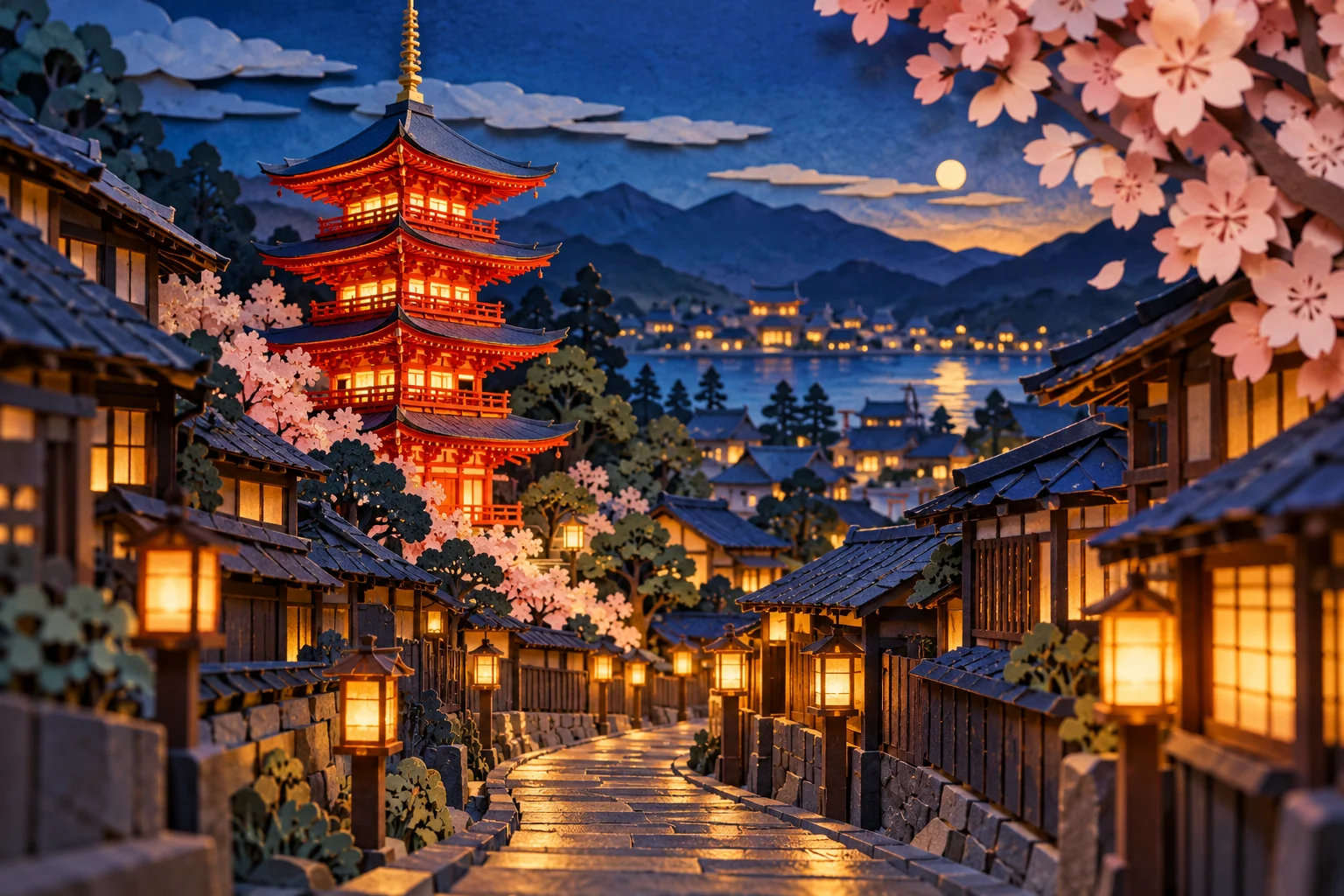
Explore watercolor, oil painting, comic art, or another catalog style. Start with a photo, painting, illustration, or other artwork.
Add a separate style reference through the style picker to guide the artistic style, texture, and finish of every source image.
Describe a new palette or a specific color change. Tell Restyler which details to keep.
Start with photos, paintings, comics, or other artwork you want to restyle. Each image gets a separate result.
Choose a catalog style, add a separate reference through the style picker, or describe your own treatment. The same style and optional instructions apply to every image in the batch.
Follow progress for each image, review the results, and download them individually or together in a ZIP.
Hotpot AI Restyler applies image style transfer to photos, paintings, comics, and illustrations. Restyle a photo into another photographic look, or explore a different medium, palette, or finish. Choose a catalog style, upload a reference image, or describe the treatment you have in mind.
For a focused color change, name the object and the color you want. For a broader treatment, describe the materials, texture, and mood. Include any details you want to preserve, then review the result.
To add or remove objects or change a background, try AI Image Editor. To create an image from an idea, explore AI Image Generator.
Explore AI Image EditorYes. Upload one or more source images and choose a shared style or reference. Each source gets a separate result with the same style and instructions. Keep this tab open while processing; refreshing does not preserve the queue. Download results individually or together in a ZIP.
AI style transfer changes the visual treatment of an existing image, including its photographic look, artistic medium, texture, or color. You can restyle a photo into another photographic style, such as giving a vintage portrait a contemporary studio look. Hotpot AI Restyler lets you choose a catalog style, provide a reference image, or describe the look you want.
Yes. Your starting image can be a photo, painting, comic, illustration, or other artwork. Turn a comic into a painting, reinterpret a painting in another style, or explore a different medium. Choose a style, upload a reference, or describe the treatment you want.
Yes. Upload your source images, then add a separate reference through the style picker. The reference guides the artistic treatment of each source, such as its medium, texture, and color.
Yes. Describe the color change you want, such as changing a red jacket to navy blue, and specify what should stay the same. Review the result for unintended changes.
Restyler is designed to preserve the content of your original while changing its treatment, but AI can alter details. Check faces, text, and other important features before using the result.
Restyling uses credits. The editor shows the credit cost before you create an image.