
AI Designs
Your idea.
Designed.
A banner for your next chapter. A post for your big news. Describe what you have in mind and turn it into a design you can make your own.
Editable text, colors, and layouts. Made with AI.
Create a design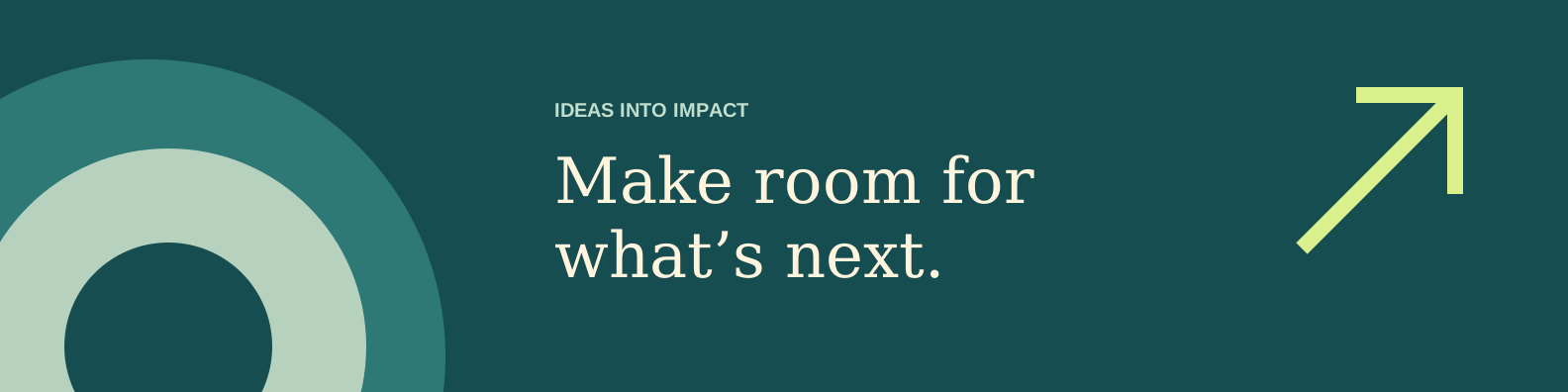
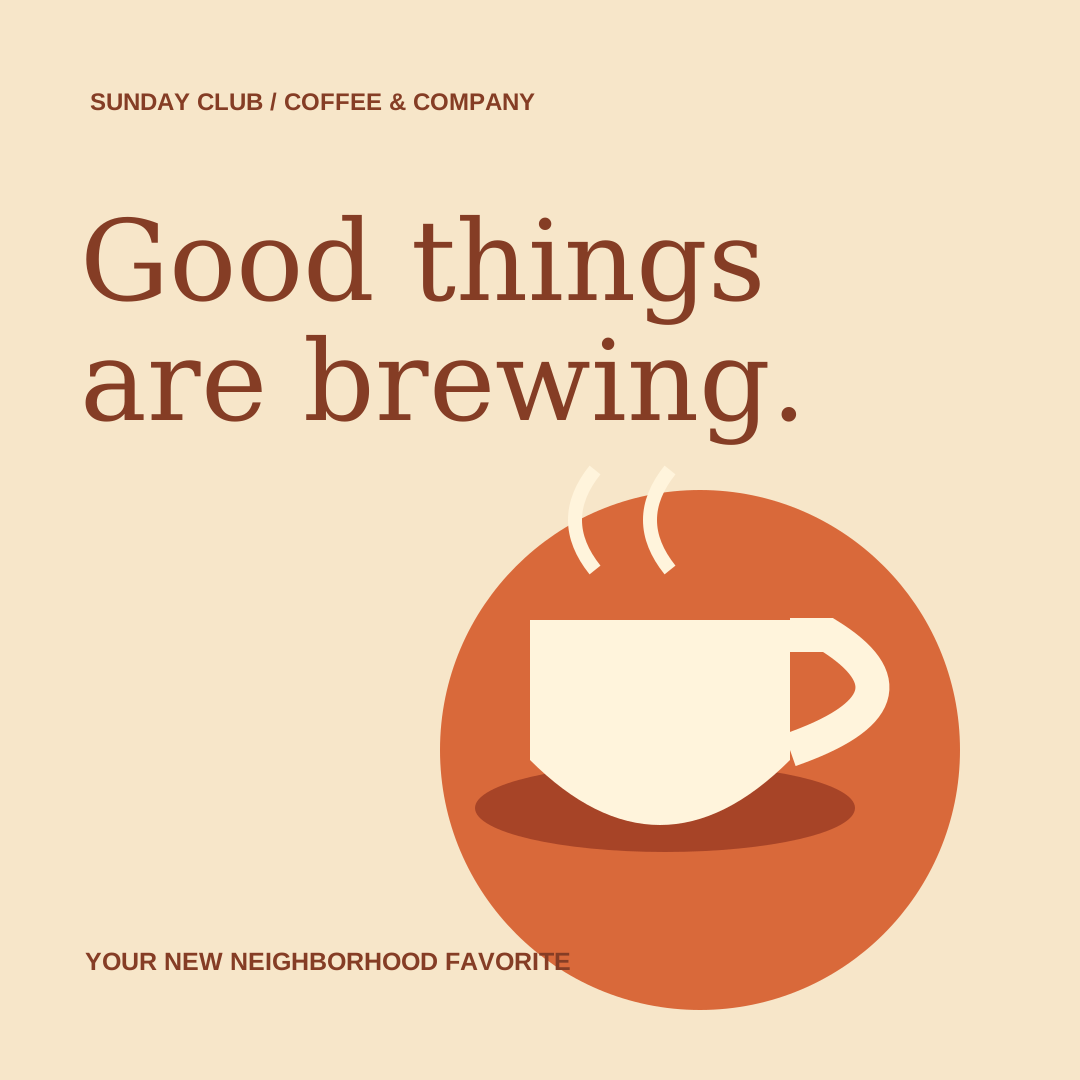
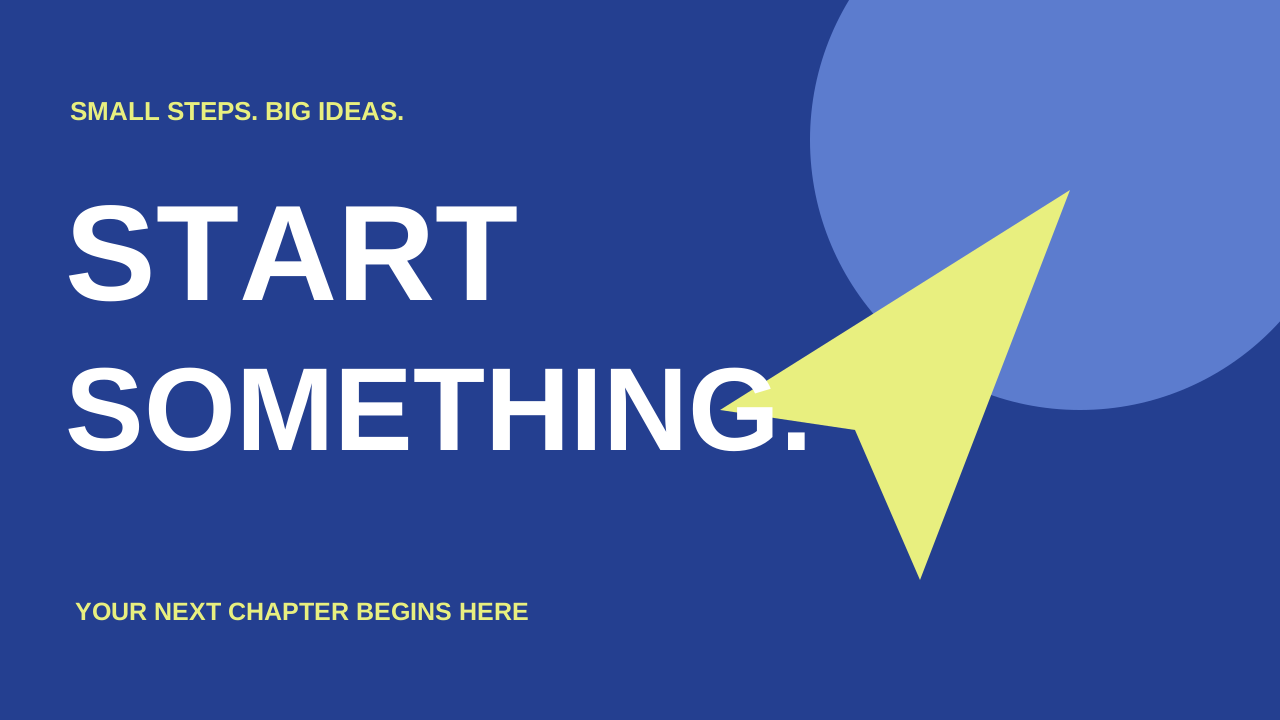 Example layouts. Bring your own ideas.
Start with a goal
What are you making?
Tell us what it should say and how it should feel.
LinkedIn banners
Give your profile a look that feels like you.
Instagram posts
Share a launch, a little news, or a big idea.
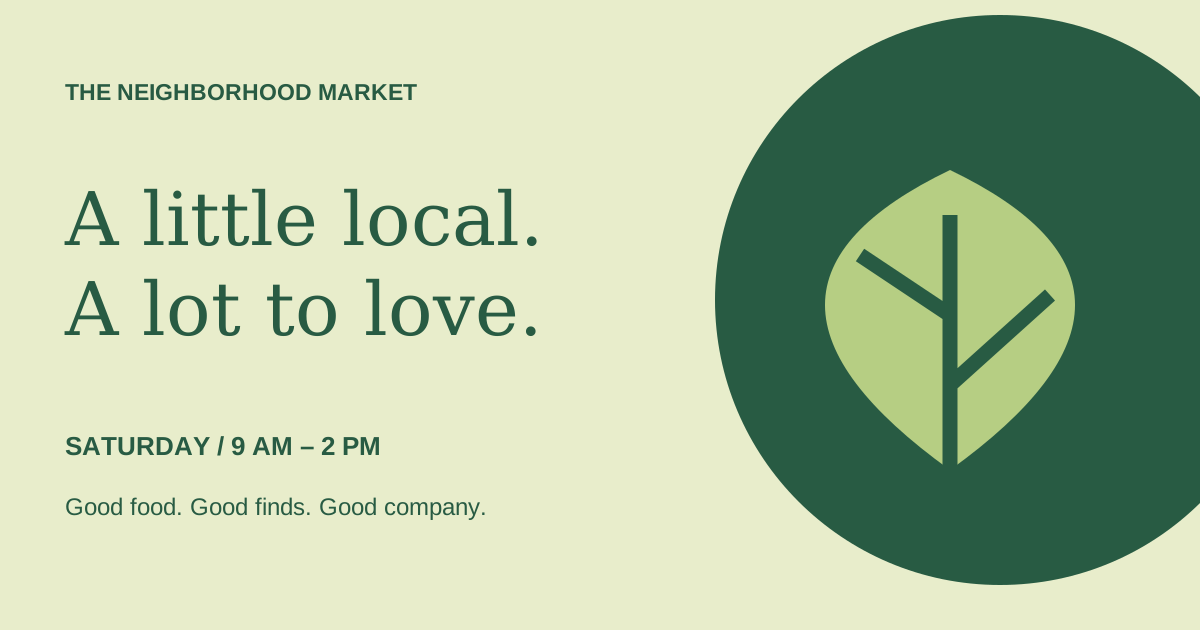
Facebook posts
Bring an event, offer, or announcement to your feed.
YouTube thumbnails
Make the first glimpse of your video count.
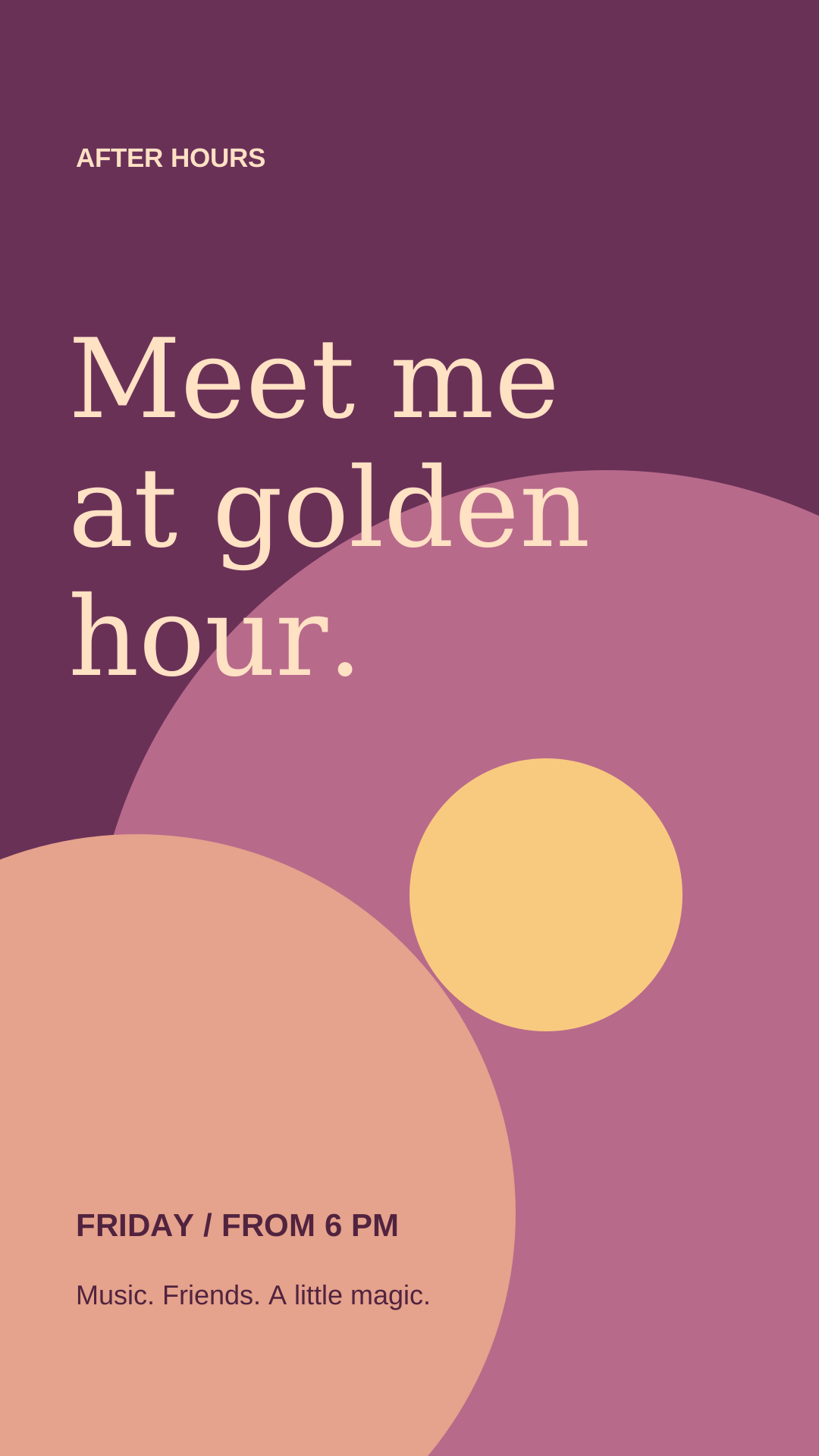
Instagram stories
Turn a quick update into a full-screen moment.
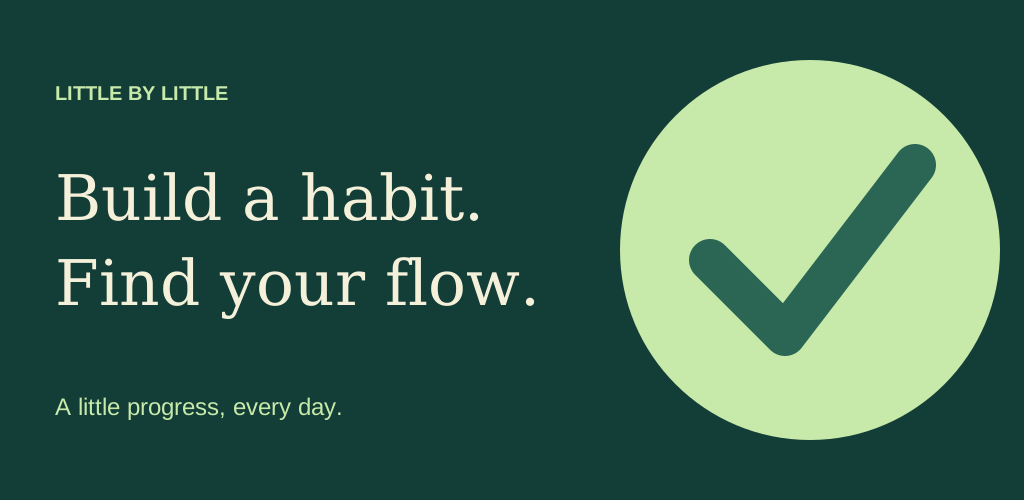
Google Play feature graphics
Introduce your app with a bold, simple graphic.
From idea to design
Make it yours.
- 01
Describe your idea
Pick a goal. Add your words, your audience, and the look you’re imagining.
- 02
Find your direction
Create a design, then explore layouts, fonts, colors, and artwork.
- 03
Add your finishing touches
Ask AI for a new version, or open the Classic editor on a computer to edit individual elements. Download when you’re ready.
A little more about AI Designs
How is this different from AI Images?
AI Designs creates a layout with editable text and graphic elements. Use it for banners, posts, and other graphics where the words and the composition matter together.
Can I edit the result?
Yes. Change the design’s fonts, colors, layout, and artwork, or describe the changes you want. For hands-on editing of individual elements, open your design in the Classic editor on a computer.
Do I need credits?
AI creation requires an account and credits. The editor shows the price before you create. Opening the editor and choosing a goal do not use credits.
Can I make App Store screenshots?
For screenshots with phone or tablet frames, start with our Classic Templates. AI Designs supports graphics such as social posts and Google Play feature graphics without device frames.