
Free to edit. Free to download.
Android App Graphics
Give your app a great first impression. Create Google Play screenshots with Pixel 11 Pro and Galaxy S26 Ultra frames, then complete your listing with a matching icon and feature graphic.
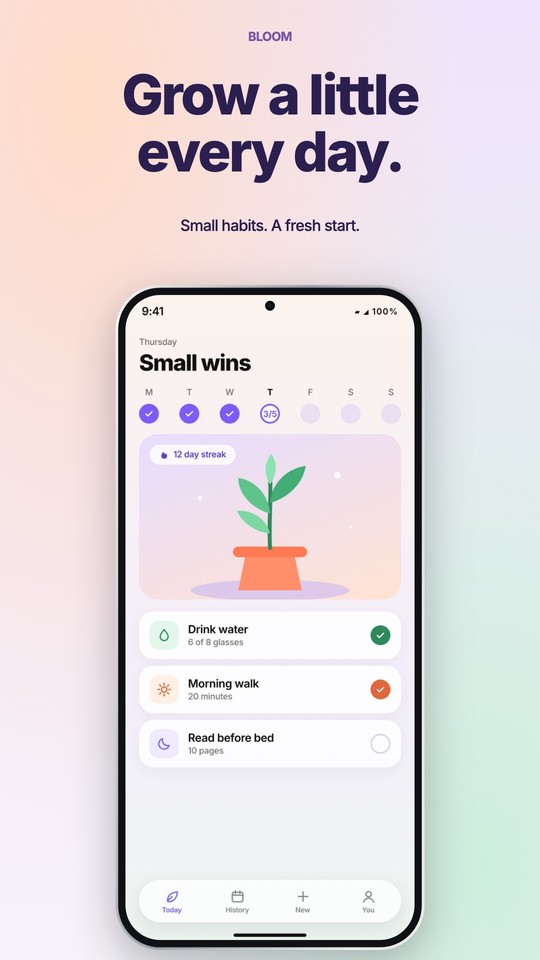
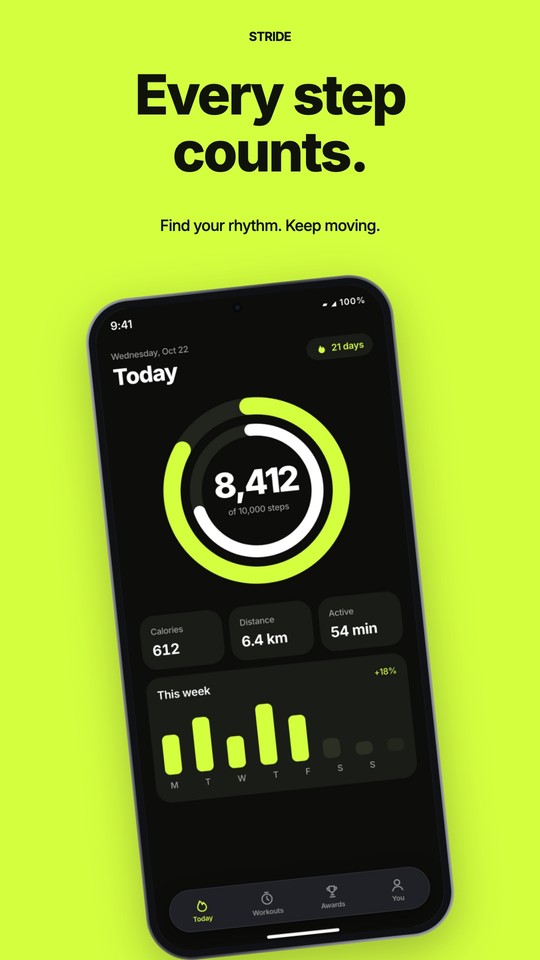
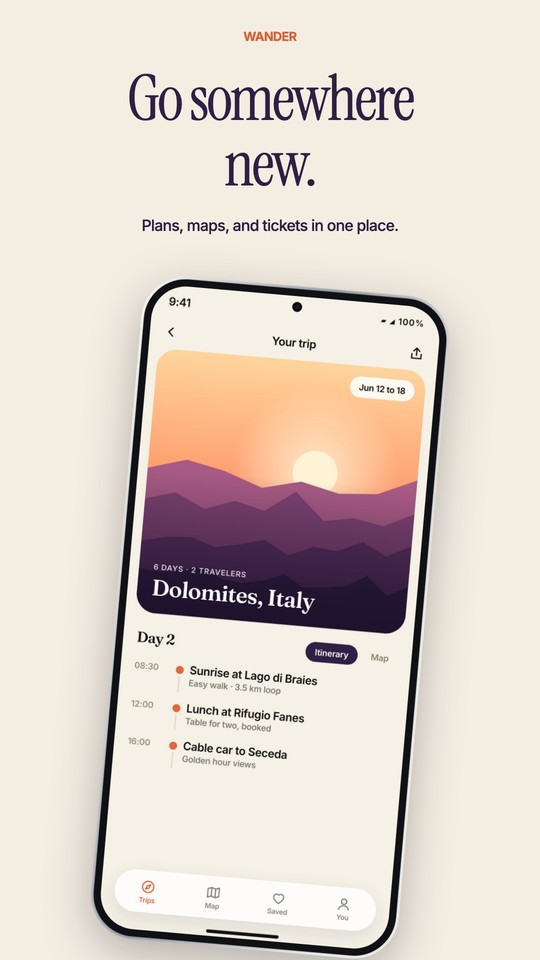
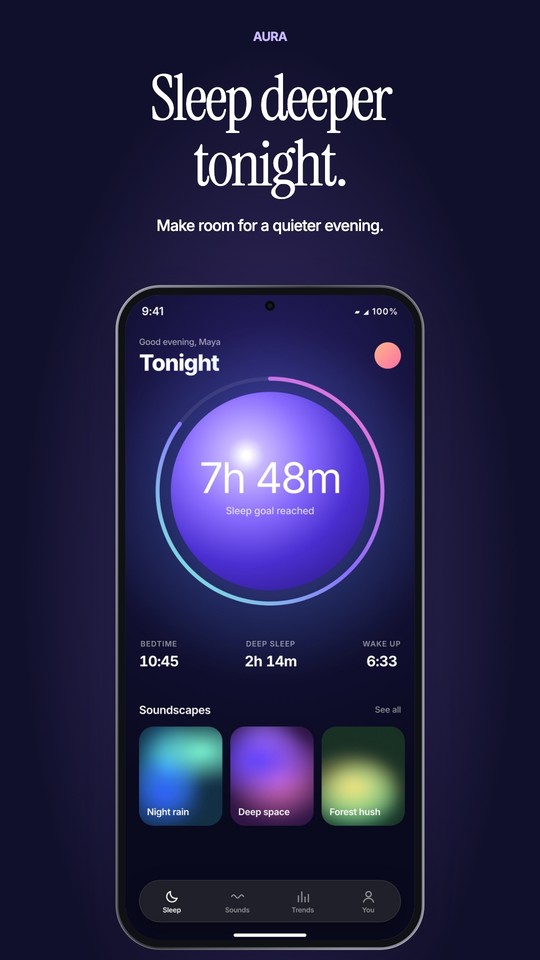
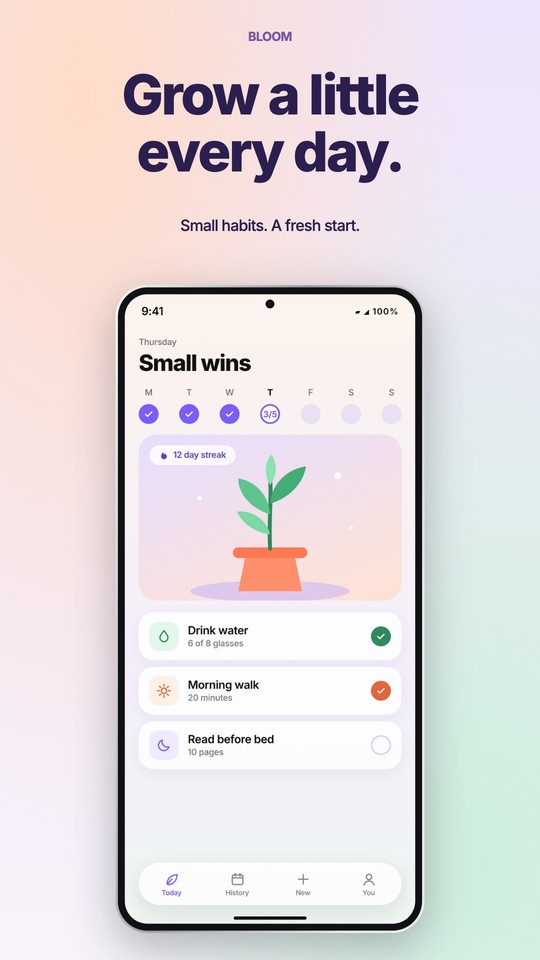
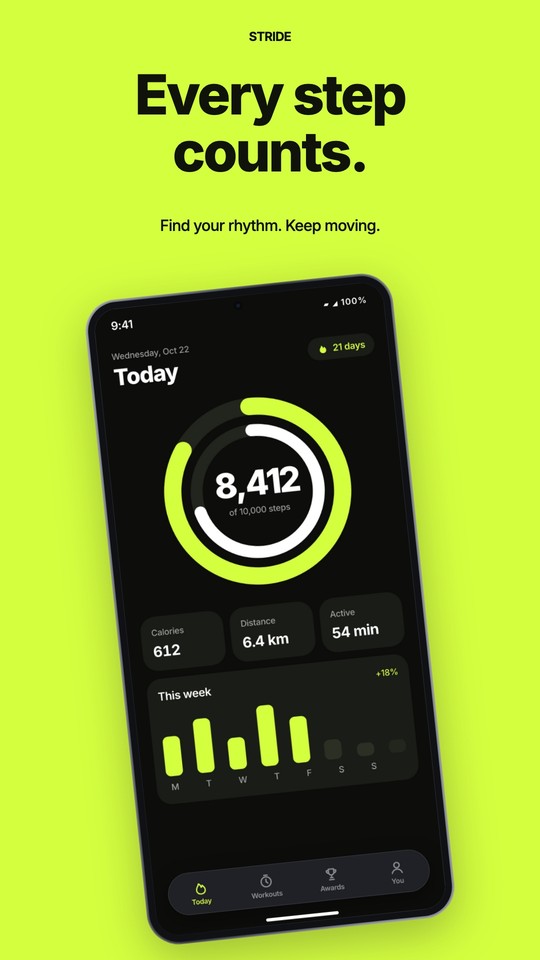
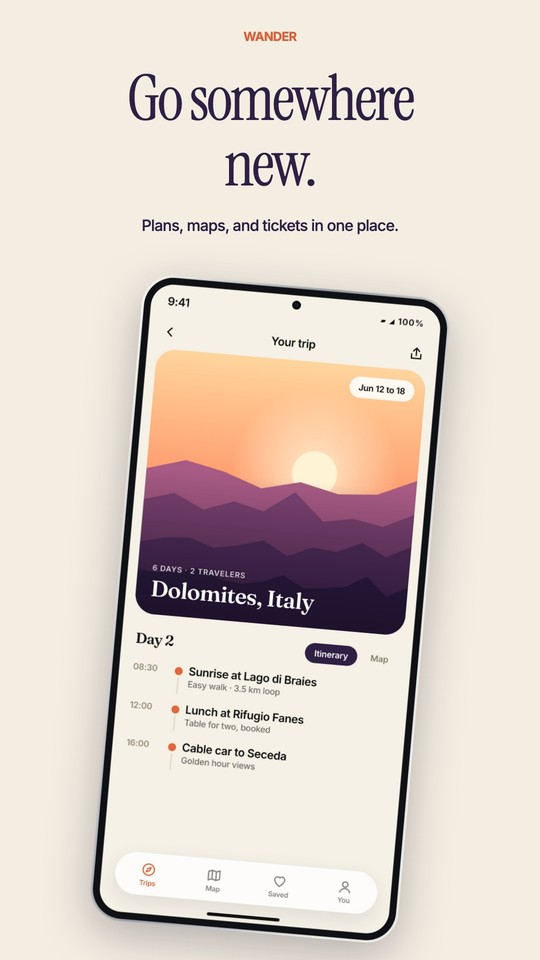
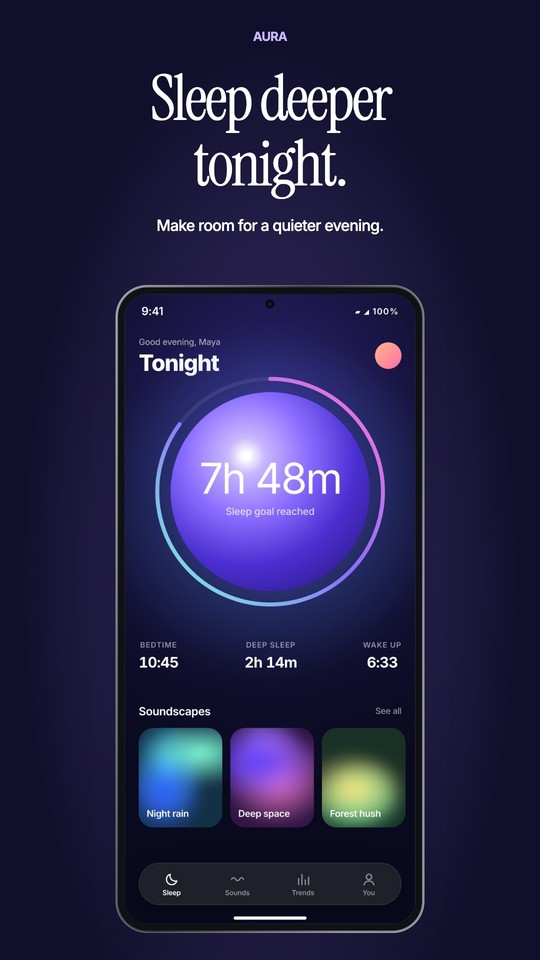
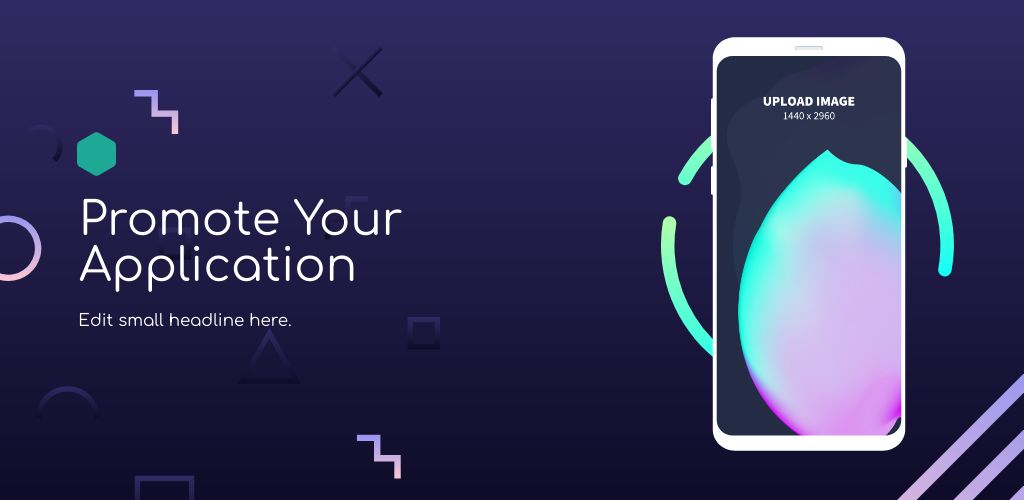



Your app, ready to show.
Choose a design
Pick a frame and a layout that suit your app.
Add your real screen
Select the phone and use Screenshot to upload an image from your app. Replace the fictional demo content and edit the captions.
Download your graphics
Download a JPEG and check the finished image before adding it to your Google Play listing.
A snug fit.
A clear first impression.
Each frame has its own screen shape, so your screenshot follows its rounded corners as you resize or turn the phone.
Use a screenshot from the matching device for the closest fit. For a different shape, adjust the image position and crop with the Screenshot controls.
The phone sits inside a 1080 × 1920 listing image. That canvas size is separate from the phone’s screen resolution.
Before you publish
Use actual app content and make each caption easy to read. Keep a consistent look across your screenshots, app icon, and feature graphic.
Google Play’s preview asset guidelines explain the current requirements.
A few useful answers.
Are these templates free?
Yes. Instead of forcing everyone into a subscription, we aim to charge the rich while keeping Android screenshot templates free for everyone else. See details.
Are these official device images?
No. The frames are original Hotpot illustrations sized for Pixel 11 Pro and Galaxy S26 Ultra screenshots. They are not Google or Samsung product photography. Hotpot is not affiliated with Google or Samsung.
Can I change the frame?
Yes. Select a phone and open Frame to choose a different device or finish. Your uploaded screenshot stays in the design; check its crop after switching devices.