
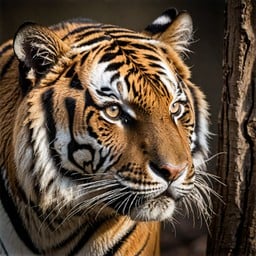


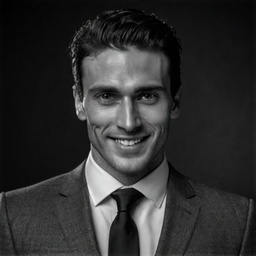
Describe the image
Tell us the subject, setting, lighting, and mood you need.
Picture your message
The right image makes an idea easier to see. Create photos for websites, articles, presentations, and social posts. Describe the subject, setting, and mood, then explore lighting and styles to find a visual that fits the message you want to share with your audience.
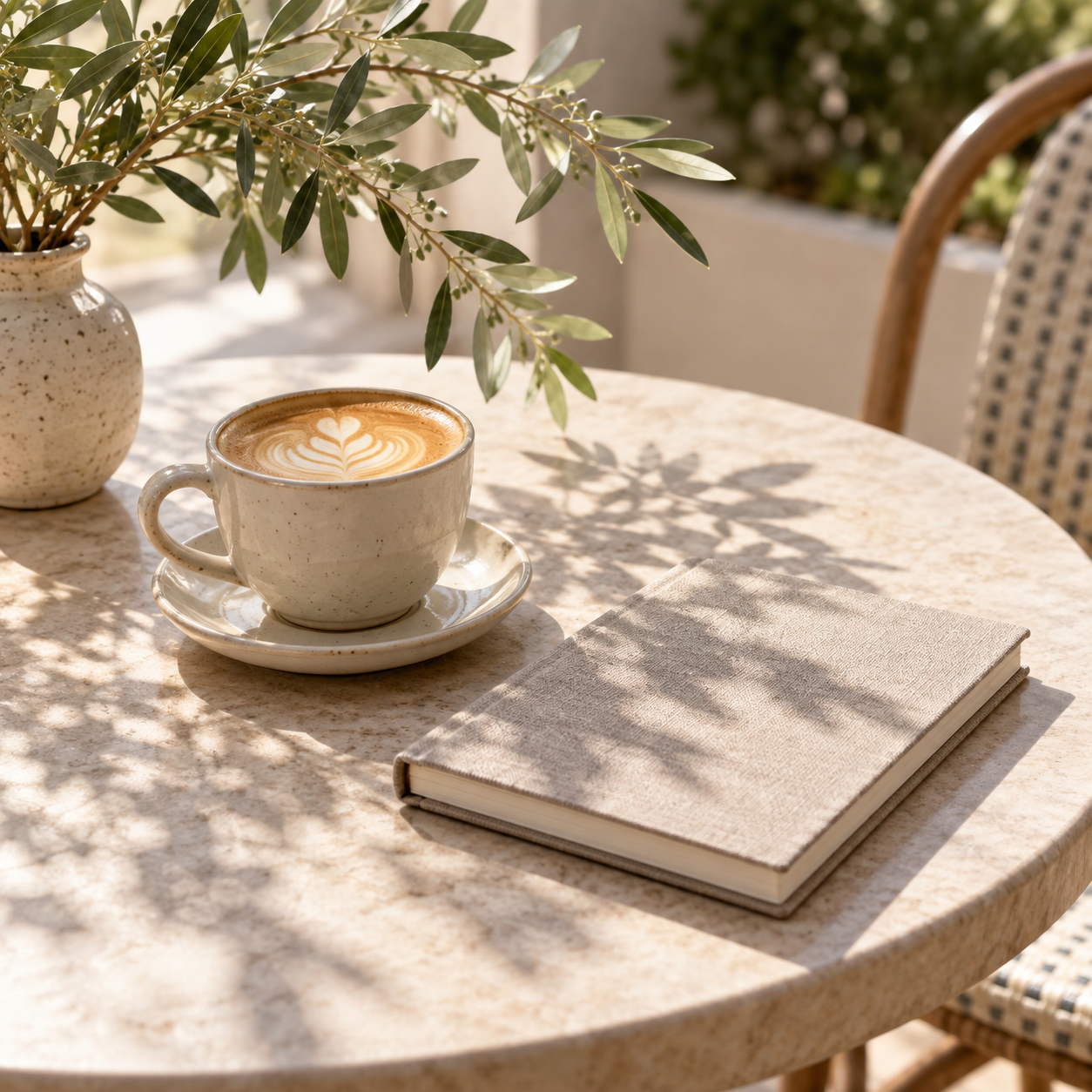
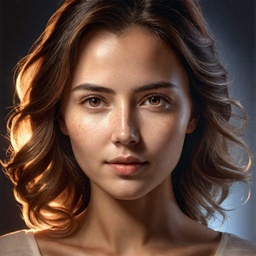
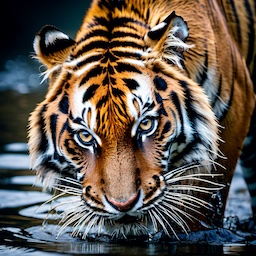
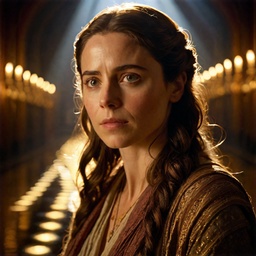
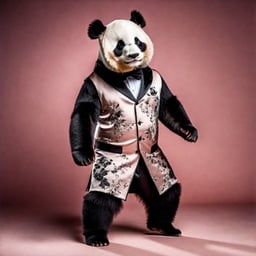
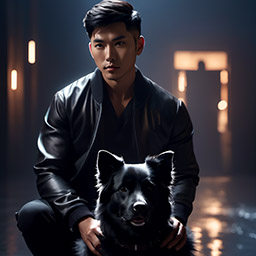
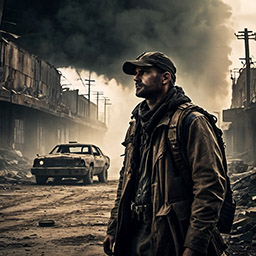
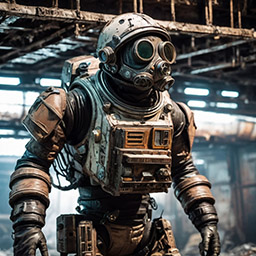
Explore natural light, cinematic color, expressive portraits, and classic black and white. Find a photographic look that fits your story, from everyday subjects to imagined scenes.
Browse StylesTell us the subject, setting, lighting, and mood you need.
Pick a photographic style or upload a style image, then choose quality and image count.
Generate options, refine your description, and download an image to review in your design.
Start with the message you want to share, then make it visible. An article about a fresh start might use a sunlit workspace or a young plant. Describe the subject, setting, lighting, and mood, and request breathing room if your design needs space for text.
Explore a few directions and check how each image works beside your words. These are generated images of imagined scenes, not a searchable library of existing photographs or documentation of real events.
For illustrations and other visual styles, explore the AI Image Generator. Continue working on an image with AI Editor, or visit Headshots for the separate workflow based on photos of a specific person.
These are AI-generated images of imagined subjects and scenes. They are not photographs documenting an actual person, product, place, or event.
Turn the message into a concrete subject and setting, then describe the lighting and mood. For an article about a fresh start, try a sunlit worktable or a young plant beside a bright window.
Describe a simple composition with open space where you plan to place text. This is a prompt request rather than a guaranteed layout control, so check the result in your design.
This prompt-and-style workflow does not guarantee exact reproduction of an uploaded person or product. Hotpot’s Headshots uses a separate workflow based on photos of a specific person.
The current interface shows a square 1024 × 1024 size setting. Downloads are raster images; review the dimensions of your result before placing it in a design. Selectable wide formats and vector downloads are not offered here.
Sign in to your Hotpot account and use credits to generate images. Enter a prompt, choose a photo style or upload a style image, then set quality and image count.