
Chrome Store Screenshots
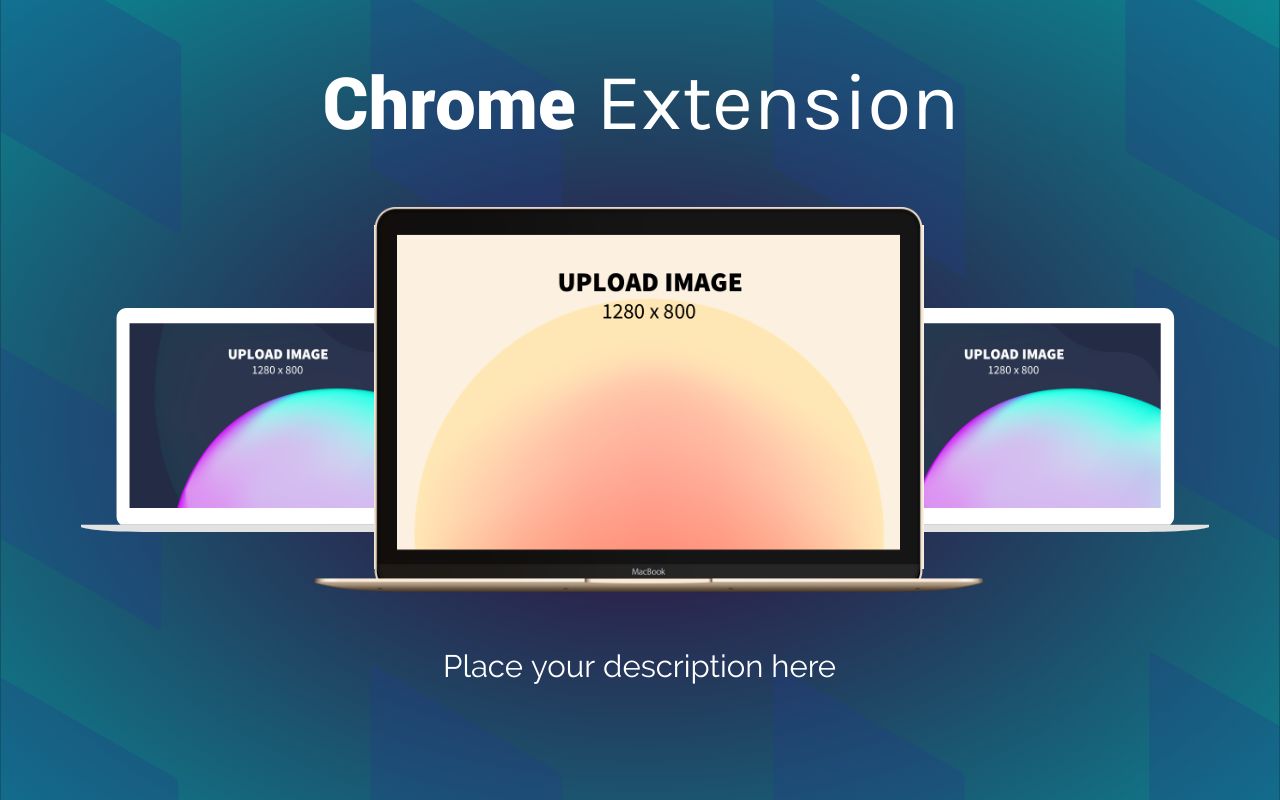
47 templates, free to edit and download. Each template is 1280 × 800 pixels, the screenshot size the Chrome Web Store recommends. Place your extension in a browser frame, add a caption. Instead of forcing everyone into a subscription, we aim to charge the rich while keeping Chrome Web Store screenshot templates free for everyone else. See details.


About these templates
Hotpot makes it easy to create Chrome Store screenshots. Customize handcrafted templates, or make fresh graphics from scratch. Our drag-n-drop editor lets you change fonts, patterns, and colors in minutes, plus resize screenshots for the Mac Store and other platforms. Embedding screenshots inside a browser frame or MacBook frame is as simple as uploading an image.
Screenshots help people understand what your extension does before they install it. Show it in action on a familiar website, crop to the part of the screen that matters, and add a short caption that names the benefit. A browser frame gives context, so people instantly see where the extension appears.
The Chrome Web Store allows up to five screenshots, so plan a short sequence from the main feature to secondary ones. Use the same layout and colors for all of them. Export without transparency, keep text large enough to read in the store's preview, and review the current listing requirements before you publish.
More templates
 Chrome Store Promotional Marquees
13 templates
 Mac Store Screenshots
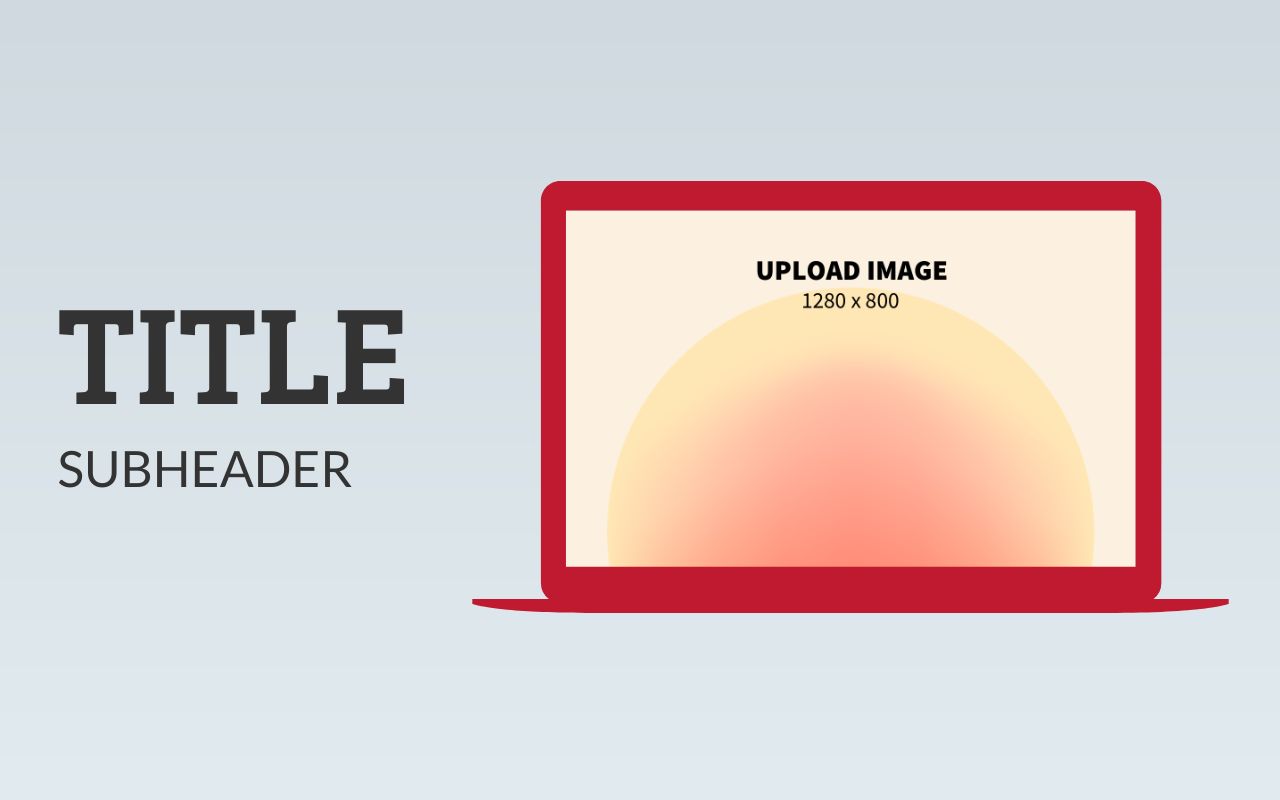
23 templates
 App Store Icons
43 templates
 Instagram Posts
147 templates
 App Store Screenshots - iPhone 12 Pro Max
65 templates
 App Store Screenshots - iPad Pro
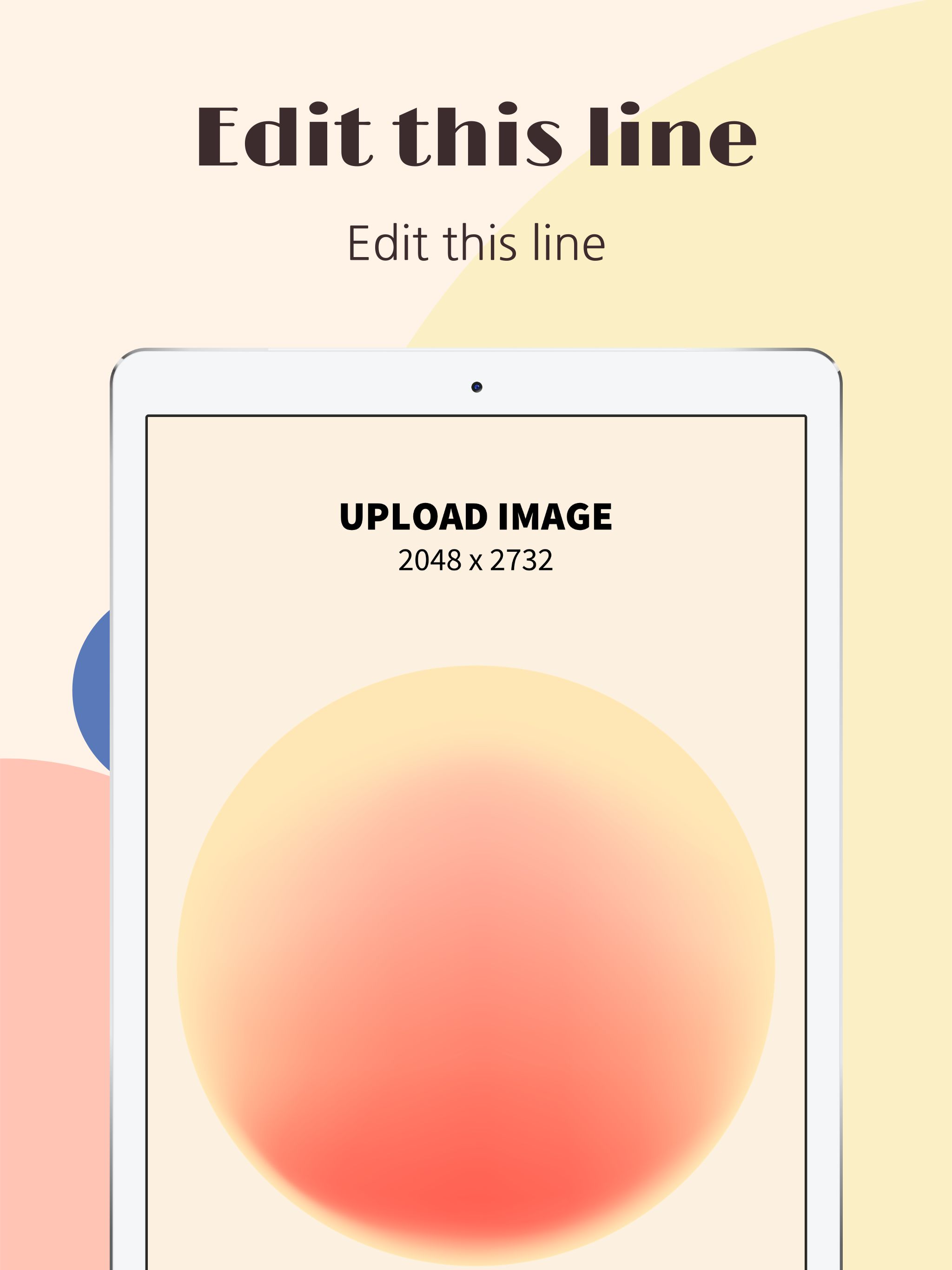
24 templates
 Google Play Screenshots - Samsung S10
58 templates
 Game Assets
52 templates