
Product Hunt Gallery Screenshots
91 templates, free to edit and download. Each template is 1270 × 760 pixels, the size Product Hunt recommends for gallery images. Add your product screenshots and headlines. Instead of forcing everyone into a subscription, we aim to charge the rich while keeping Product Hunt gallery templates free for everyone else. See details.
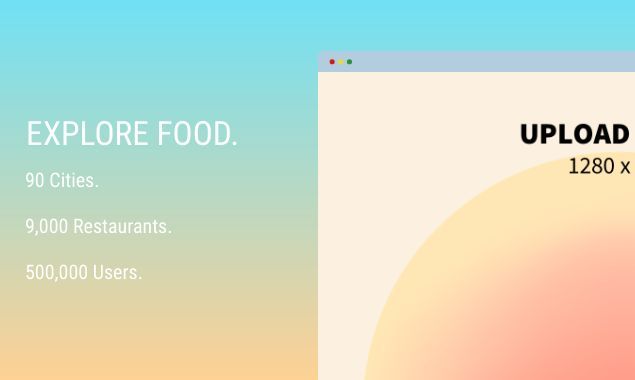


About these templates
Hotpot makes it easy to create Product Hunt gallery screenshots. Customize handcrafted templates, or make fresh graphics from scratch. Our intuitive drag-n-drop editor offers many device frames, including the iPhone XS Max, MacBook, Samsung S9, Pixel 3, and iPad Pro. Embedding screenshots inside a device is as simple as uploading an image.
Your Product Hunt gallery is where people decide whether to try your product on launch day. Use the first image to explain what it does in one sentence, then show key features one at a time. Device frames and short captions make screenshots easier to understand at a glance.
Use the same layout and colors across every gallery image so your launch looks polished. Product Hunt also asks for a square thumbnail, which you can make with our Product Hunt thumbnail templates. Review Product Hunt's current guidelines before launch day.
More templates
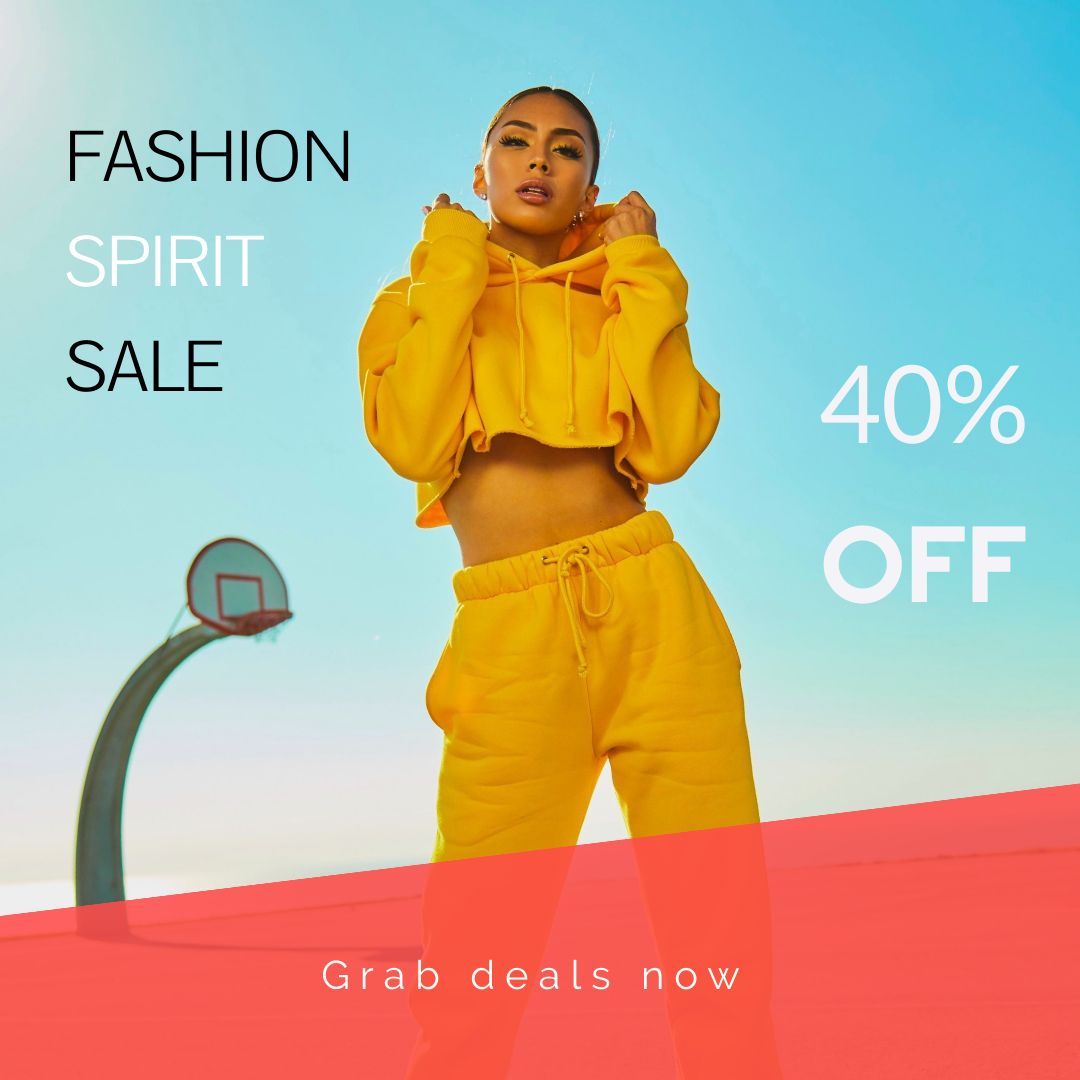 Instagram Posts
147 templates
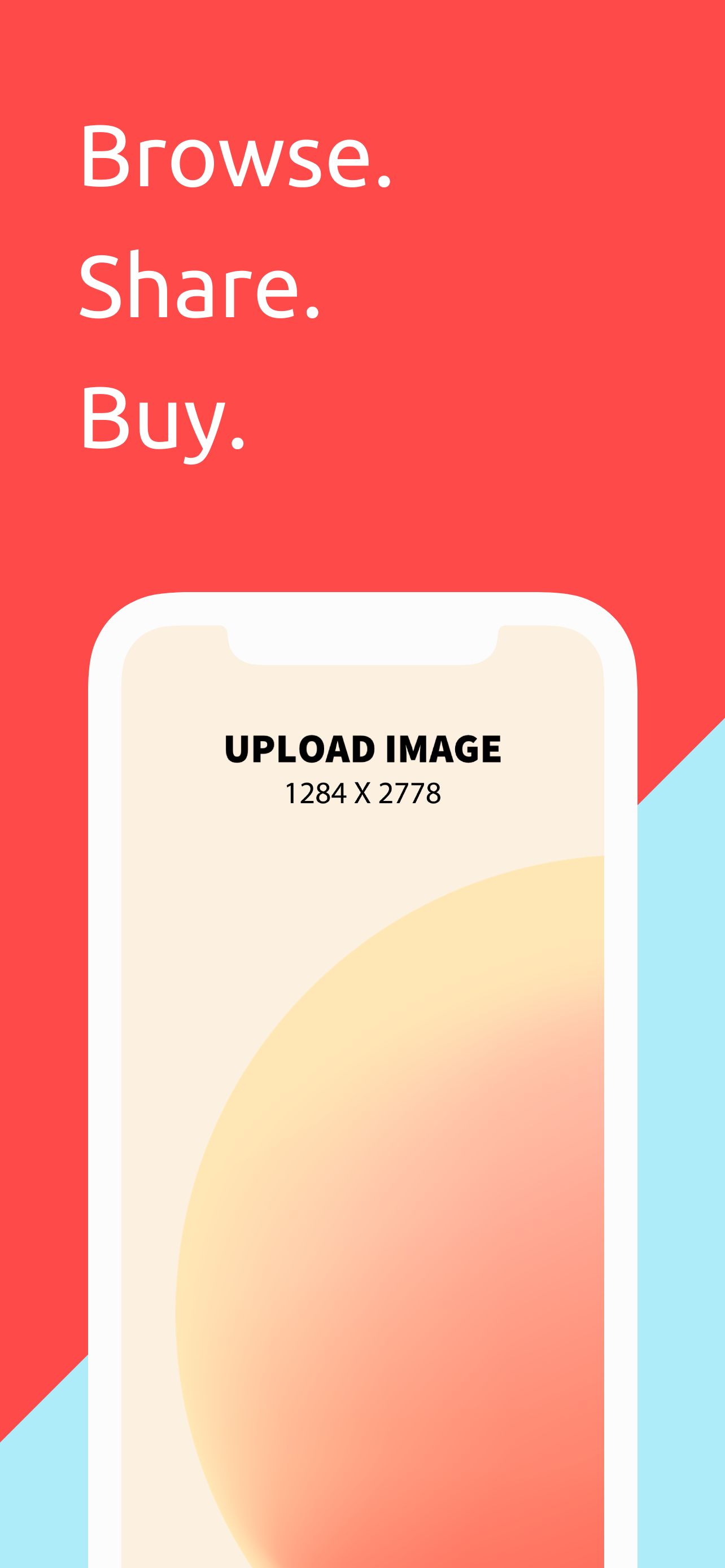 App Store Screenshots - iPhone 12 Pro Max
65 templates
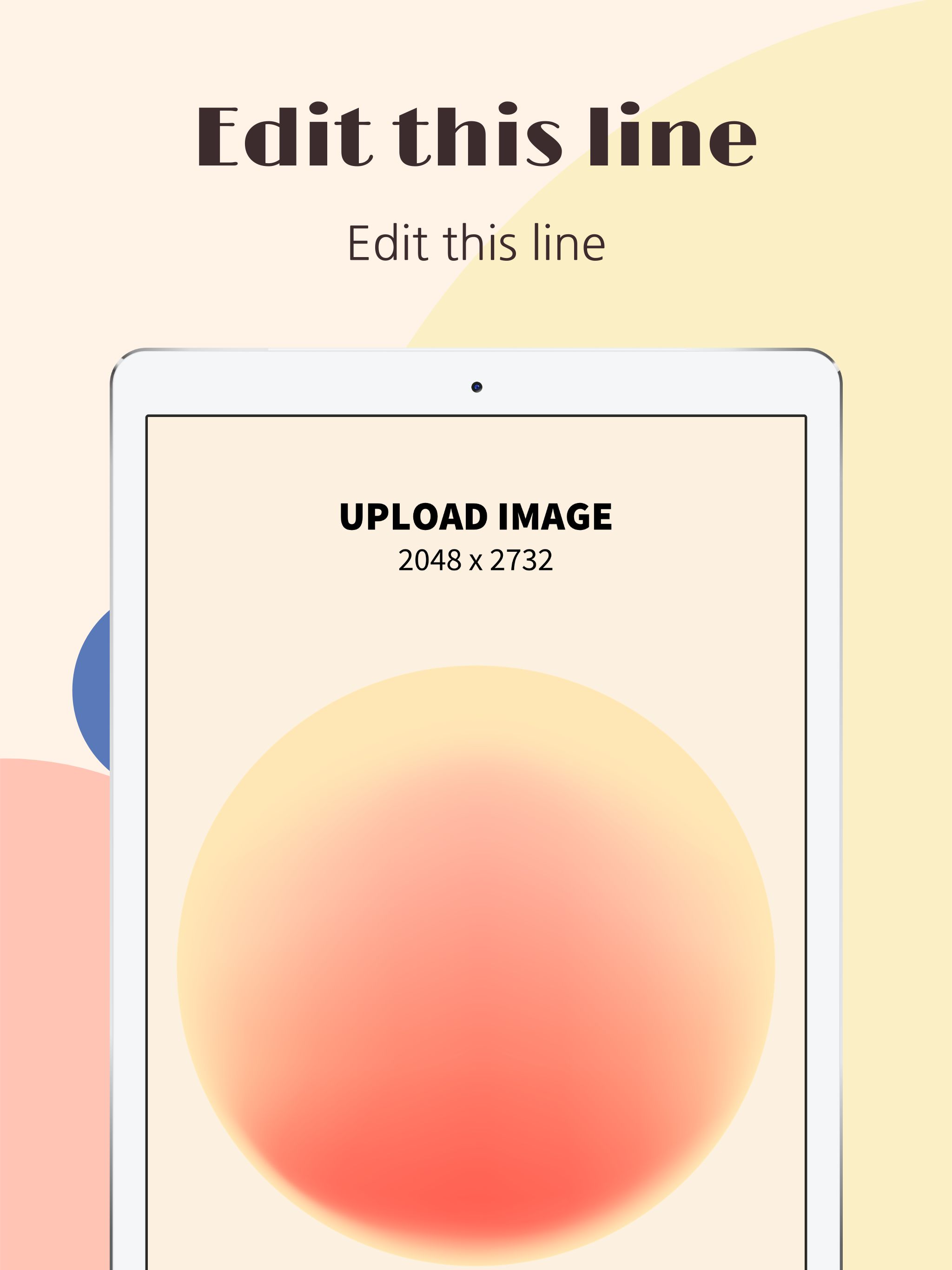 App Store Screenshots - iPad Pro
24 templates
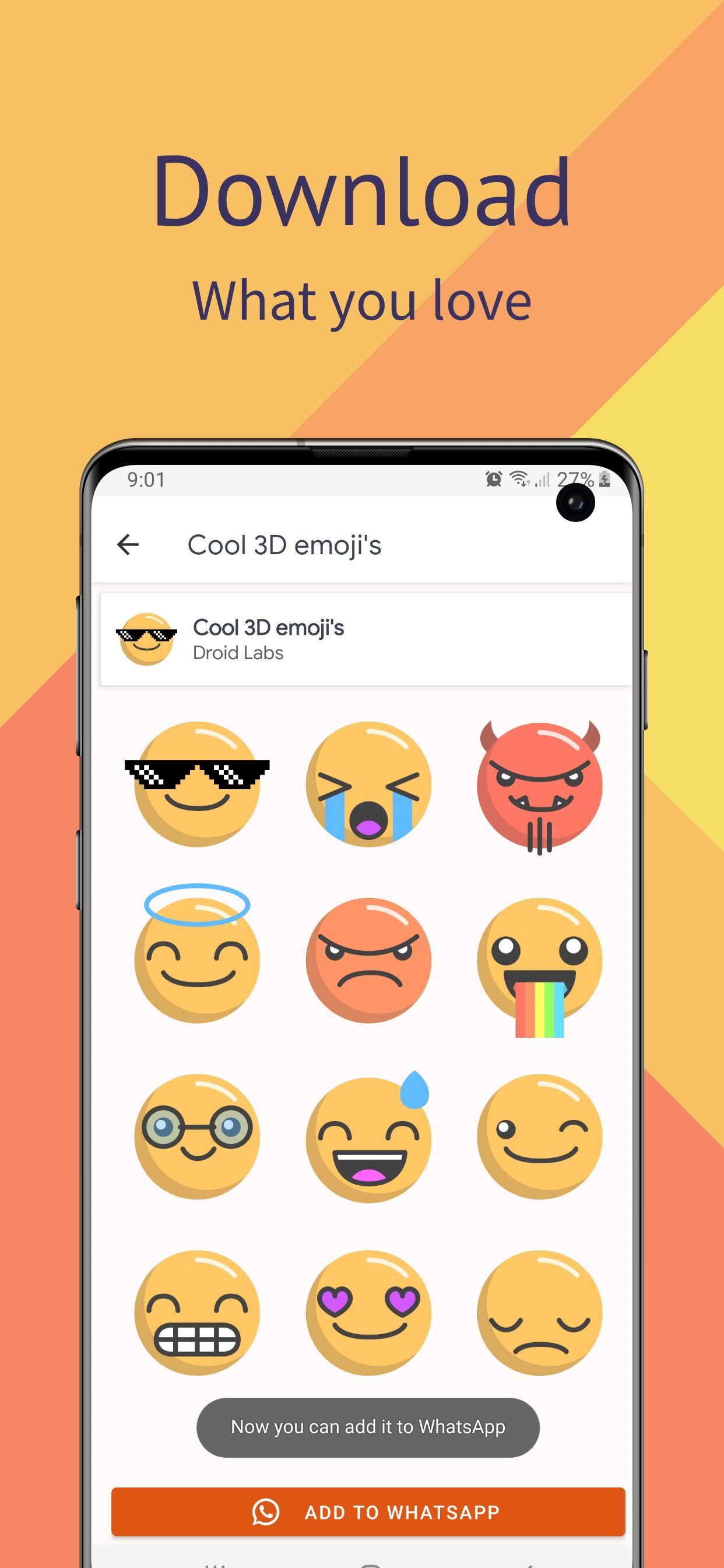 Google Play Screenshots - Samsung S10
58 templates
 App Store Icons
43 templates
 Game Assets
52 templates
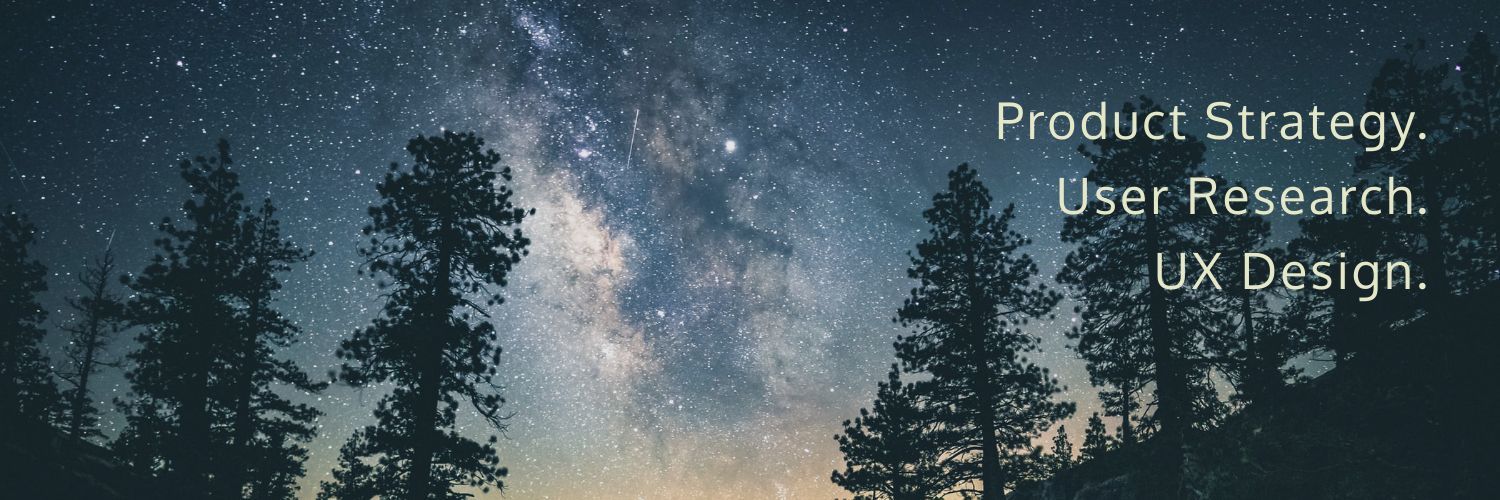 Twitter Headers
29 templates
 Chrome Store Screenshots
47 templates