
App Store Panorama Screenshots - iPhone 12 Pro Max
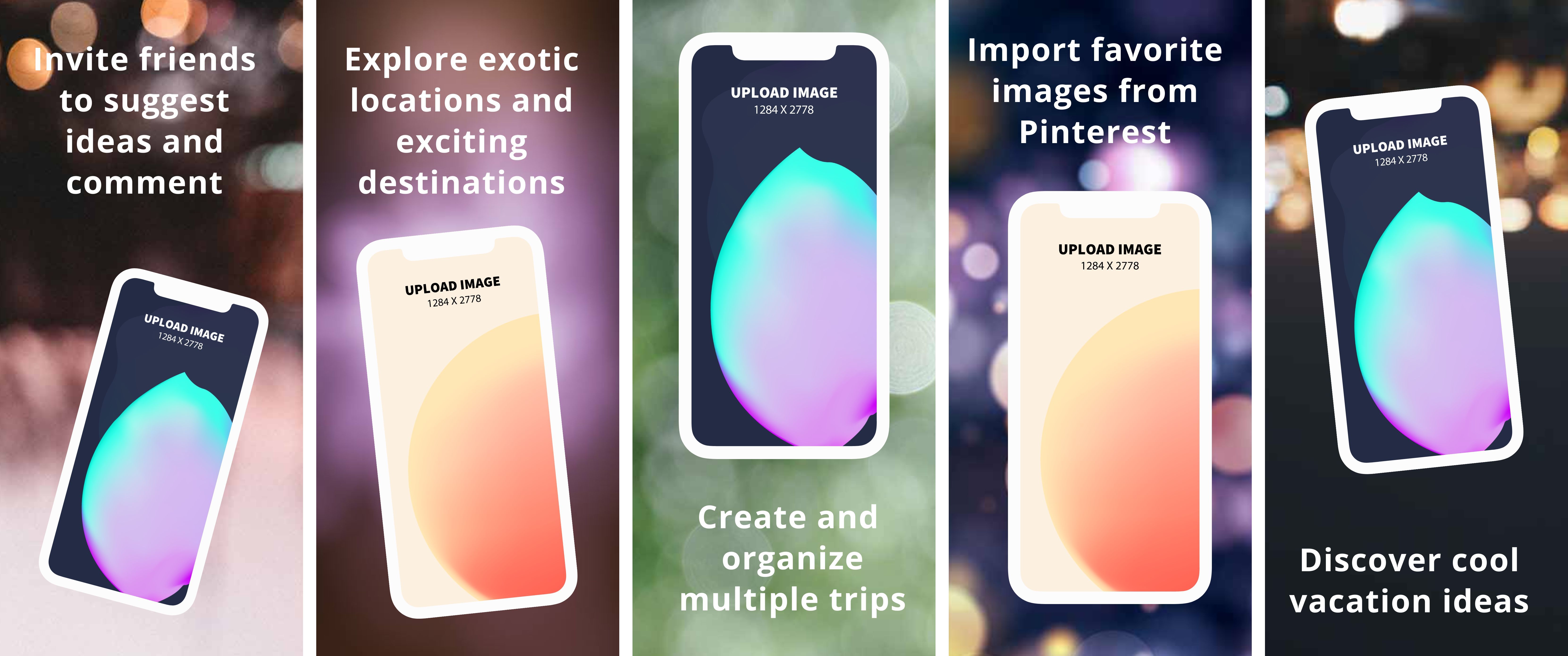
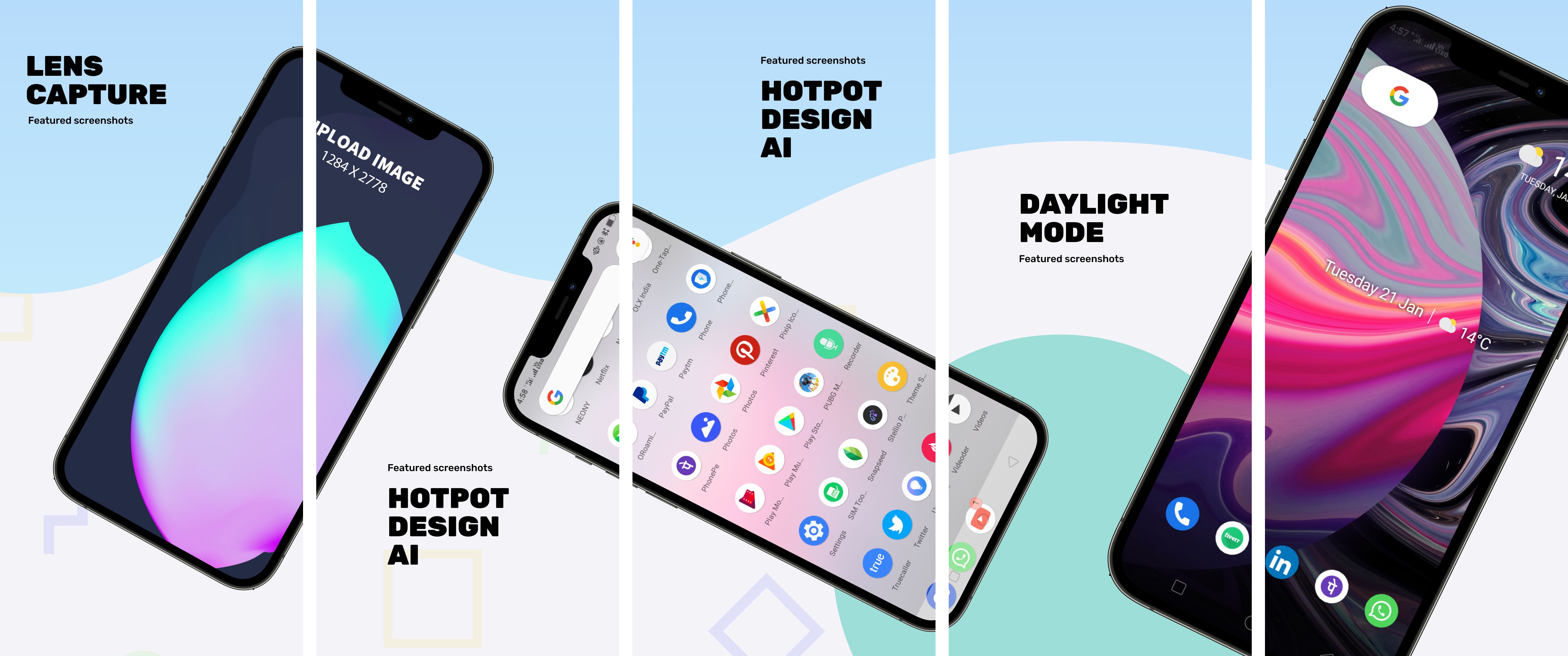
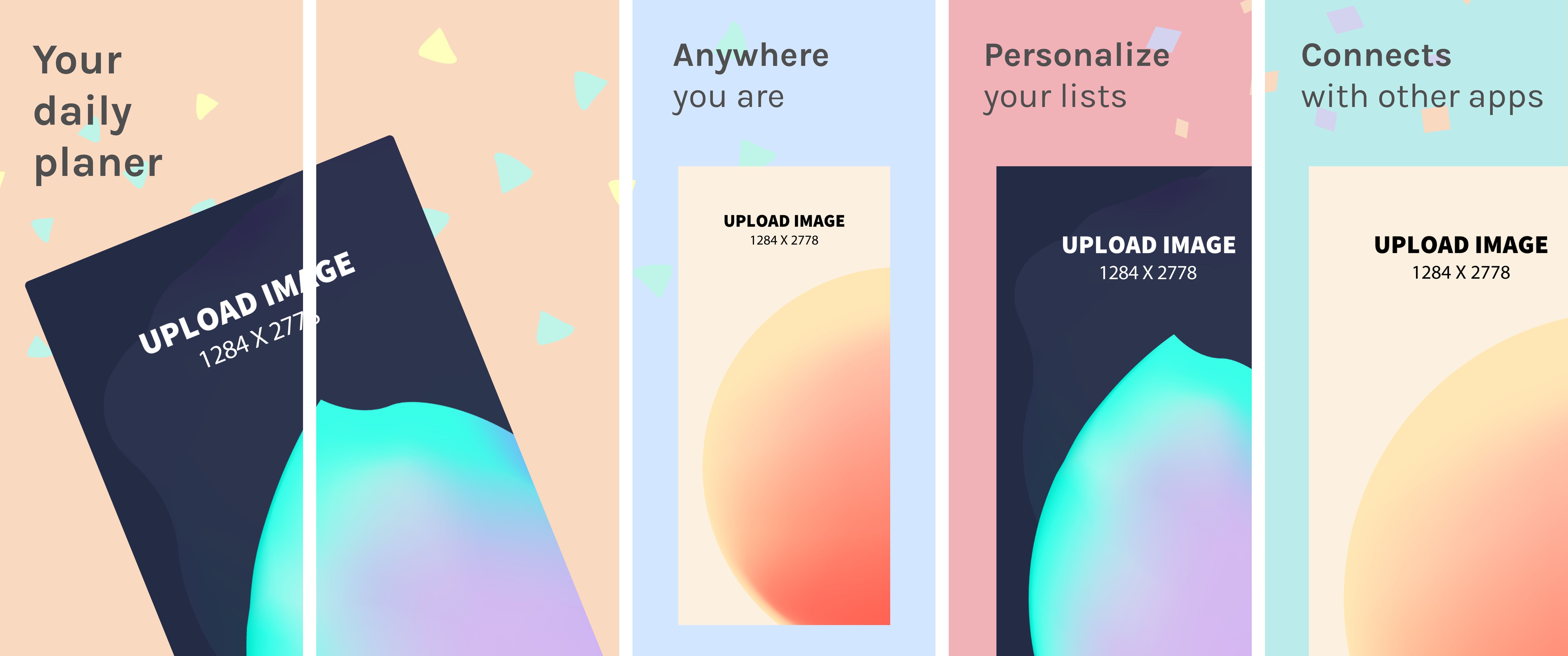
50 templates, free to edit and download. These panoramas spread one design across several 1284 × 2778 screenshots, a size App Store Connect accepts for the 6.5-inch iPhone display group. Add your screens and let the background flow from panel to panel. Instead of forcing everyone into a subscription, we aim to charge the rich while keeping App Store panorama templates free for everyone else. See details.




About these templates
Easily create App Store panorama screenshots with iPhone 12 Pro Max device frames. Spread backgrounds, devices, and captions over multiple screenshots and present a coherent app story like a seasoned designer. Our drag-n-drop editor offers popular device mockups, including the iPhone 12 Pro Max, iPhone XS Max, iPhone 8 Plus, iPad Pro, Macbook Pro, and Samsung S10. If you prefer, the editor also allows you to produce individual screenshots instead of app panoramas.
A panorama gives a small set of screenshots more presence. When a background, a device, or a caption crosses from one screenshot into the next, people tend to keep swiping, and your listing feels like one designed piece instead of separate images. It is a good fit for onboarding stories and apps with a strong visual identity.
Make sure each panel still works on its own, because search results may show only the first few. Keep captions away from the seams between panels, and use your strongest message first. For the newest 6.9-inch size, see our iPhone 17 and iPhone 18 Pro Max panoramas, and check Apple's current requirements before uploading.
More templates
 App Store Screenshots - iPhone 12 Pro Max
65 templates
 App Store Screenshots - iPad Pro
24 templates
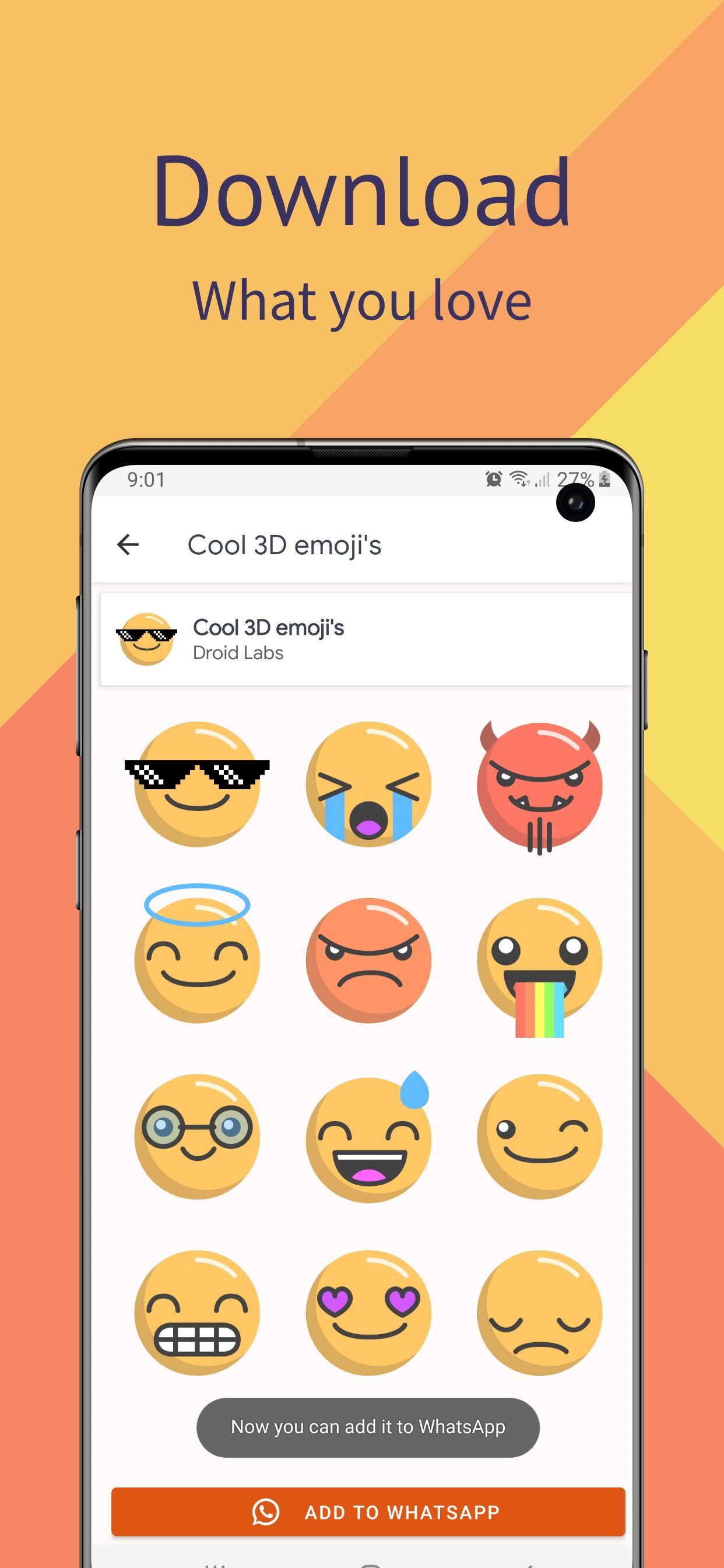 Google Play Screenshots - Samsung S10
58 templates
 Instagram Posts
147 templates
 Product Hunt Gallery Screenshots
91 templates
 Game Assets
52 templates
 Twitter Headers
29 templates
 App Store Icons
43 templates