
Mac Store Screenshots
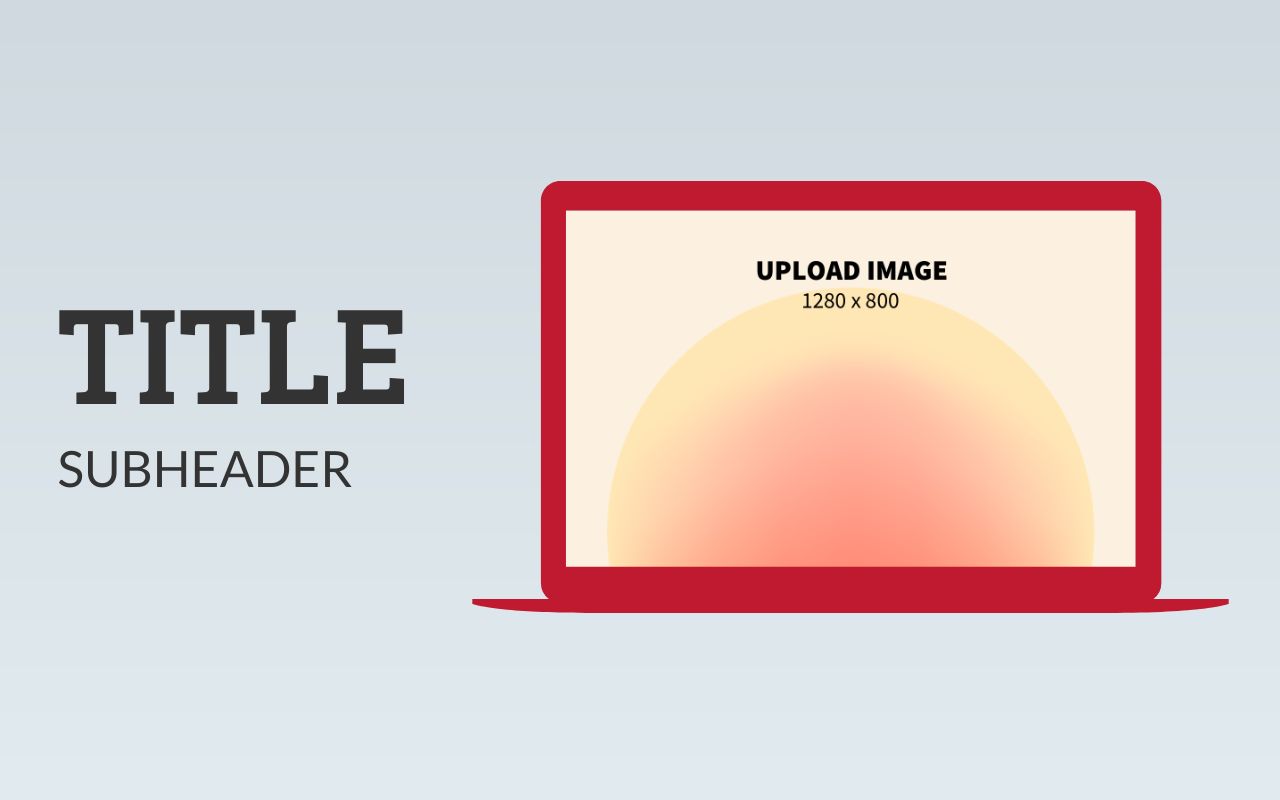
23 templates, free to edit and download. Each template is 1280 × 800 pixels, one of the sizes the Mac App Store accepts for screenshots. Add your app screens and captions. Instead of forcing everyone into a subscription, we aim to charge the rich while keeping Mac App Store screenshot templates free for everyone else. See details.


About these templates
Hotpot makes it easy to create Mac Store screenshots. Customize handcrafted templates, or make fresh graphics from scratch. Our intuitive drag-n-drop editor lets you change fonts, patterns, and colors in minutes, plus resize screenshots for the Chrome Store and other platforms. Embedding screenshots inside a browser frame or MacBook frame is as simple as uploading an image.
Mac App Store screenshots should show your app doing real work. Feature one window or workflow per screenshot, crop away empty desktop space, and add a short caption that names the benefit. A consistent layout across the set makes your listing look professional.
The Mac App Store accepts several 16:10 sizes, including 1280 × 800, so you can upscale if you prefer a sharper image. Keep backgrounds opaque and check App Store Connect's current macOS screenshot specifications before you submit.
More templates
 Instagram Posts
147 templates
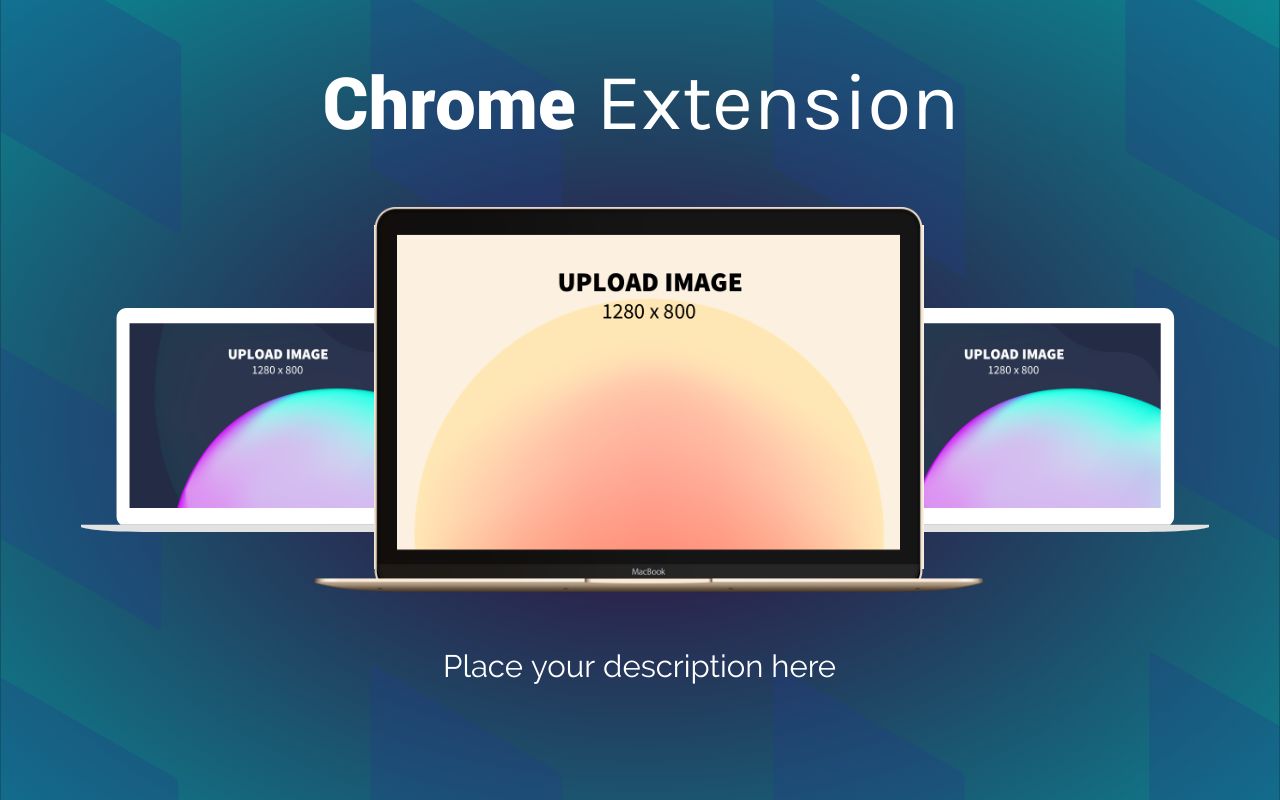 Chrome Store Screenshots
47 templates
 Chrome Store Promotional Marquees
13 templates
 App Store Screenshots - iPhone 12 Pro Max
65 templates
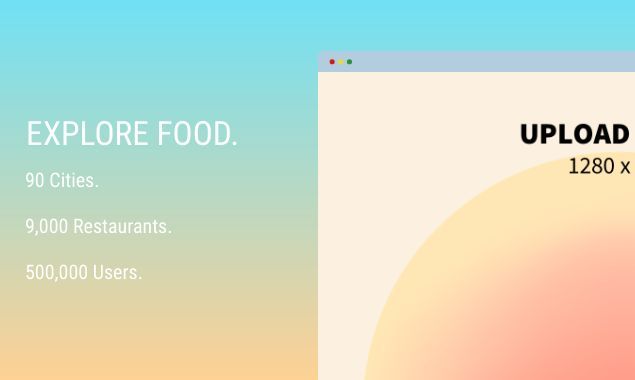 Product Hunt Gallery Screenshots
91 templates
 Twitter Headers
29 templates
 App Store Icons
43 templates
 LinkedIn Banners & Covers
101 templates