
App Clip Header Images
5 templates, free to edit and download. Each design is 1800 × 1200, the same 3:2 shape as the App Clip card image. Add your product photo or brand colors. Instead of forcing everyone into a subscription, we aim to charge the rich while keeping App Clip header templates free for everyone else. See details.


About these templates
Hotpot makes it easy to create App Clip header images for the Apple App Store. Change background colors, add images, and freely edit templates to create beautiful App Clip header images for your iOS app. App Clips were introduced in iOS 14 and allow users to access crucial app functionality without downloading the full app, creating a smoother and more fluid experience.
An App Clip card appears when someone scans a code, taps an NFC tag, or opens a link, often before they know much about your app. The header image sets expectations in that moment, so show the place, product, or action the App Clip is about. A clear photo or a simple illustration usually works better than a busy collage.
Avoid putting important text in the image, because the App Clip card already shows your title and a call to action beneath it. Keep the subject centered and leave some breathing room at the edges. Check App Store Connect for the current upload size, since Apple may ask for a larger version of the same 3:2 shape.
More templates
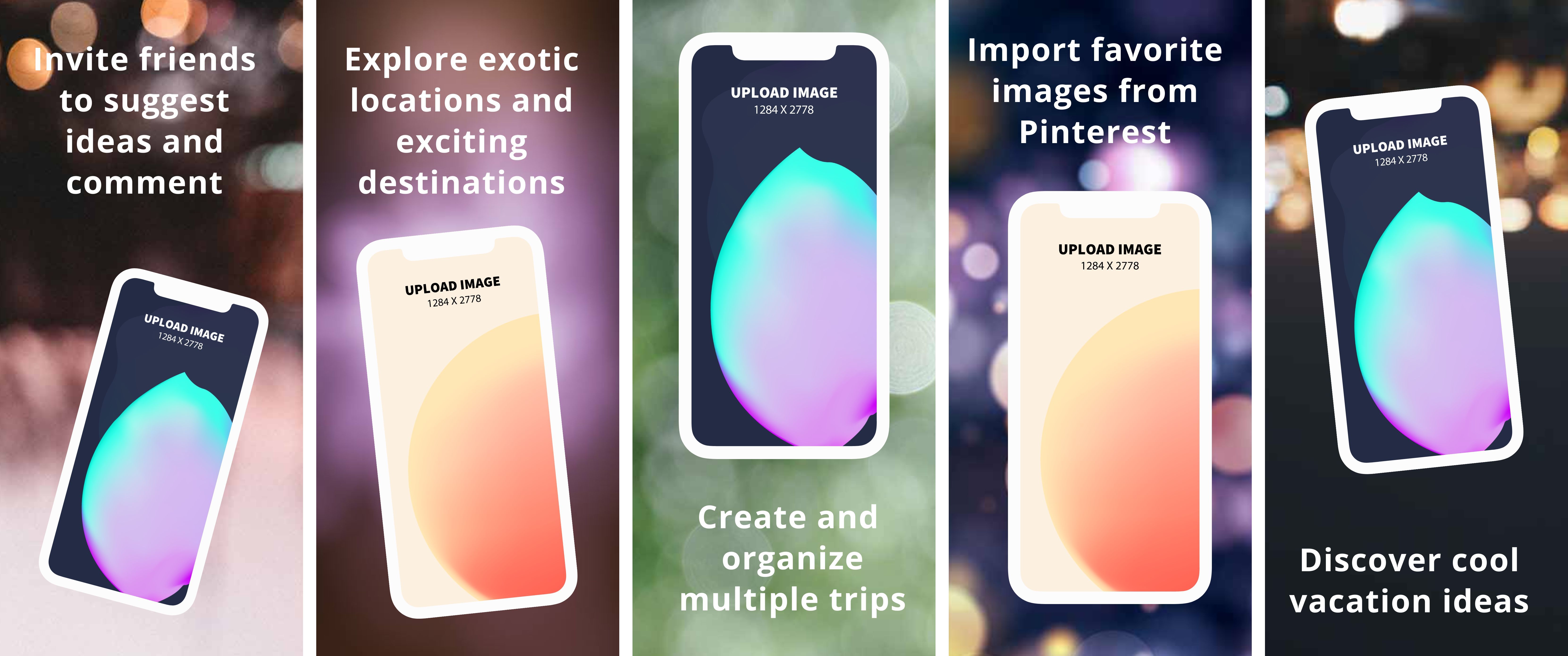 App Store Panorama Screenshots - iPhone 12 Pro Max
50 templates
 Instagram Posts
147 templates
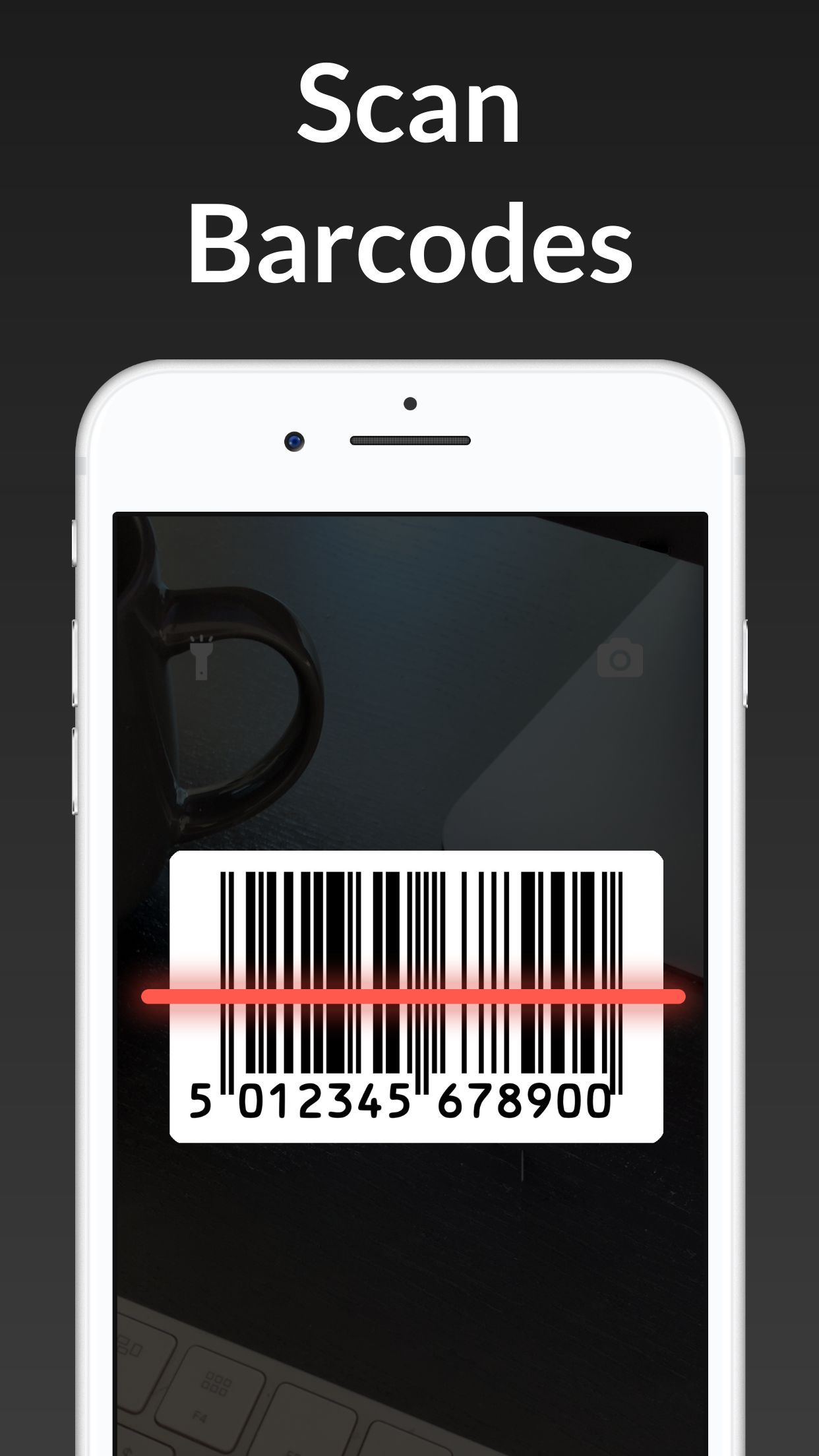 App Store Screenshots - iPhone 8 Plus
16 templates
 App Store Screenshots - iPad Pro
24 templates
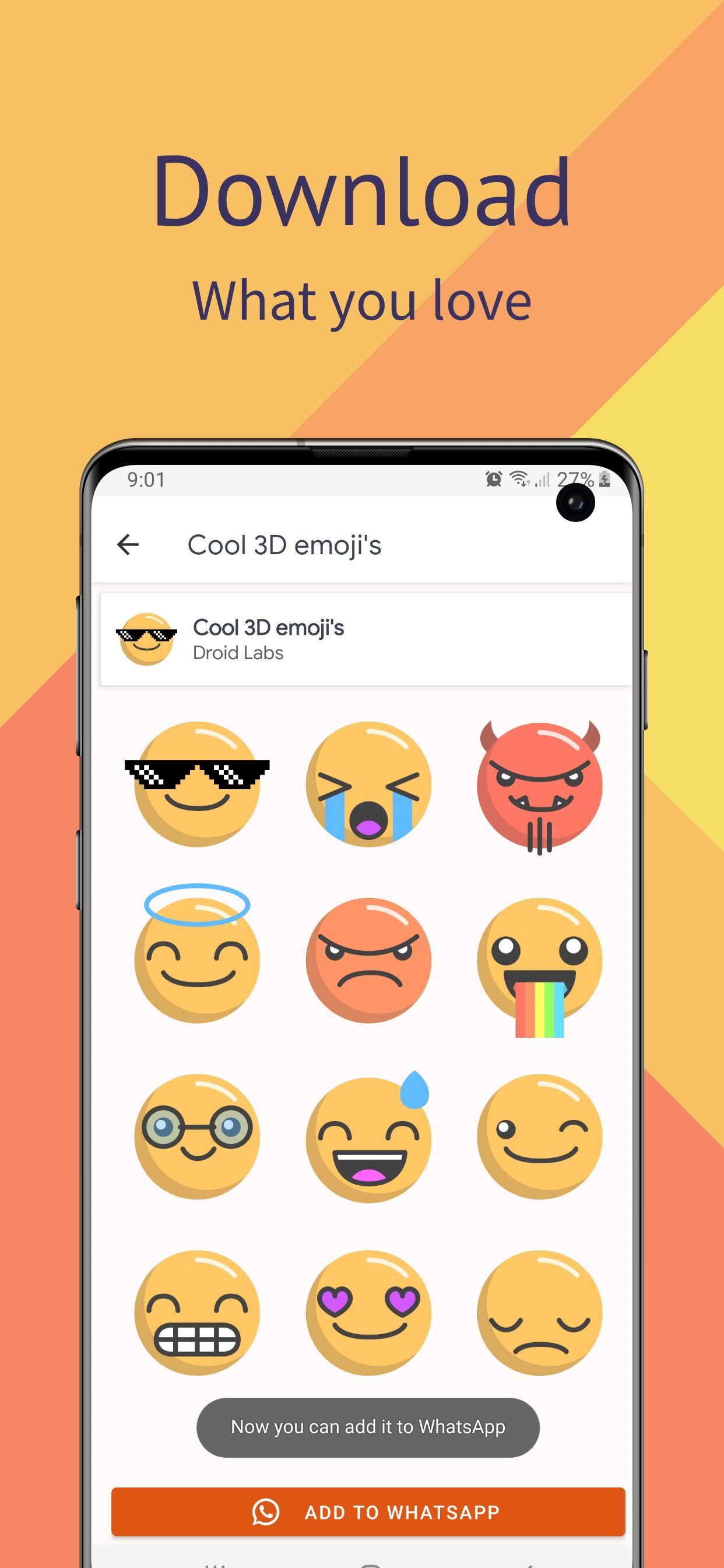 Google Play Screenshots - Samsung S10
58 templates
 Product Hunt Gallery Screenshots
91 templates
 Game Assets
52 templates
 Twitter Headers
29 templates