
Free to edit. Free to download.
iPhone 18 Screenshot Generator
Put your app’s best moments in the spotlight. Create iPhone 18 Pro Max screenshots with editable captions, illustrated phone frames, and a coordinated panorama. Instead of forcing everyone into a subscription, we aim to charge the rich while keeping iPhone 18 screenshot templates free for everyone else. See details.
These templates need a computer. On your phone, describe the graphic you want and AI makes it for you.
Try AI Image Generator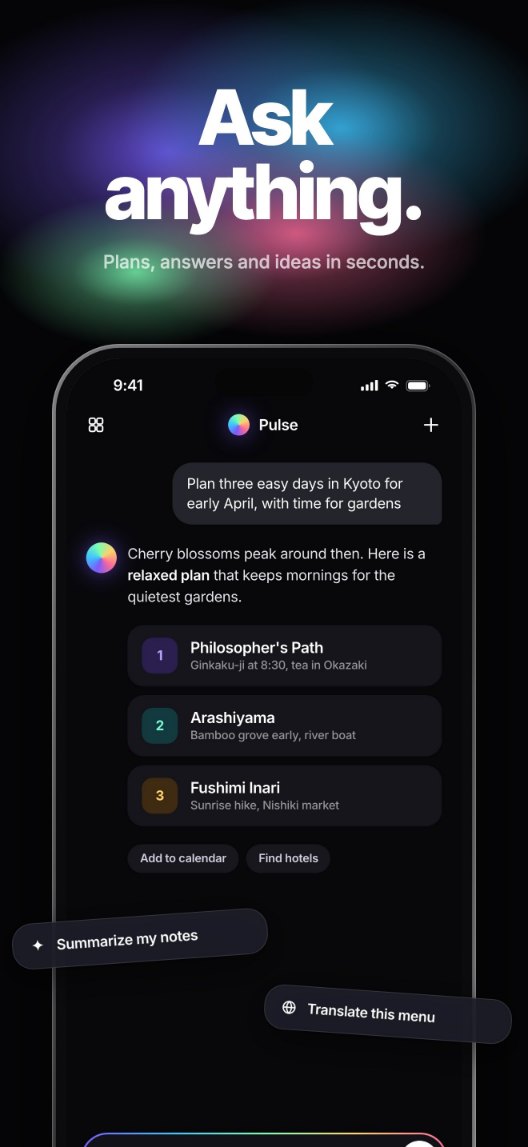
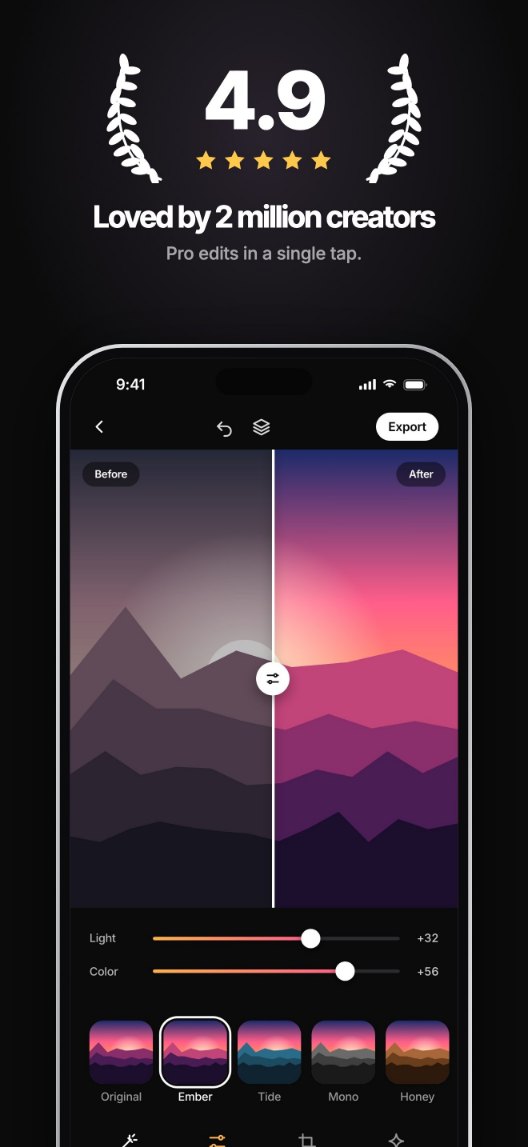
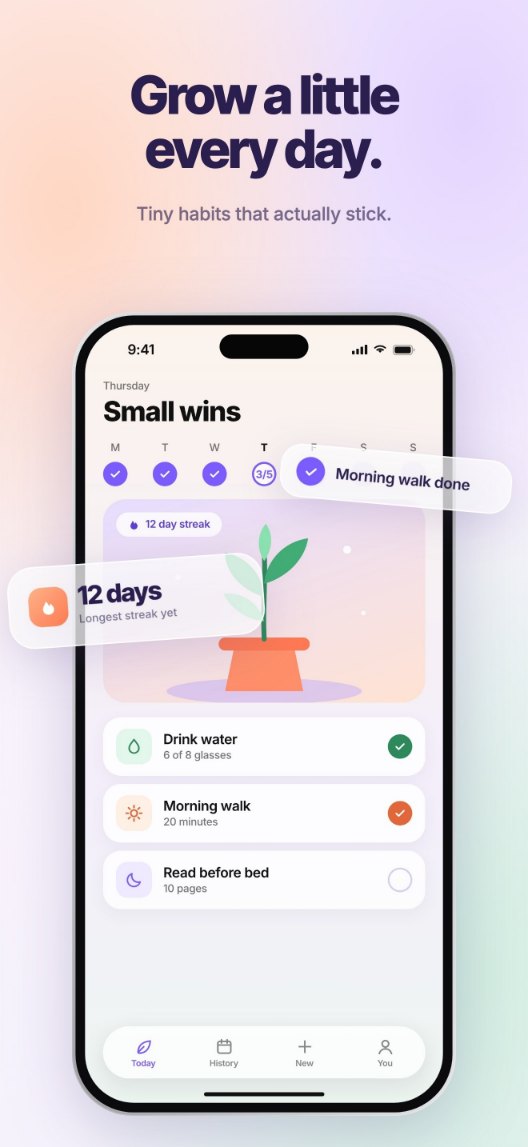
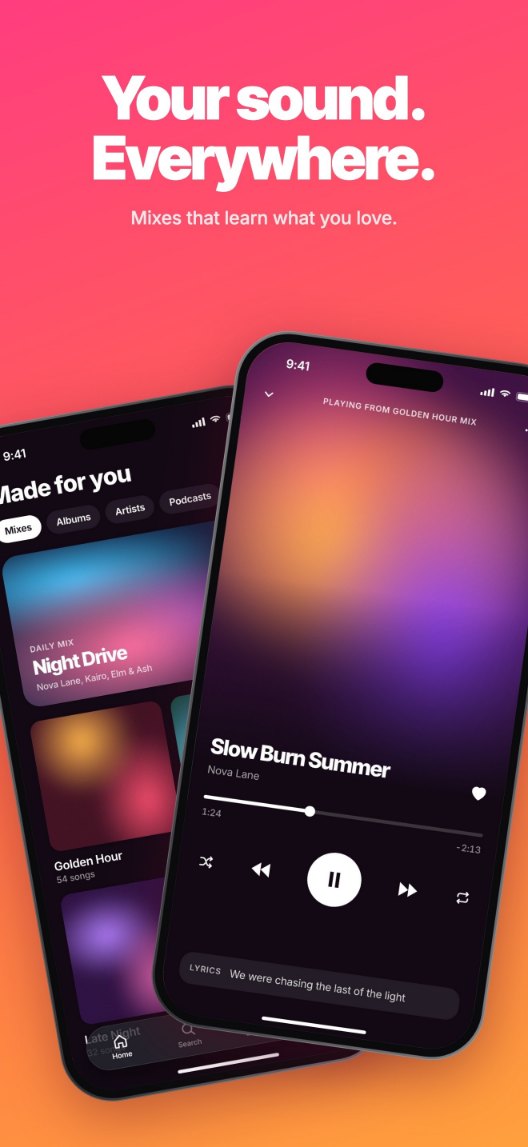
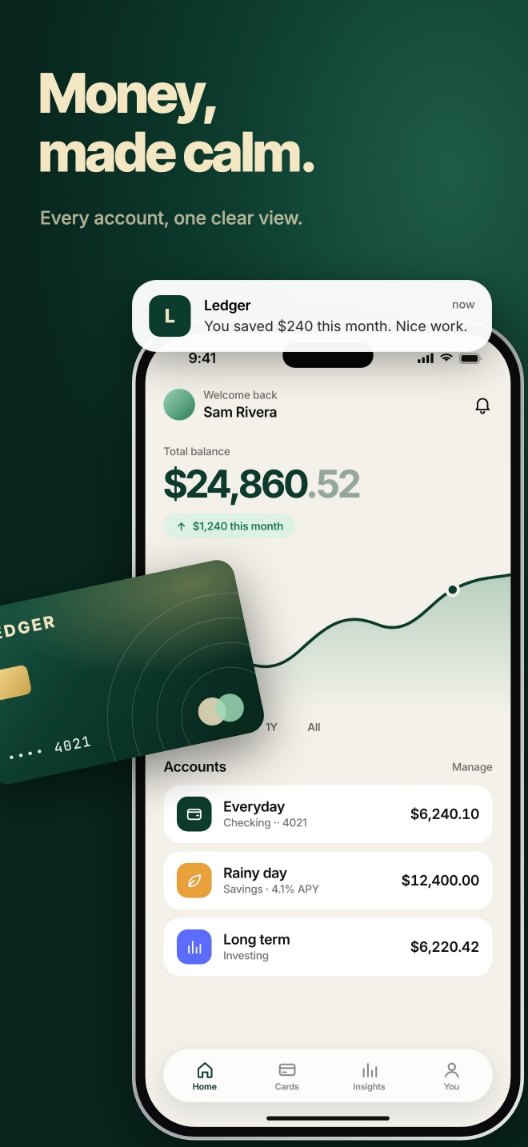
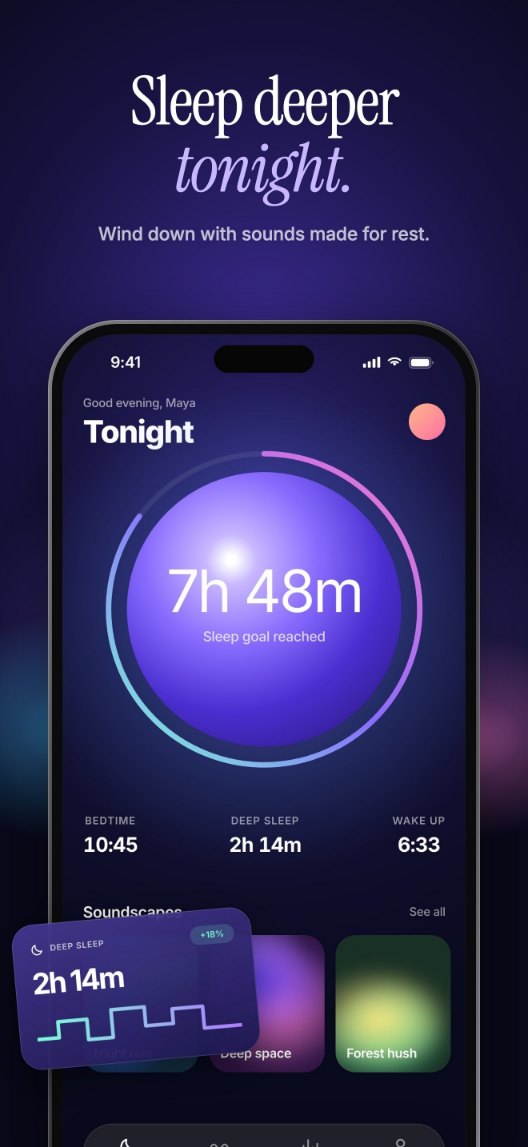
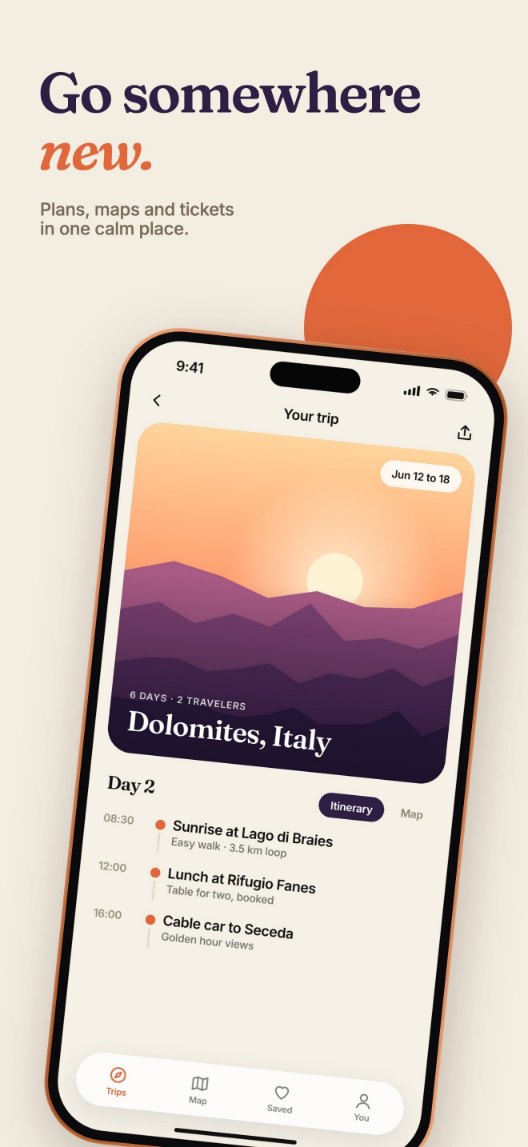
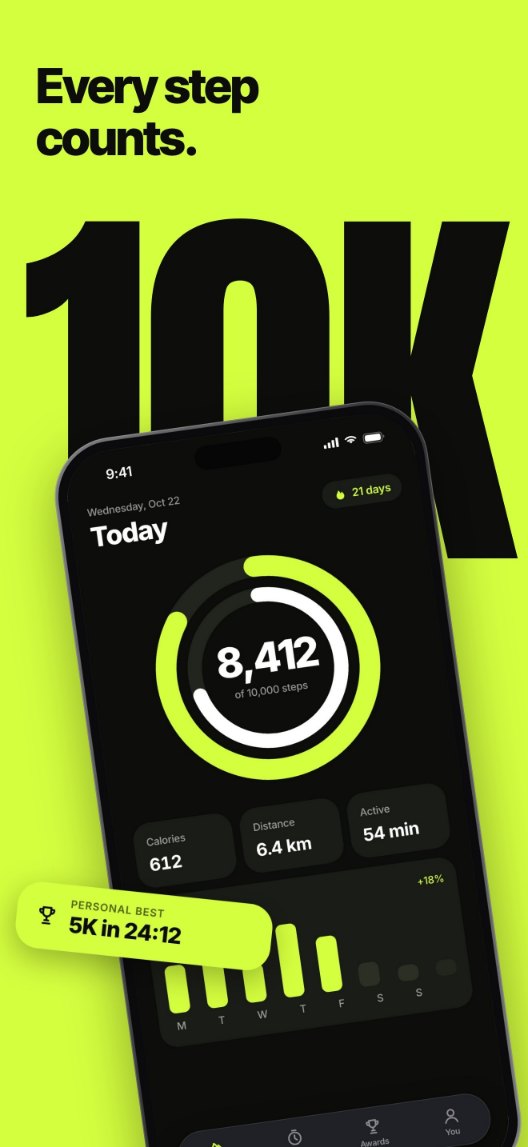
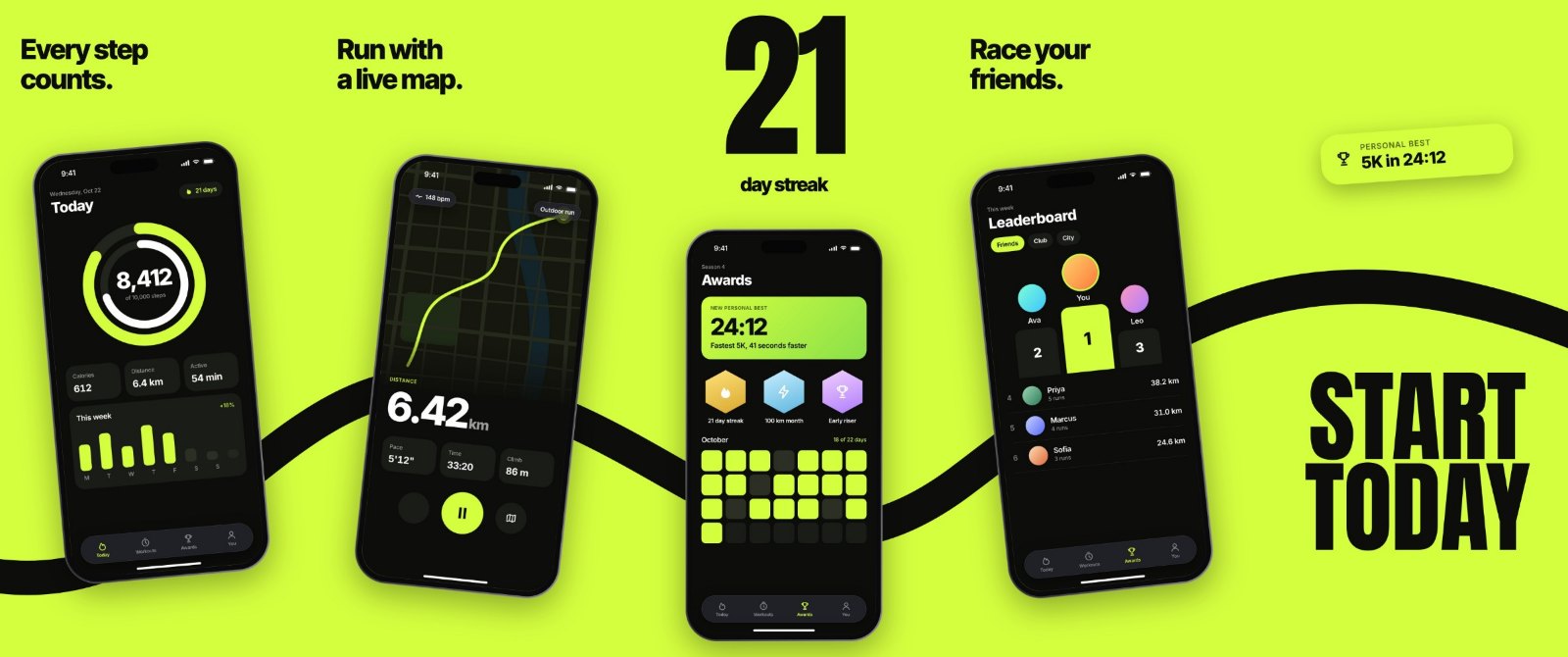
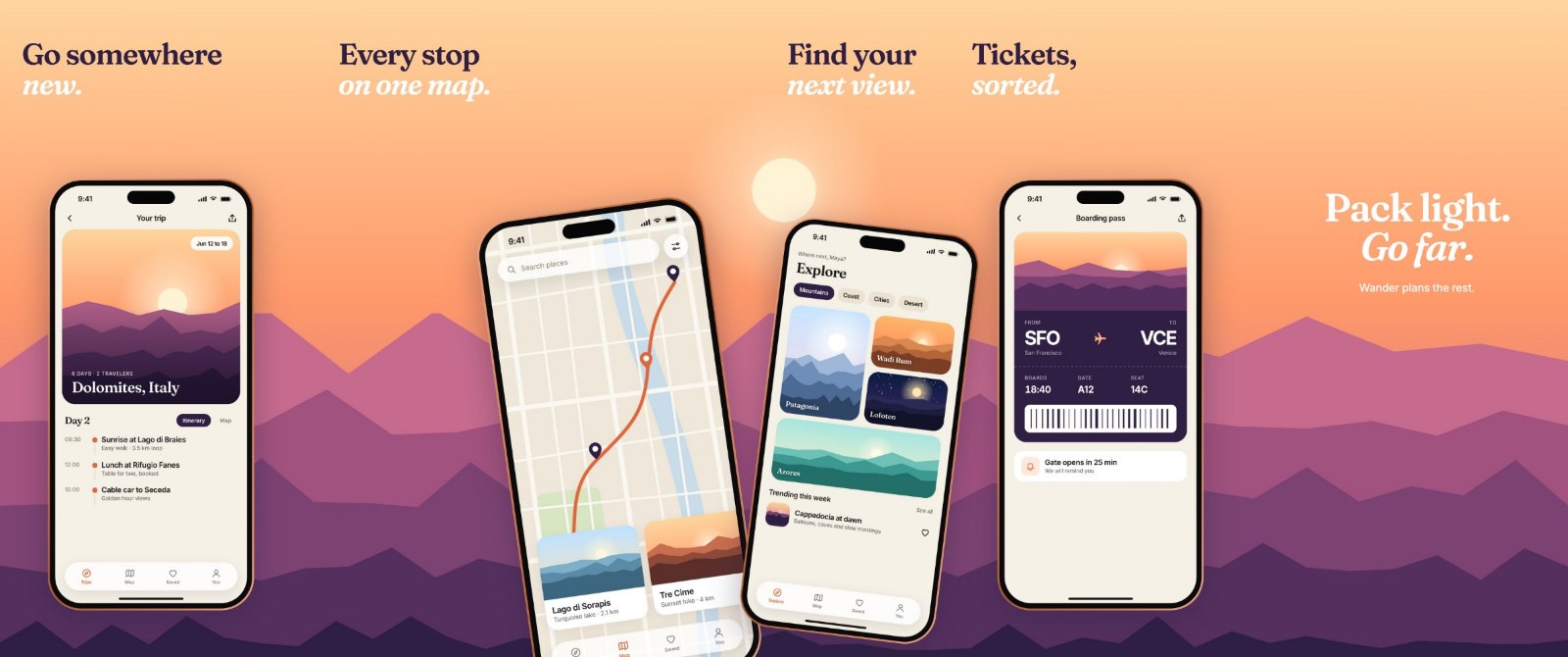
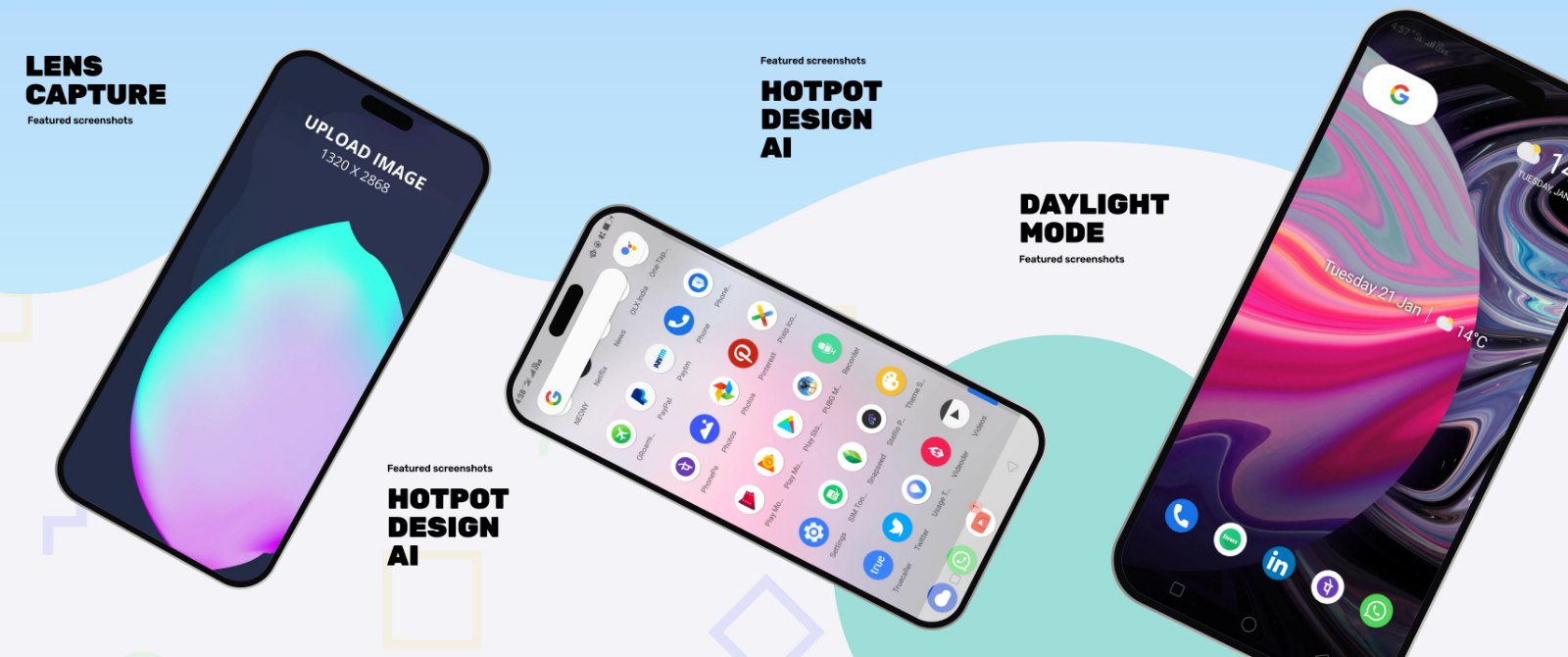
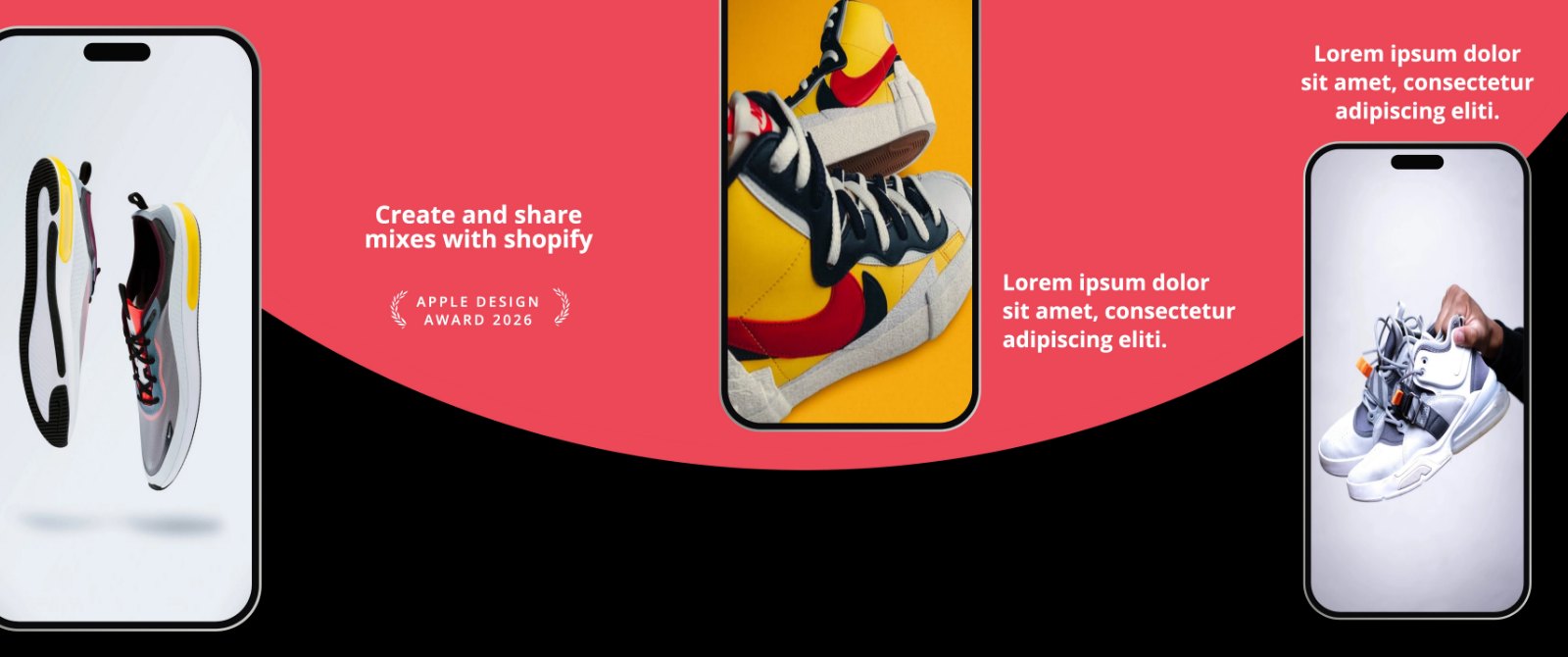
From app screen to App Store.
Choose a starting point
Choose an individual screenshot or a five-panel panorama.
Make it yours
Select the phone, use Screenshot to upload your app image, and edit the headline and colors. Replace all fictional demo content before publishing.
Download and upload
Download your JPEG, or unzip the panorama’s separate images. Check each image and upload the finished set to App Store Connect.
The right size.
The right story.
A phone frame is part of your design. The final canvas size is what App Store Connect checks.
These Pro Max templates start at 1320 × 2868 pixels. For a panorama, every exported panel has that size. Use a solid background so the final image has no transparency.
Apple’s screenshot specifications list accepted dimensions and device groups. Our 2026 screenshot size guide explains the common choices.
Start with one clear benefit
Show what your app helps someone do. Keep the headline short enough to read in the store, and let the real app screen do the explaining.
- One message per screenshot
- Legible text and generous spacing
- Consistent colors across the set
- Real app content, checked at export size
A few useful answers.
Is this screenshot generator free?
Yes. These templates are free to edit and download. You can save an editable project and return to it later.
Are these Apple’s official device images?
No. These templates use original Hotpot vector illustrations sized for iPhone Pro Max screenshots. They are illustrative frames, not Apple product photography. Hotpot is not affiliated with Apple.
Can I use my own app screenshots?
Yes. Select the device and upload your screenshot using the Screenshot control. Captions, backgrounds, and device placement remain editable.
Can I make panoramas?
Yes. The panorama templates contain five panels. Download produces a ZIP with five separate images for App Store Connect.
Does a template guarantee App Store approval?
No. Review Apple’s current requirements and ensure your images accurately represent your app. The template provides a starting size and layout; your final content still needs checking.