
Describe your subject
Start with a character, a place, or a scene you want to explore.
Turn daydreams into art
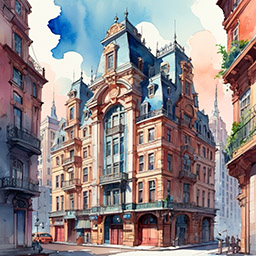
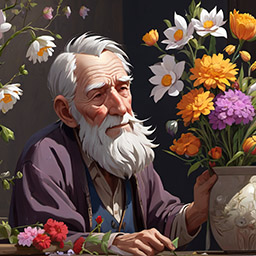
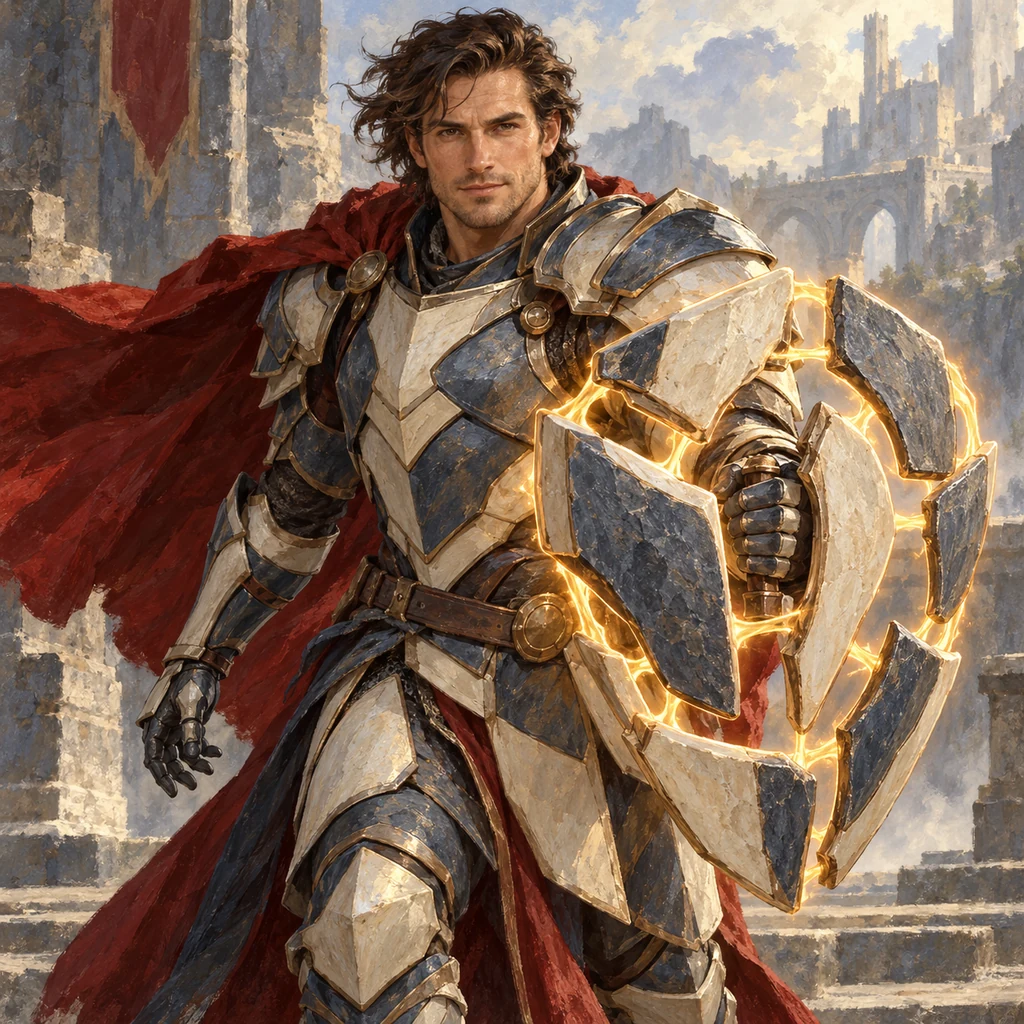
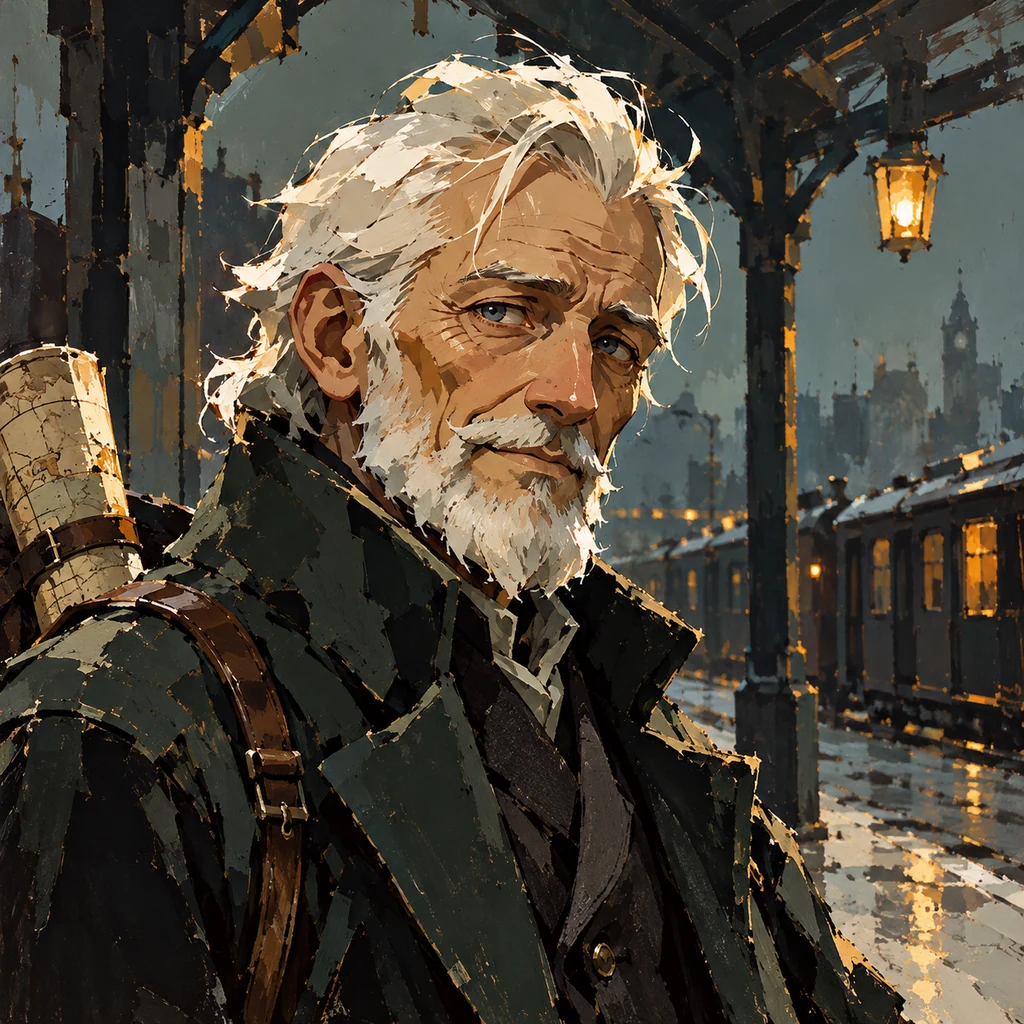
A fox drawn in ink. A city washed in watercolor. A world built from bold shapes and color. Turn your ideas into artwork with our AI art generator, exploring paintings, illustrations, and expressive styles until you find a direction you love.
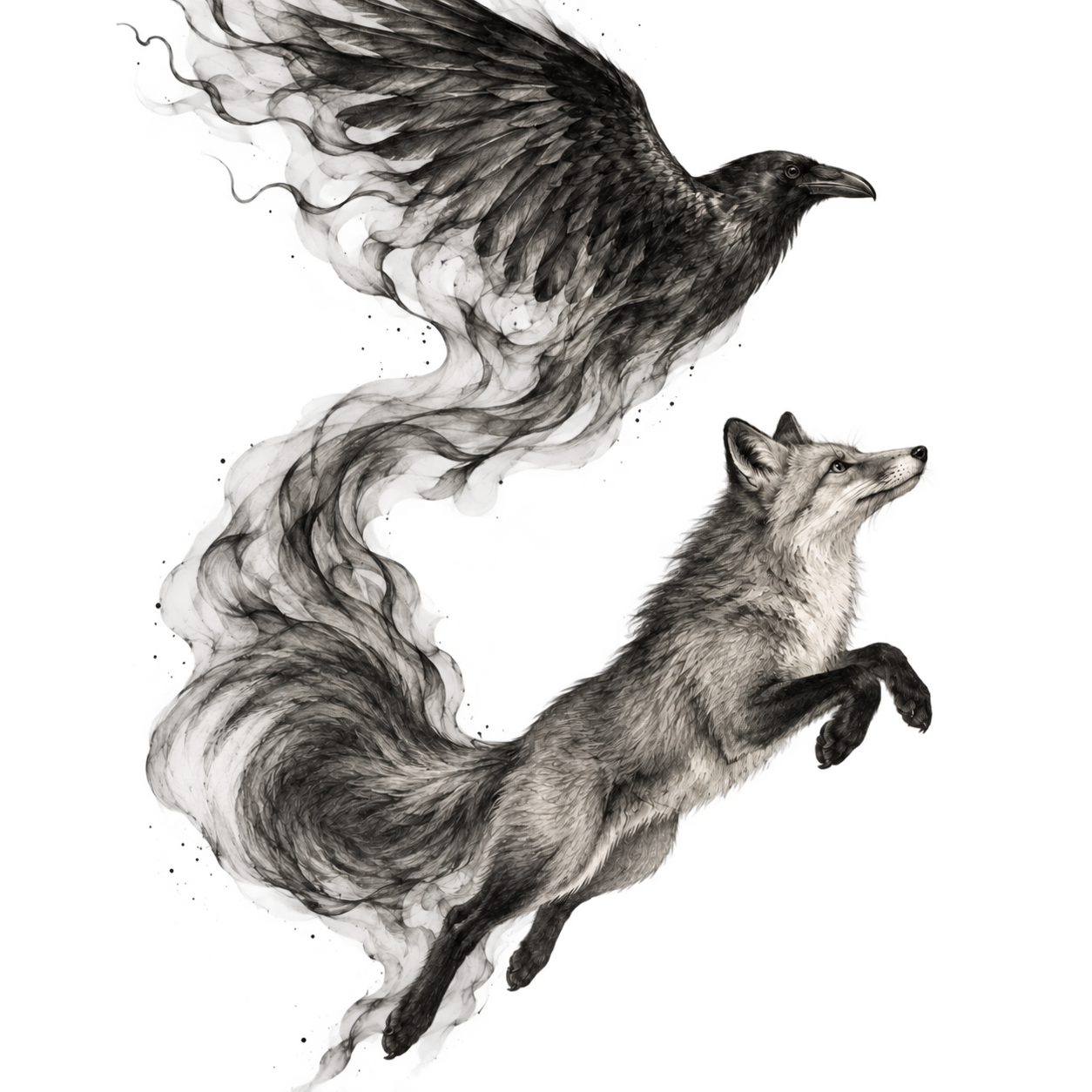
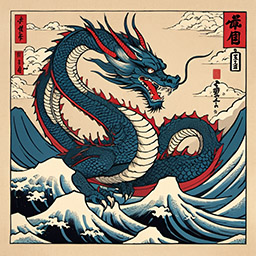
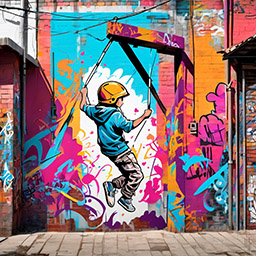
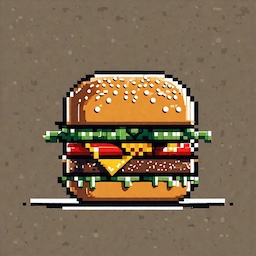
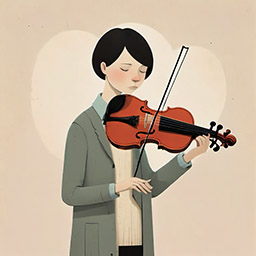
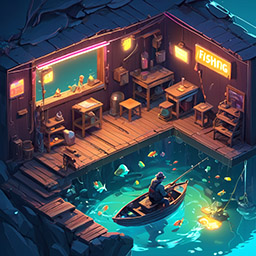
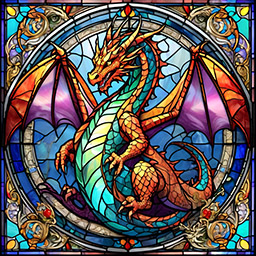
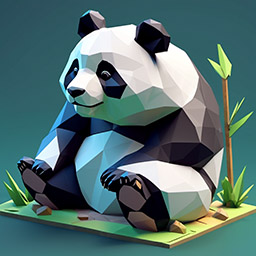
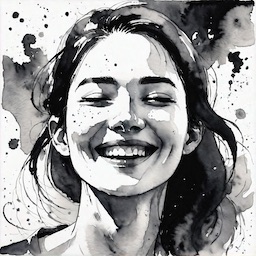
Explore watercolor, textured oils, expressive ink, and imaginative anime. Choose an artistic style, follow an unexpected direction, or describe a look of your own for your next creation.
Browse StylesStart with a character, a place, or a scene you want to explore.
Try a painting or illustration style, then describe the palette and mood.
Create your artwork, try a different style, and download a favorite.
Hotpot’s AI Art Generator turns a text prompt into artwork. Explore a collection of artistic styles, from watercolor and oil painting to ink, anime, pixel art, and sculptural 3D images.
Start with a subject, then describe the medium, palette, and composition. Try: a fox sheltering beneath a giant mushroom, watercolor illustration, moss green and warm amber, loose brushwork. Explore the art style collection to find another way to picture the same scene.
Create an illustration for a story, explore a character or imagined world, or experiment with an idea for a personal project. Use the Library to add your own style reference or save a written style.
Select a result to edit it, or adjust your prompt and create another version. Changing the medium, palette, or composition one at a time makes it easier to compare your results. Explore our image gallery for more ideas.
Looking for photographic styles? The AI Image Generator includes photos alongside the full collection of artistic presets.
Read the art and image generator guideExplore paintings, illustrations, ink drawings, anime, pixel art, 3D artwork, and more. Describe a subject and choose an artistic style to start.
Describe the medium, color palette, composition, and mood. A quiet mountain village in watercolor, soft blue shadows, and loose brushwork gives the generator a clear direction.
Yes. Use the Library in the editor to add a style reference or save a written style. Your own references and prompts work alongside the artistic presets.
For photographic presets, use our general AI Image Generator. It includes photo looks as well as all the artistic styles available here.
Select a result in the editor and describe the changes you want. You can also adjust your original prompt or try another artistic style to explore a new version. Results may need more than one attempt.